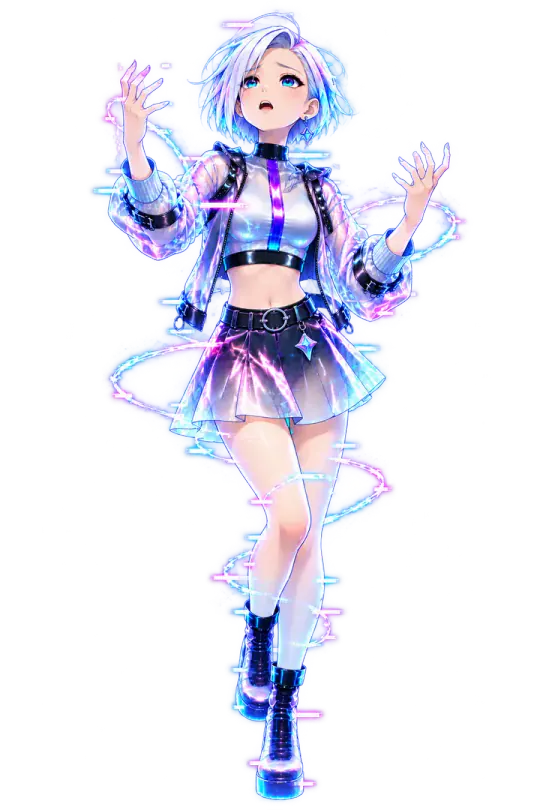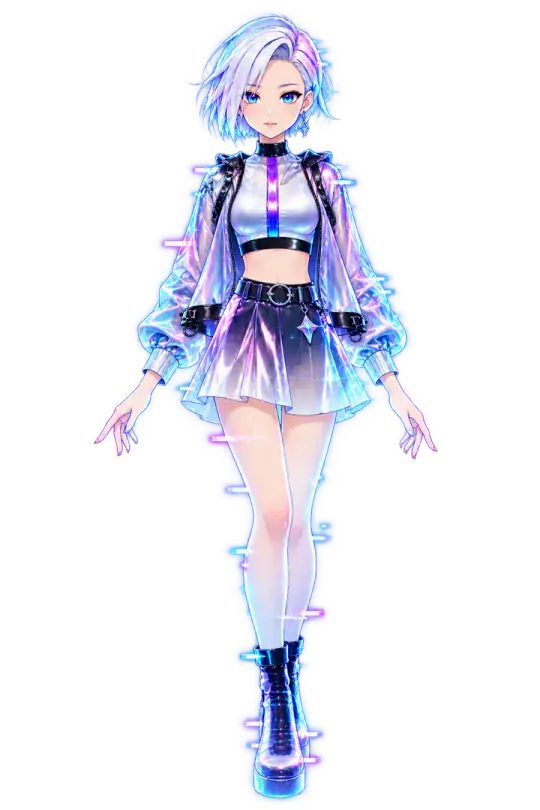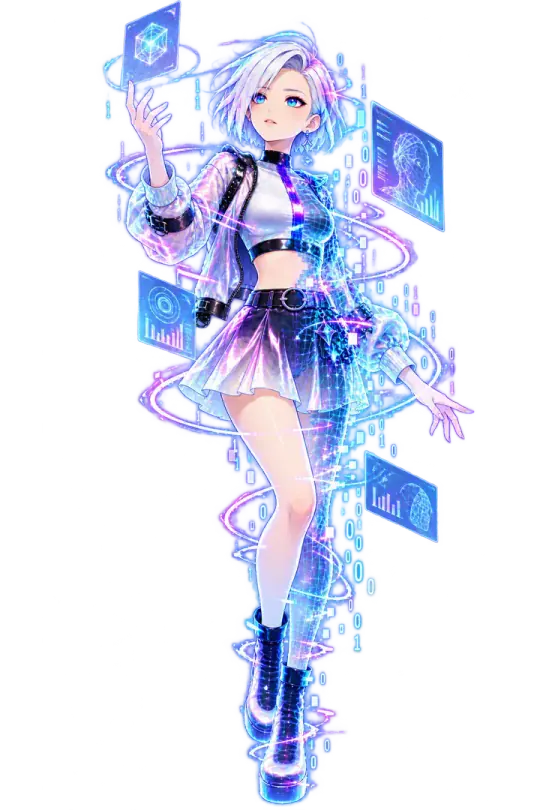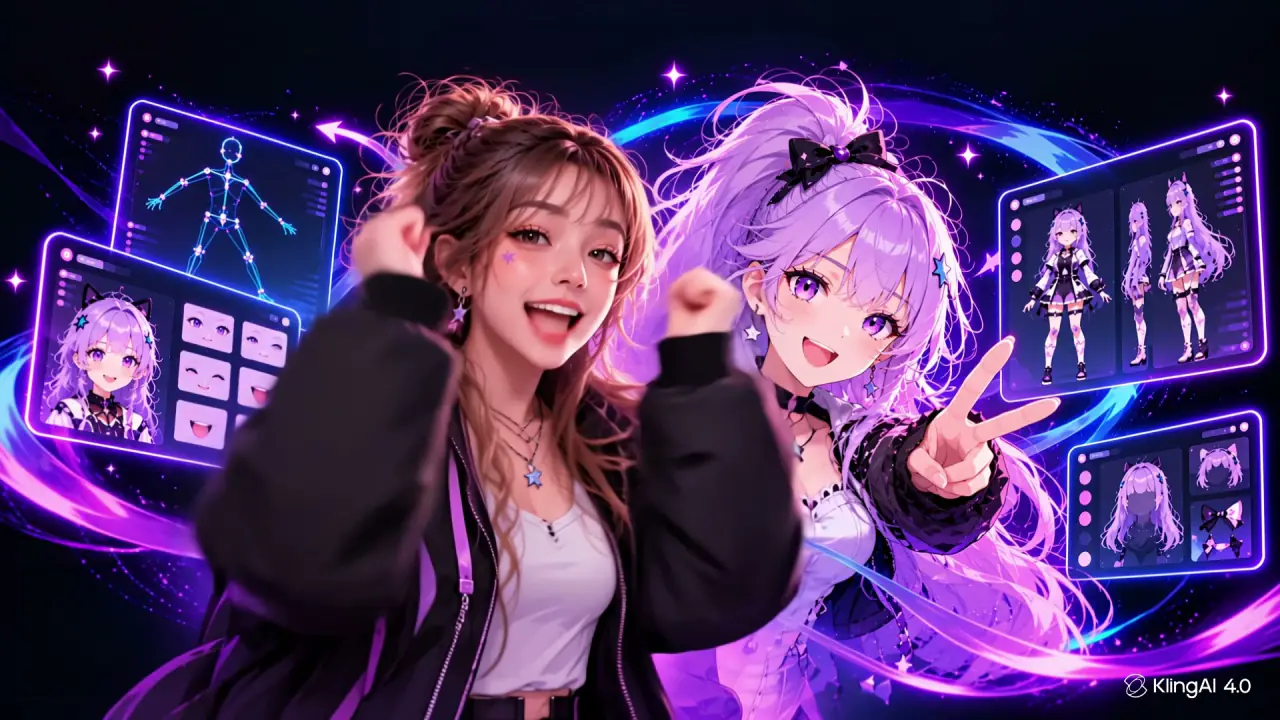
VTuber model
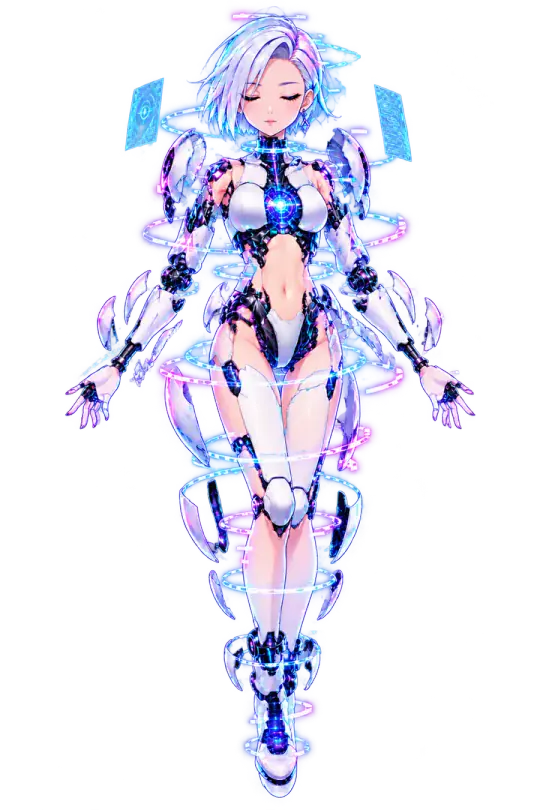
Create infinite VTuber models
Hit Randomise for a fresh look, or fine-tune hair, face, and style until it feels like you. Every roll is stream-ready—no finished Live2D file required.
Compatible with:
Stream studio
Scene design
Overlays
On air
VTuber model
Hit Randomise for a fresh look, or fine-tune hair, face, and style until it feels like you. Every roll is stream-ready—no finished Live2D file required.
Scenes & overlays
Build the stage with AI Imagine or free Studio—backgrounds, alerts, and stream chrome that sit beside your model, then copy a browser-source URL into OBS.

Face tracking
The camera tracks your face, the mic drives the mouth, and shortcuts fire expressions. Practice on the live screen, then go on air or drop the source into OBS.
$0 forever
$9.99 / month
Cancel anytime
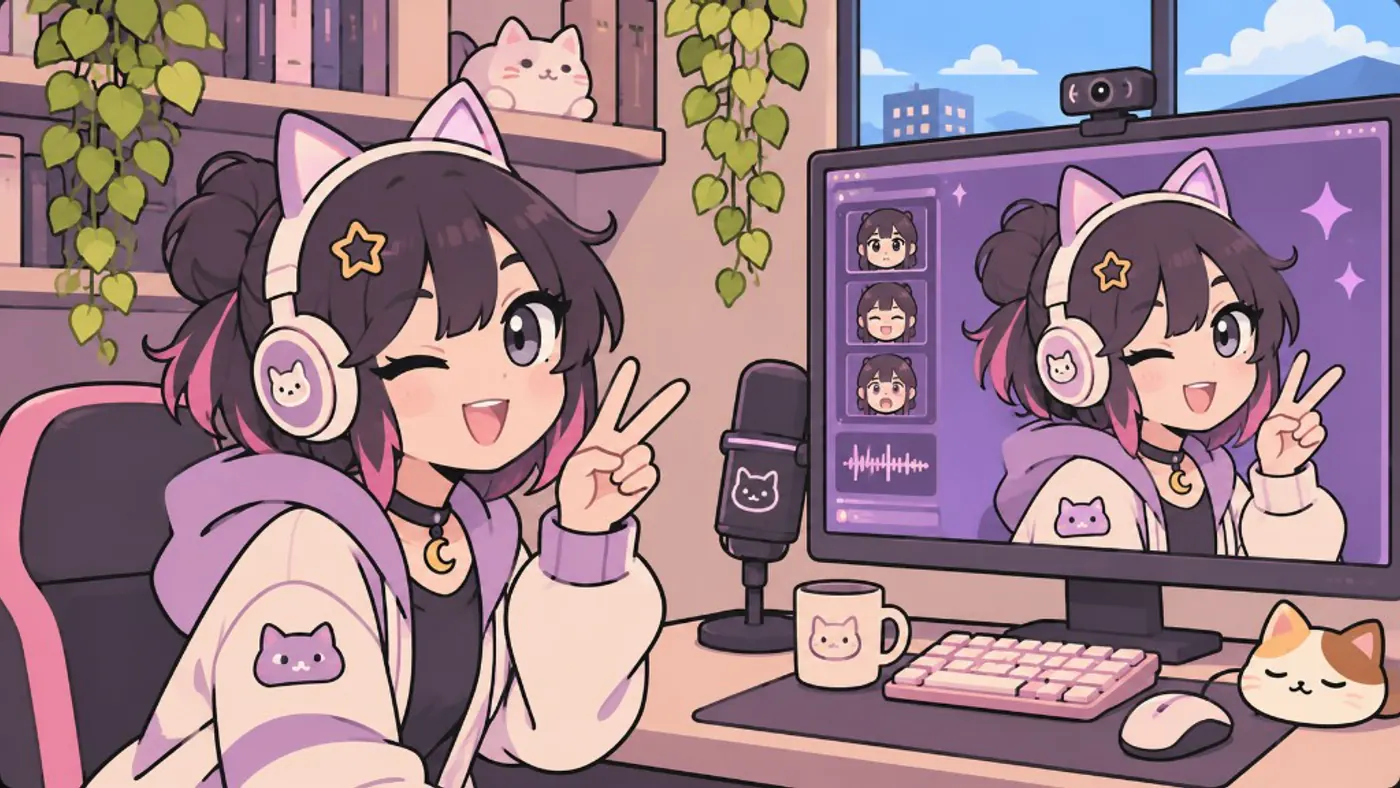
Create a custom virtual YouTuber avatar for streaming: design, an avatar maker or generator, rigging, and live tracking that holds up on camera.
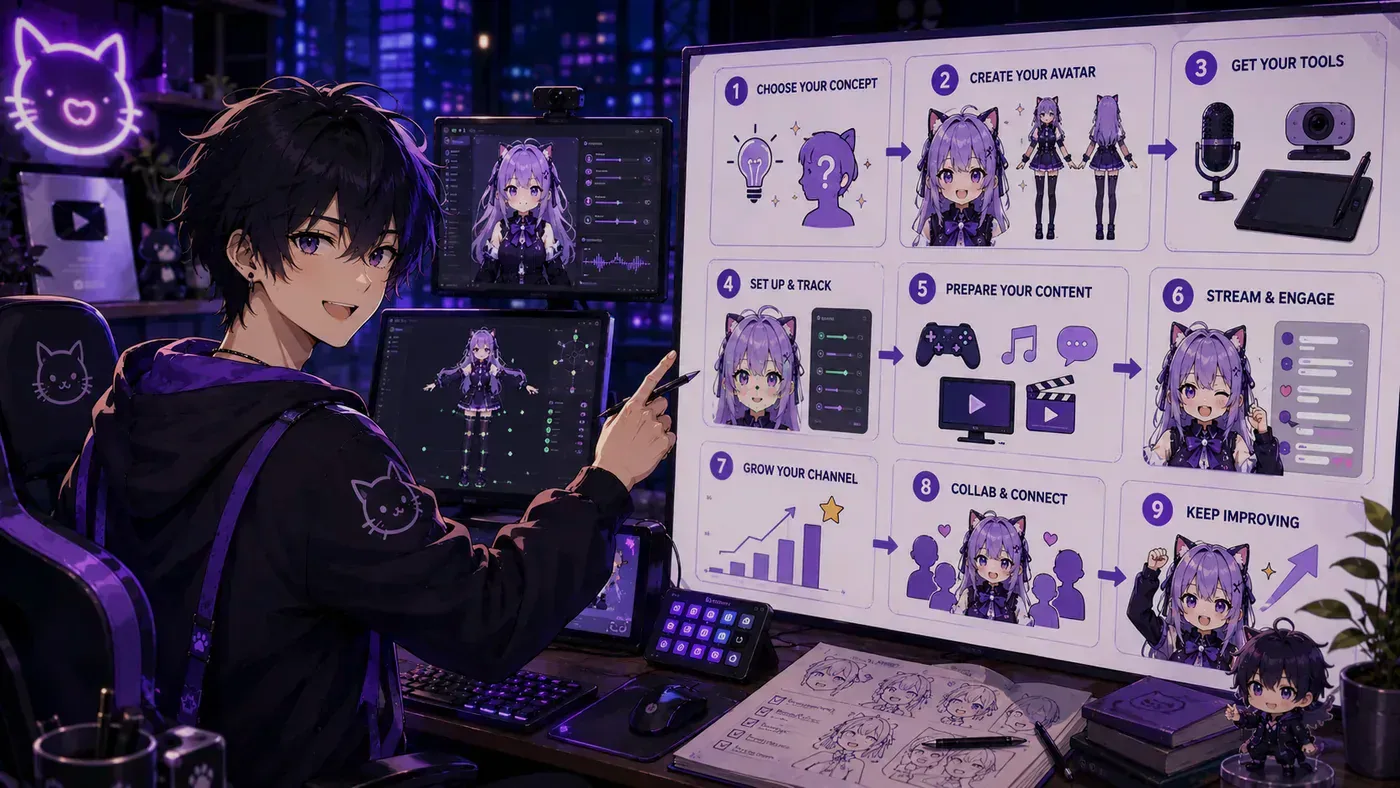
Go live as a VTuber on Twitch or YouTube: avatar, tracking, OBS, audio, debut checklist, and a stack that works for Virtual YouTubers.
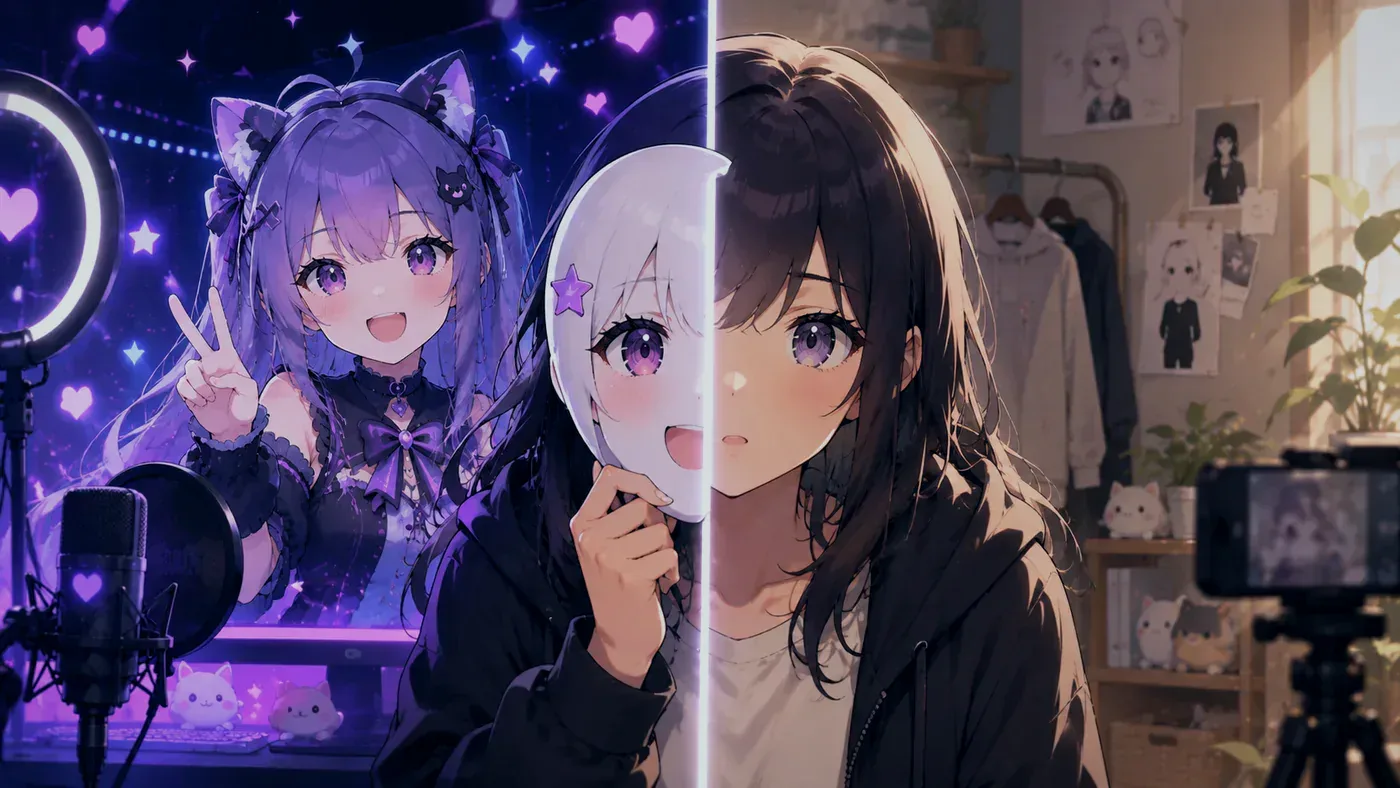
Stream on Twitch or YouTube without a facecam: avatar, PNGTuber, VTuber, mic-first setups, privacy tips, and a first-stream checklist.
Kizuna AI debuted in late 2016 and made Virtual YouTuber a name. Who counts as the first VTuber, and who uploaded before the word.

VPet explained: why growing a virtual pet monster is trending, how care loops work, and how desktop companions fit next to VTubing.
Learn how to make a VTuber model with ChatGPT—design briefs, prompts, and how BeTuber turns those ideas into a character you can actually stream.
Learn how to make a VTuber model with Claude—character briefs, prompt polish, and how BeTuber turns Claude’s notes into a streamable avatar.
VTuber anime and manga hub article—series guides for titles like Scary IRL and VTuber Legend (VDen), not real talent profiles.
VTuber culture explained—community norms, Reddit hubs, face reveal tradeoffs, and why discourse gets heated.
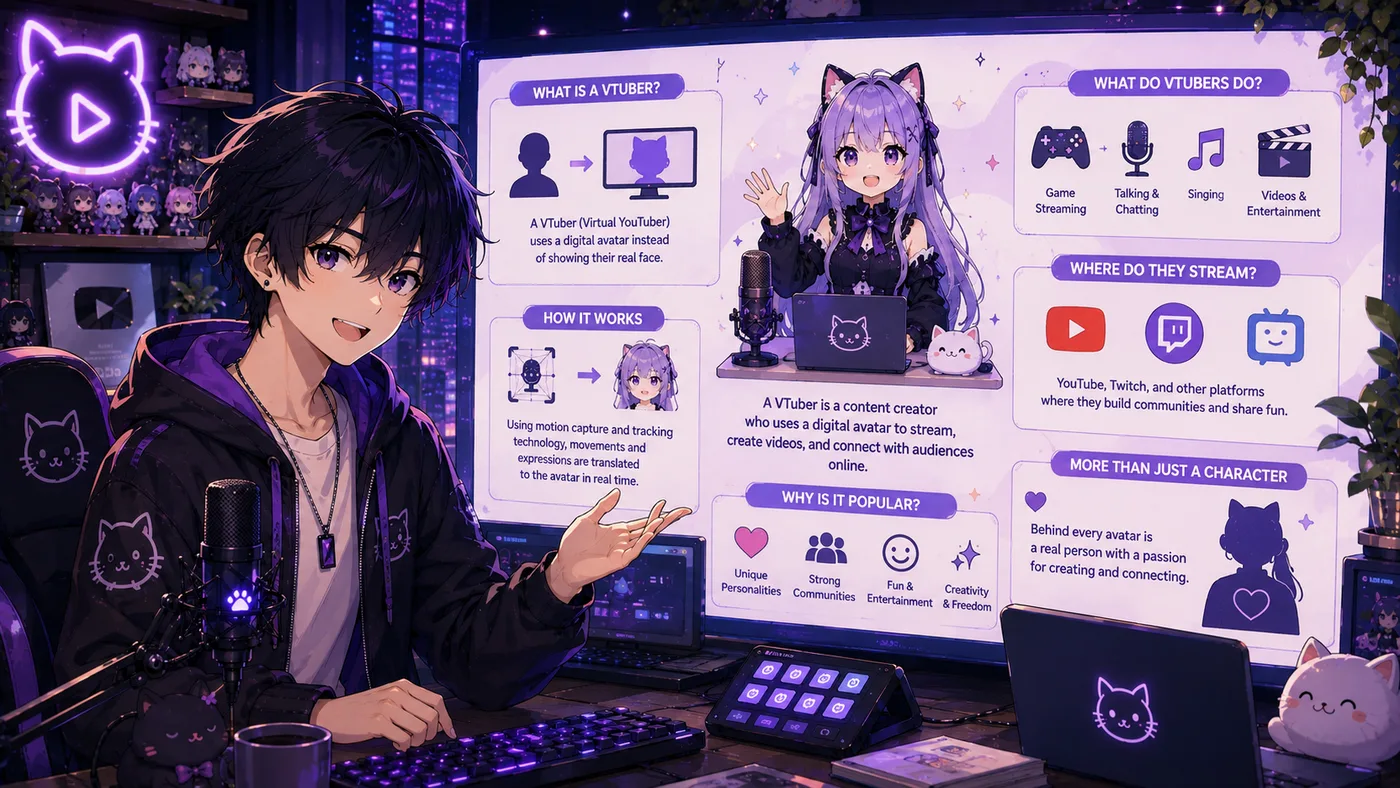
Best places to find VTuber guides and tutorials—debut basics, software, models, and career paths without empty hype.
A straight talk on VTuber NSFW and adult content +18: what it is, webcam setups, platforms, legal earning, and how to build your model first.
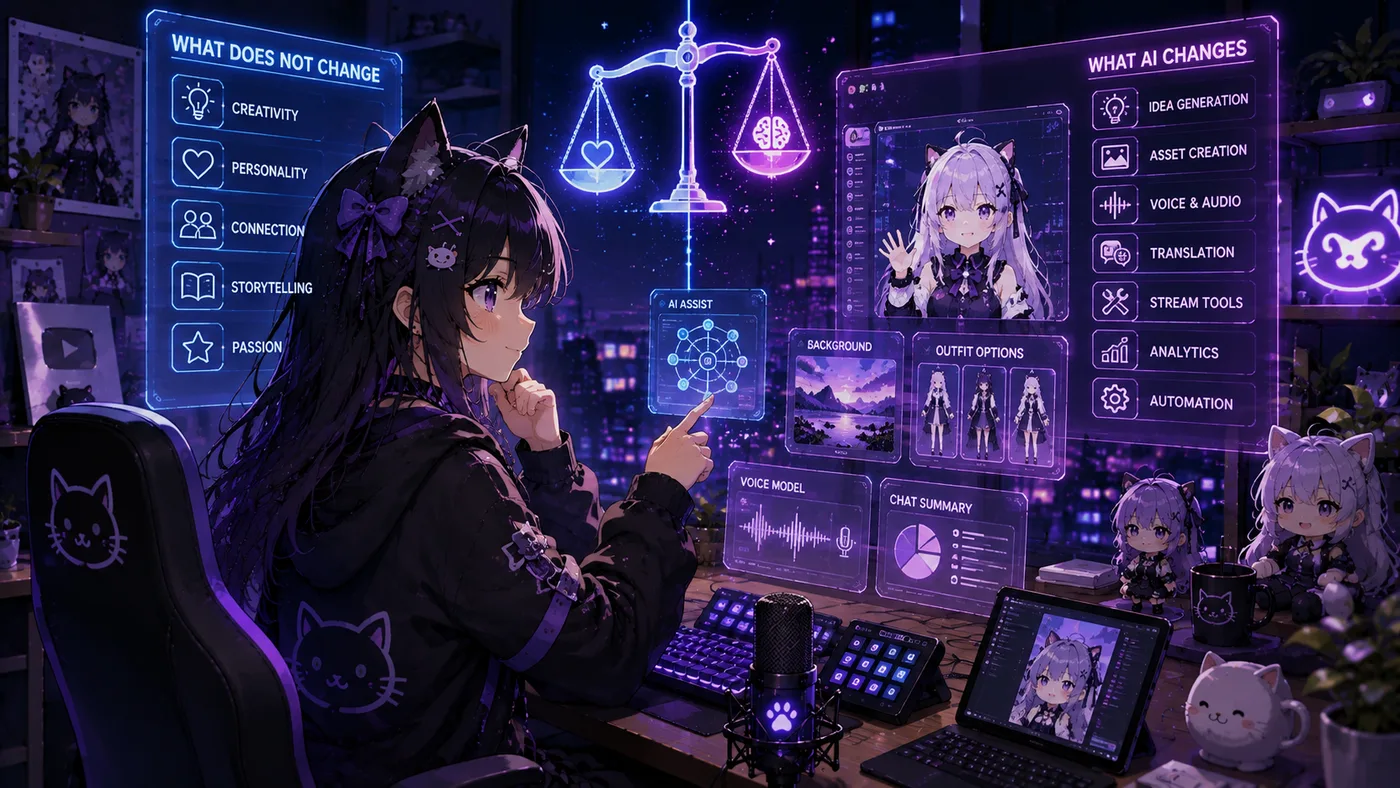
An AI streamer is a live character written by a model. AI streaming also means ordinary tools around a human broadcast. Here is how to tell them apart.
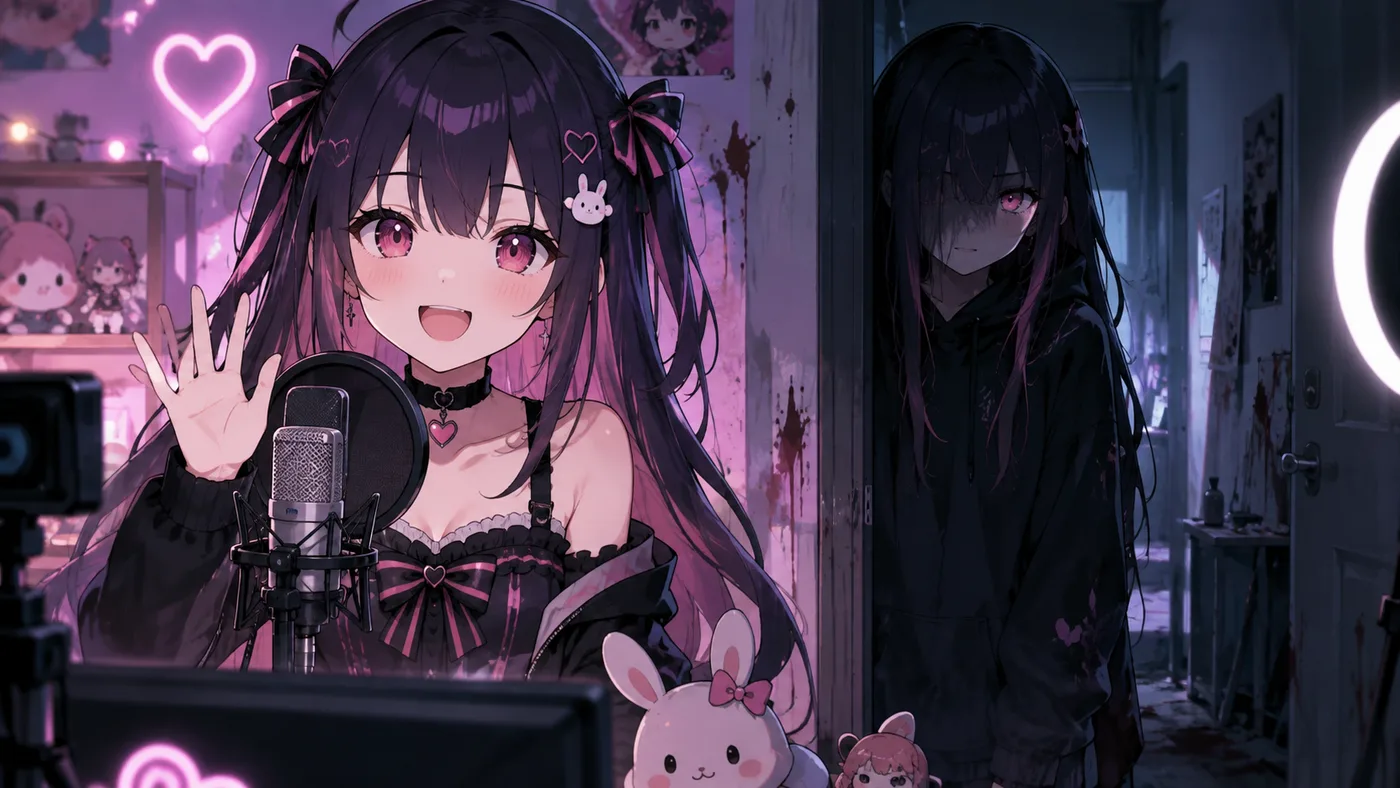
What My Favorite VTuber Is Scary IRL is—the Square Enix manga about Hanae Fuwari, social anxiety, and a delivery boy who meets his oshi offline.
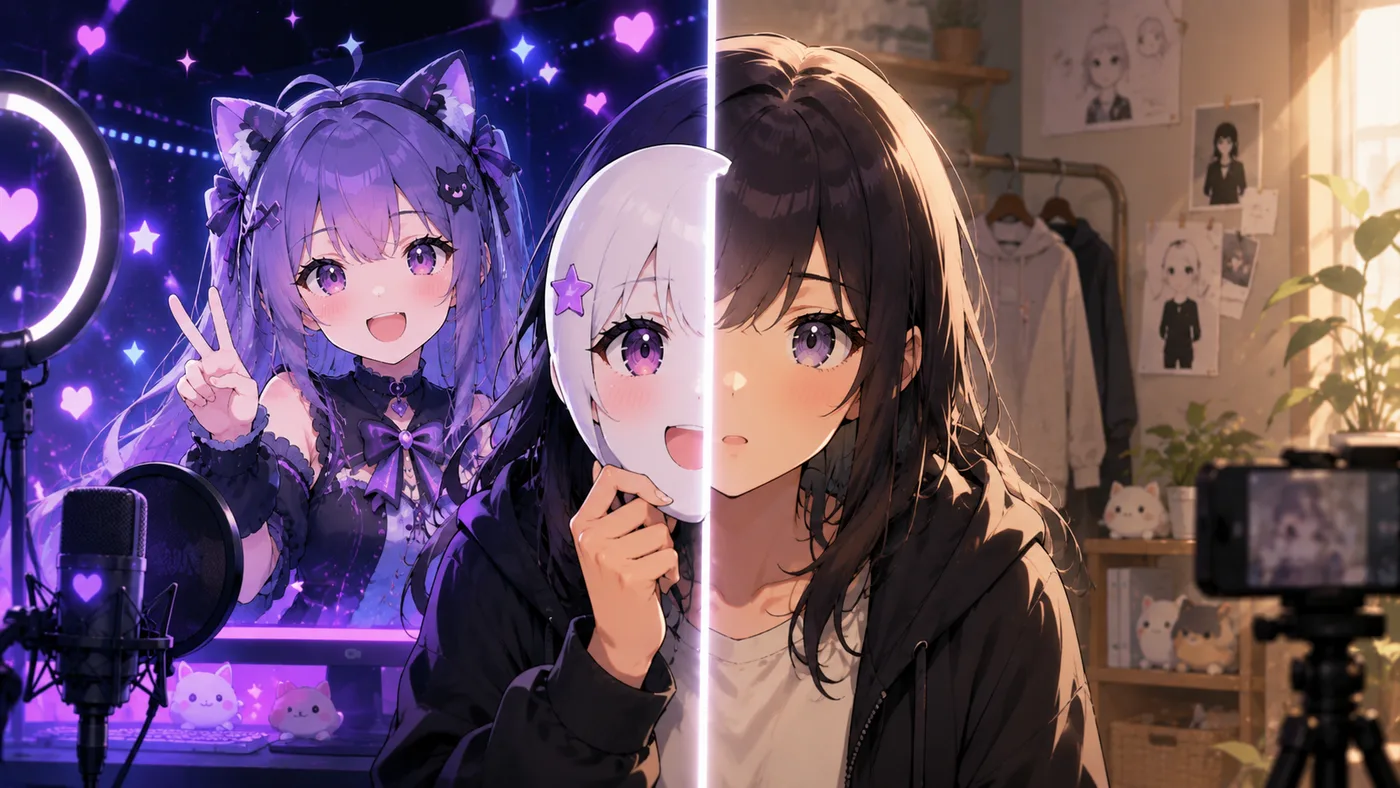
What a VTuber face reveal is, famous examples, agency rules, fan reactions, privacy risks, and how it changes the avatar-first brand.
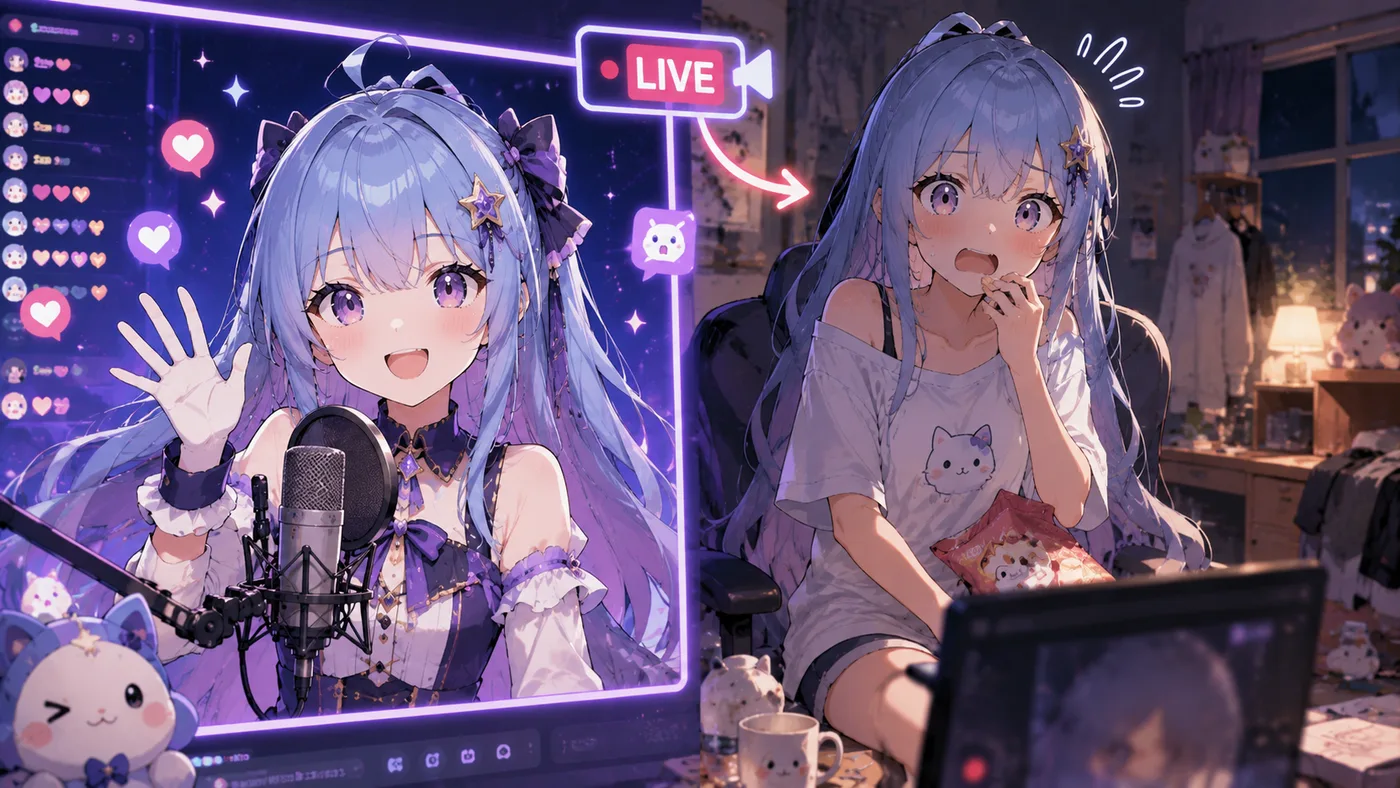
What VTuber Legend: How I Went Viral after Forgetting to Turn Off My Stream is—the VDen LN/anime about Awayuki Kokorone and Live-On.
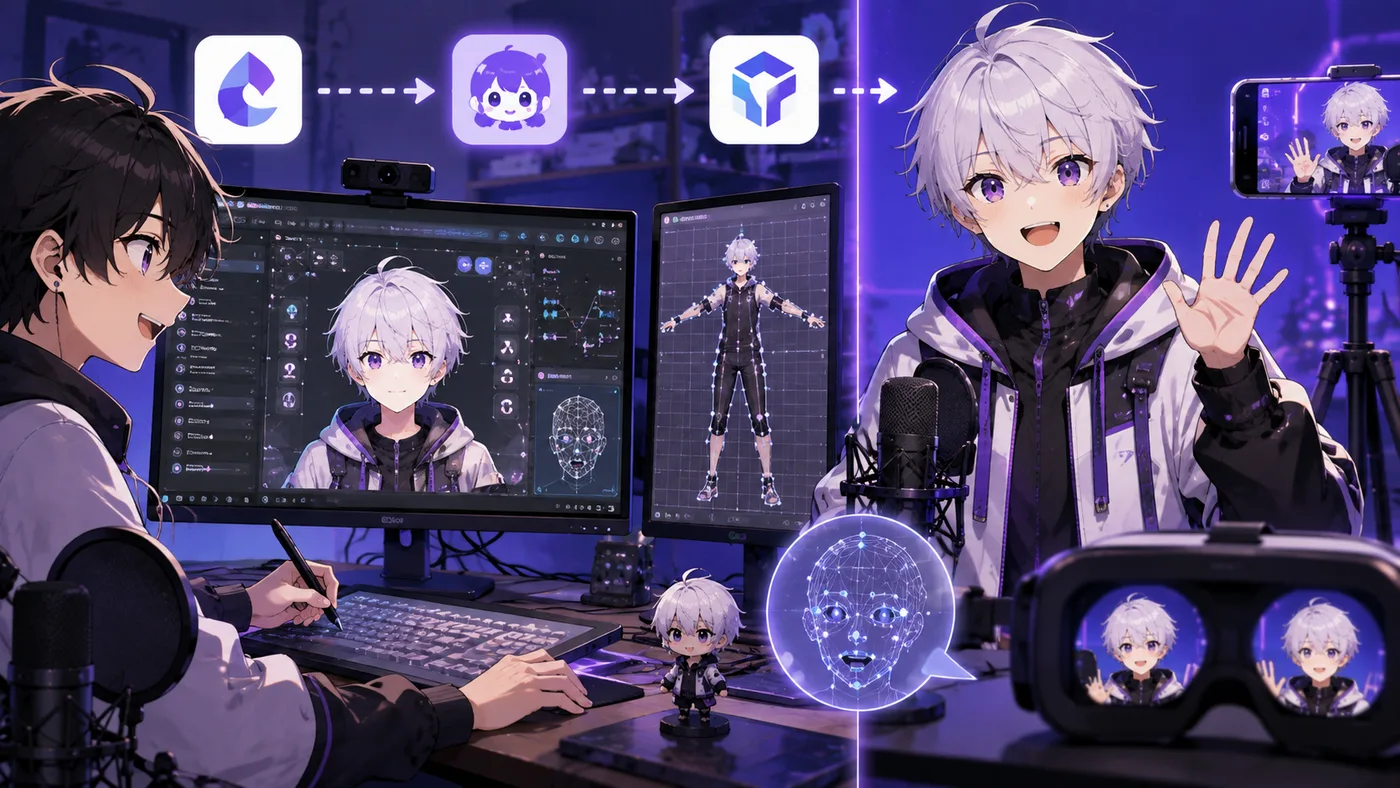
What VTuber Maker (vtubermaker) is—Live3D's free 3D avatar app on Steam, VRM uploads, OBS setup, pricing, and how it compares to VSeeFace and VTube Studio.
Be the next virtual youtuber star
Be the next virtual youtuber star, be the next vtuber.