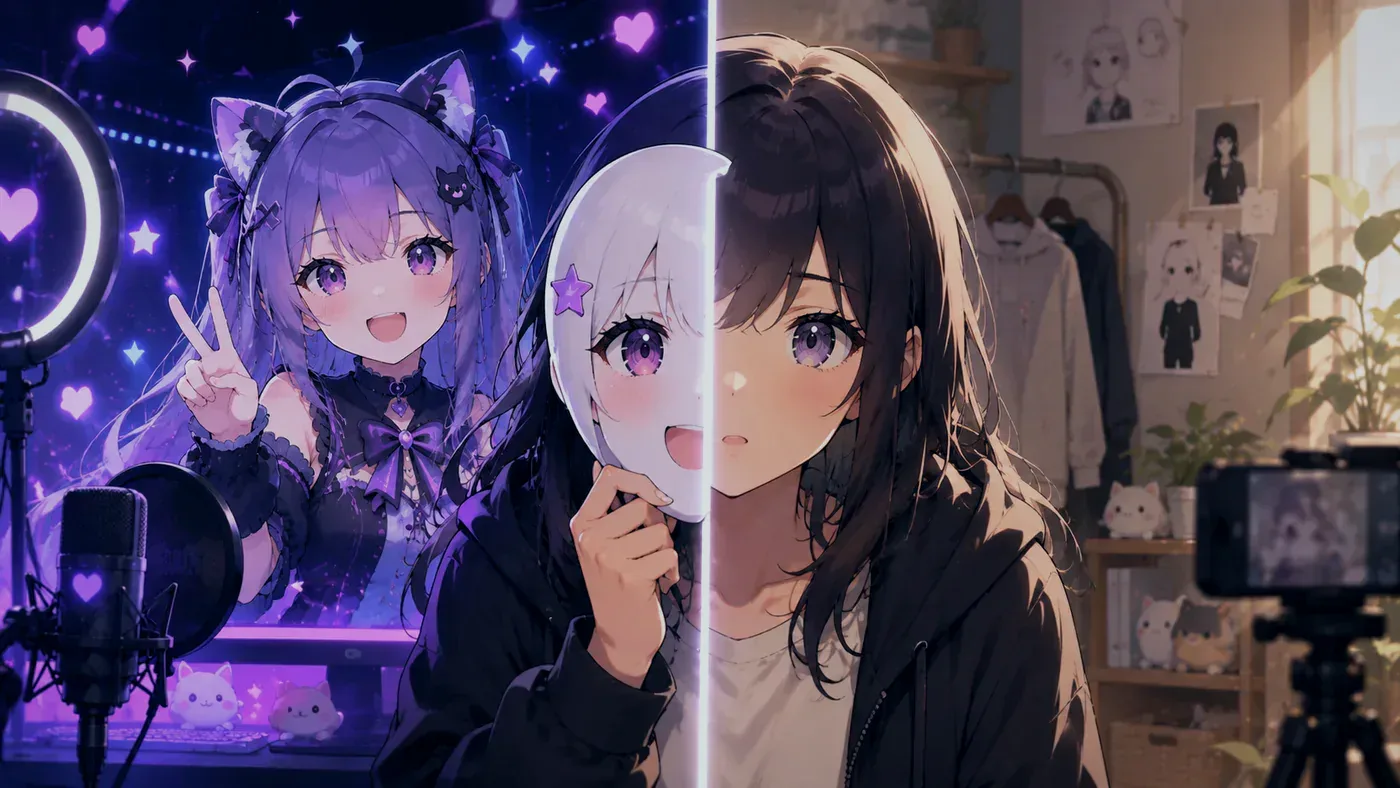
How to live stream without showing your face is one of the most searched beginner questions for a reason: people want to go live on Twitch or YouTube without putting their IRL face on the internet. You can. Platforms do not require a webcam selfie. What they reward is a show people can find, hear, and recognize again next week.
This guide covers the practical options—VTuber / PNGTuber avatars, voice-first gaming, static branding—plus a stack you can ship this week, privacy habits that actually matter, and mistakes that make “no face” look like “no channel.” If you already know you want a character brand, pair this with what a VTuber is and how to become a VTuber.
What “streaming without showing your face” actually means
Searchers mix several layouts under one phrase. Pick the one that matches your goal:
| Layout | What chat sees | Best when |
|---|---|---|
| VTuber / Live2D / 3D | Tracked anime or 3D avatar | You want a character brand and reactions |
| PNGTuber | Swapped PNG idle/talk frames | Fastest avatar debut, tiny budget |
| Logo / art cam | Static illustration or brand mark | Voice + game is the product |
| Gameplay only | Full screen capture, no “face” slot | Competitive focus, privacy max |
| Masked / blurred cam | Real body, face hidden | You want presence without identity |
A black empty corner where a facecam usually sits reads as unfinished. Replace the face with something intentional—avatar, art, or a clean full-game crop—not a void.
Why creators choose no-face streaming
- Privacy and safety — less surface for doxxing, workplace conflict, or family friction
- Anxiety — performing as a character or voice is easier than staring into a webcam
- Brand — a drawn silhouette can be clearer at thumbnail size than a dark webcam
- Schedule reality — you can go live without hair/makeup/lighting rituals
Tradeoff: your voice becomes the main human signal. Invest in a mic before skins. Chat forgives a simple avatar; they leave for crunchy audio.
Option A — Become a VTuber or PNGTuber (recommended brand path)
If you searched “stream without showing my face” and also care about being memorable, an avatar is the standard answer in 2026.
- Lock a one-sentence character — name, vibe, what a normal stream is about.
- Ship the smallest model that moves — PNGTuber (two frames) or a licensed free / premade model.
- Track or toggle — Live2D → VTube Studio; VRM → VSeeFace; PNG → Veadotube or OBS hotkeys. Broader picks: best VTuber software.
- Composite in OBS — avatar + game + mic + alerts.
- Private test — five minutes on headphones before public “Start Streaming.”
BeTuber can keep character creation, practice, and go-live in one studio if you do not want five separate installs on night one. Photo-to-avatar starters: generate VTuber AI with my photo—upload only faces you have the right to use.
Option B — Voice + game (no avatar yet)
Valid for tonight:
- Remove the webcam source from OBS.
- Make gameplay (or the creative canvas) full-bleed and readable on a phone.
- Add a small logo or “just chatting” banner so the channel still has a face of the brand.
- Put the mic on its own source—never only Desktop Audio.
- Title and category match what you actually do.
Upgrade to an avatar when you want reactions, clips, and a silhouette people can draw.
Option C — Mask, hood, or heavy blur
Still uses a webcam, still shows body language, still can leak identity through room details. Treat backgrounds, posters, and windows as public. Prefer a virtual background or a plain wall.
Step-by-step: first faceless live (this week)
- Platform — Twitch, YouTube, or both; create the channel with a handle you can keep.
- Audio — USB mic or headset that does not hiss; headphones so the mic does not hear speakers.
- Identity layer — PNGTuber sheet, licensed Live2D/VRM, or static art. Confirm commercial / monetization rights before bits or ads.
- Broadcast — OBS Studio scene: Starting Soon → Live → BRB.
- Levels — talk into the mixer; peaks around -12 to -6 dB.
- Test recording — 30–60 seconds; check mouth/avatar motion, echo, black frames.
- Go live — short title, honest category, one sentence of what the stream is.
- After — clip one moment; note one tech fix for next time.
Privacy habits that matter more than the avatar
An avatar hides your face; it does not hide careless speech.
- Do not say full name, employer, school, or exact neighborhood on stream
- Mute before door knocks, family calls, or “I forgot to end stream” moments—see why that premise is famous as fiction in VTuber Legend…, then treat end-stream as a checklist in real life
- Separate personal and creator emails/accounts if you want hard walls
- Face reveals are optional forever—read VTuber face reveal before fans pressure you
- Do not hunt or share other creators’ real identities; that is not fandom
Gear and software (keep it short)
| Need | Starter choice |
|---|---|
| Mic | USB mic or clean headset |
| Encoder | OBS Studio (or PRISM if you want a shorter stack) |
| Avatar | PNG frames, free/premade Live2D or VRM, or BeTuber |
| Tracker | Veadotube / VTube Studio / VSeeFace by file type |
| Light | Soft front light only if you use any cam; skip if avatar-only |
You do not need a capture card, stream deck, or dual PC to prove the format. Compare trackers later in VTube Studio vs VSeeFace once a file type is decided.
Common mistakes
- Empty facecam slot — looks broken; fill with avatar or crop game larger
- Skipping mic — privacy without audio quality is a silent channel
- Stolen models — “free Live2D” packs that are someone else’s commission get channels DMCA’d
- Overbuilding night one — ten scenes and zero test recording
- Thinking no-face = no personality — voice, catchphrases, and schedule are the face of the brand
Related reading
- How to live stream as a VTuber
- PNGTuber setup
- How to become a VTuber
- Free VTuber models
- Best VTuber software
- VTuber face reveal
Bottom line
Live streaming without showing your face is normal. Replace the webcam with a deliberate identity—most often a VTuber or PNGTuber—ship clean audio, practice once offline, and go live. Privacy is a habit on the mic, not only a missing video source. Start simple this week; upgrade the model when chat already knows when you return.