Skip to content
Black Friday

Black Friday 35% off·$9.99$6.49/ month

Ends MondayClaim 35% off

Generate VTuber AI: Live stream with your virtual YouTuber

Describe your look, generate a VTuber model with AI, then live stream with face tracking, scenes, and overlays — all in one studio.

Generate my vtuber with AI

Debut path

From prompt to live stream in three steps

Generate a VTuber model with AI, stage your scene, then go live — without a five-app scavenger hunt before your first stream.

  1. 01

    Describe your VTuber

    Write hair, outfit, and vibe. BeTuber turns that prompt into a stream-ready waist-up avatar you own in the studio.

  2. 02

    Stage scenes and overlays

    Add a background, unlock stream screens, and keep chat-ready layouts beside the model — not in a separate tool pile.

  3. 03

    Live stream your virtual YouTuber

    Practice face tracking, then go live or record from one studio when the look feels right.

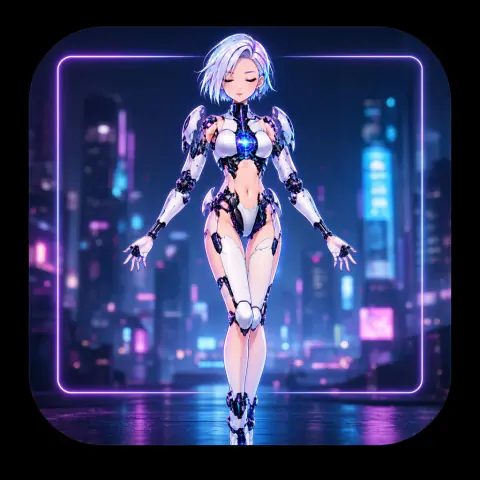
Generate a VTuber model with AI in BeTuber

Generate

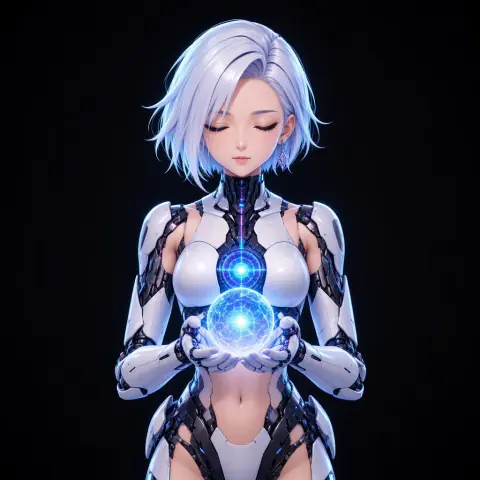
AI VTuber model from a short prompt

Skip blank commission briefs and random image dumps. Describe the character once, generate a VTuber AI base, then refine hair, clothes, and colors in chat until the idle portrait matches the streamer you want to be.

  • Prompt → waist-up anime-style avatar
  • Iterate in chat without restarting from zero
  • Keep the base model inside BeTuber Studio
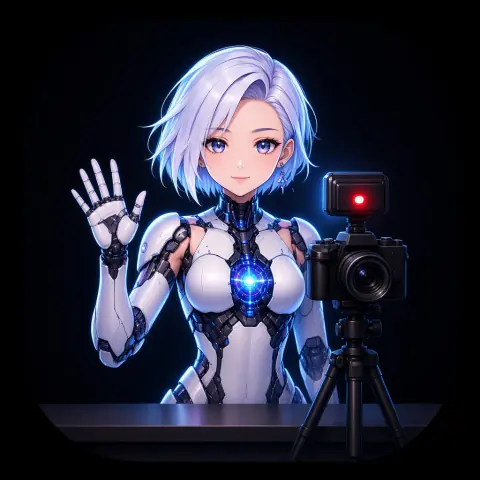
Live stream with your virtual YouTuber in BeTuber

Go live

Live stream with your virtual YouTuber

A generated look only matters if it can perform. BeTuber connects your avatar to face tracking and a live path so your virtual YouTuber can talk, react, and hold chat — the same job every VTuber stream is built on.

  1. 01 Face tracking practice in the same app
  2. 02 Mic-ready performance without a tracker scavenger hunt
  3. 03 Share a live URL when you are ready to debut

Studio

Scenes, overlays, and tracking together

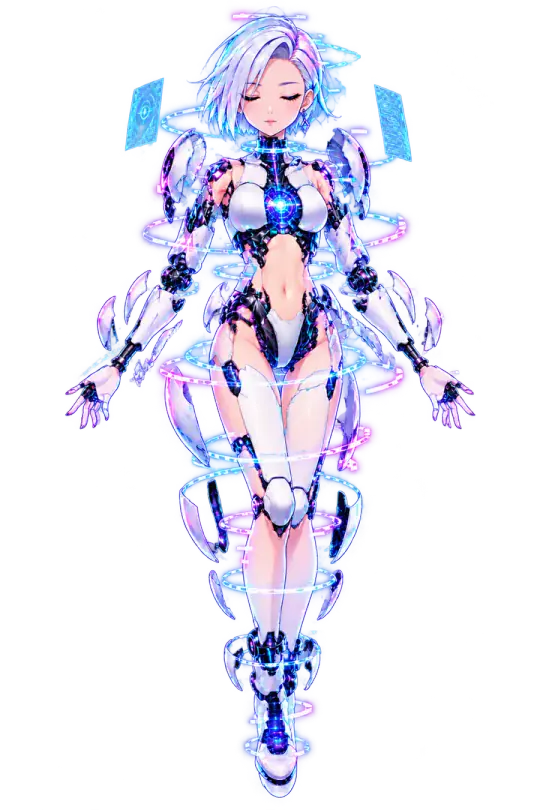
Most AI image tools stop at a PNG. BeTuber keeps the next mile: scene backgrounds, overlays, and tracking live next to the model so “generate VTuber AI” means a debut stack — not a wallpaper folder.

VTuber scenes and overlays next to an AI-generated model
  • Backgrounds and stream screens beside the avatar
  • Overlays that do not fight the character
  • One studio instead of five disconnected apps

All-in-one vtuber app

Create Your Own VTuber Avatar: Virtual Youtuber

Compatible with:

  • Twitch
  • YouTube
  • TikTok
  • Steam
  • Kick
  • OBS Studio
  • Streamlabs

—