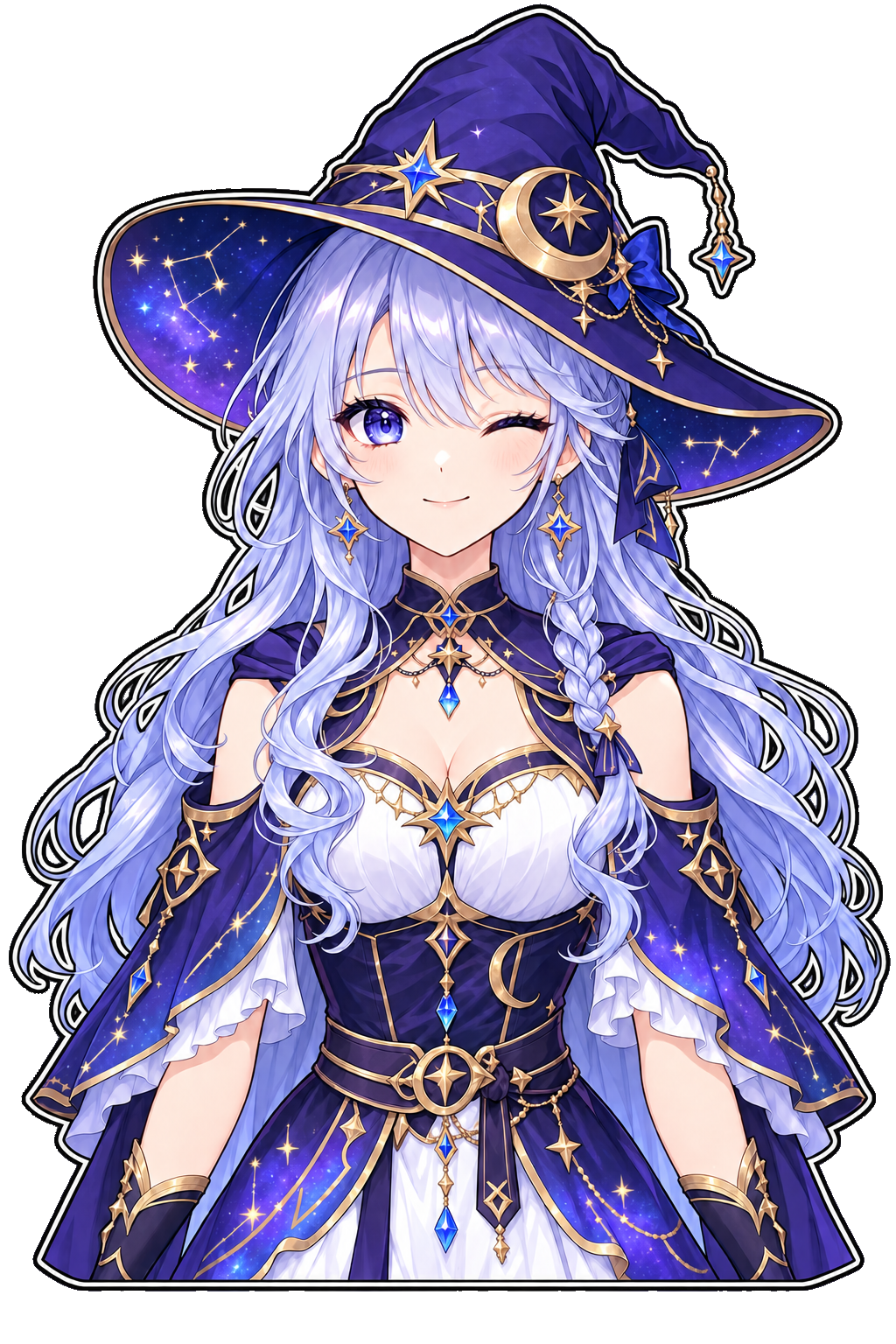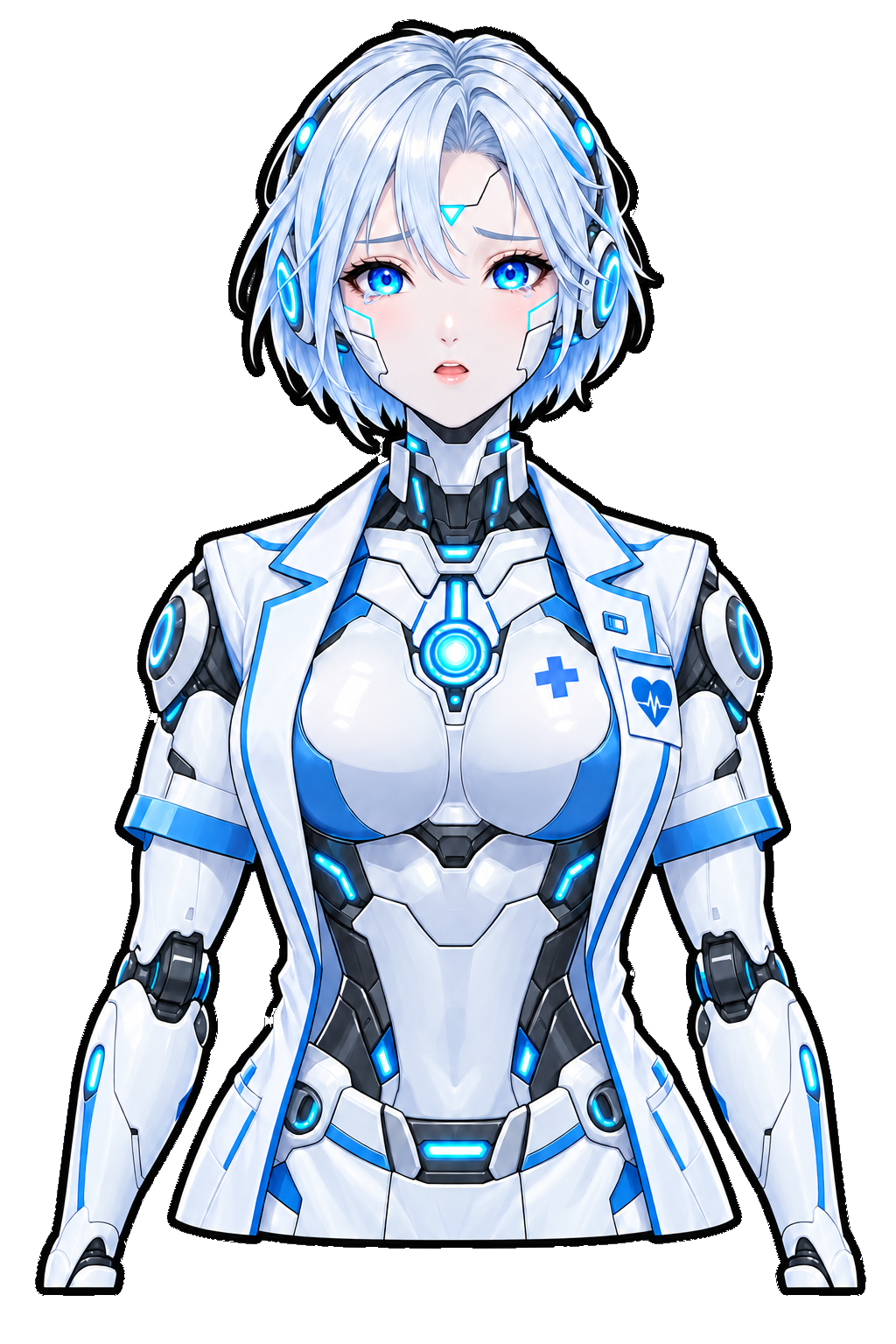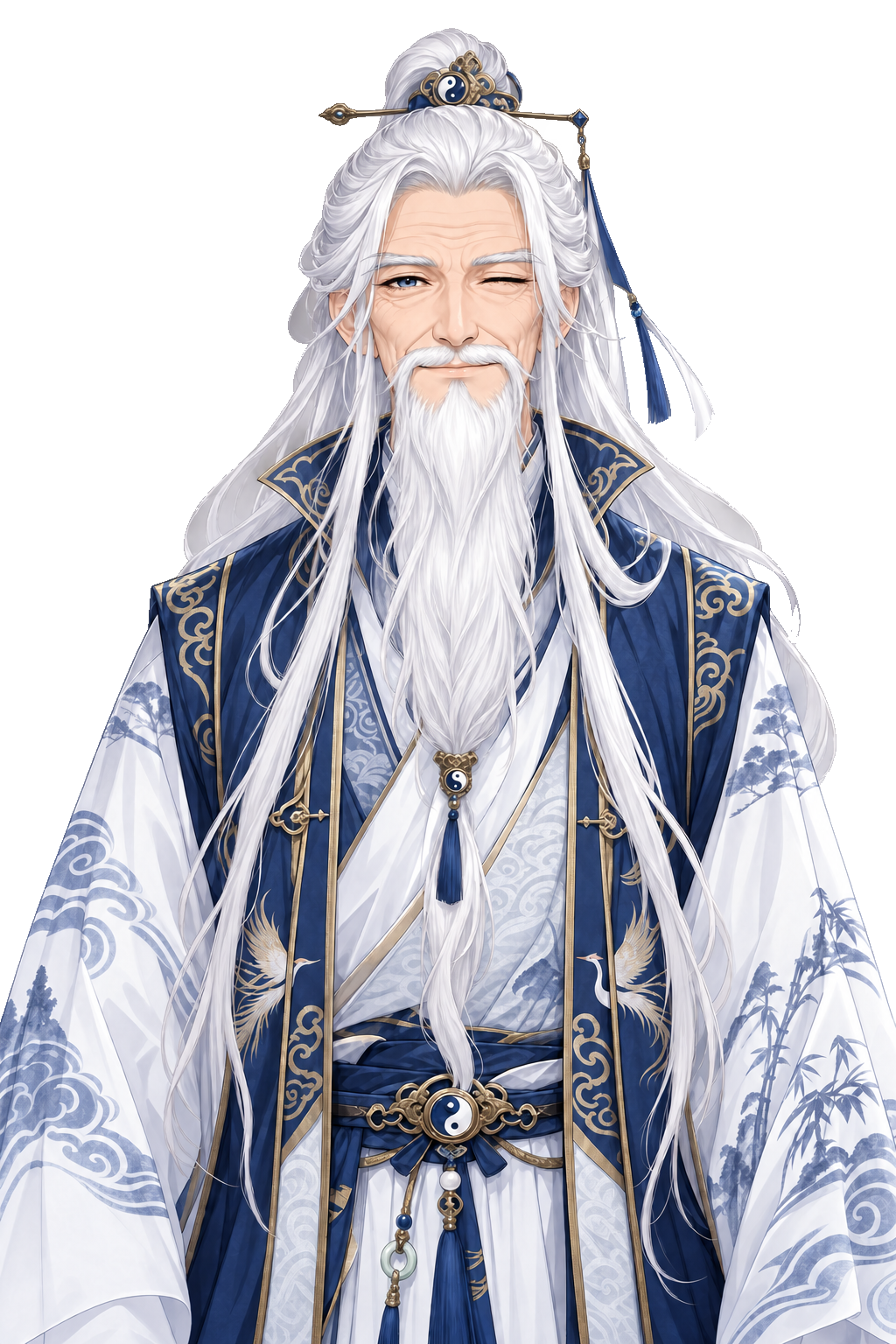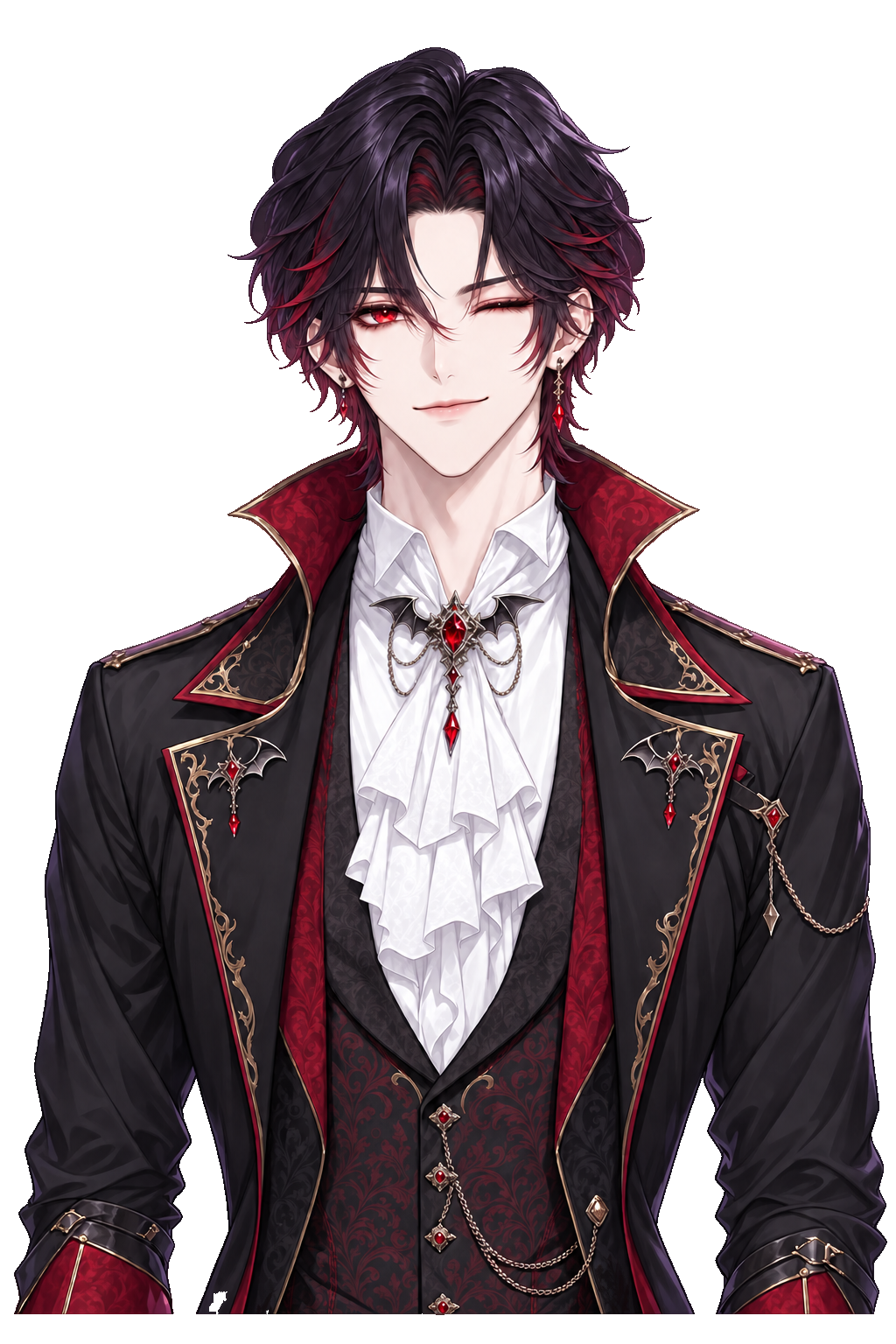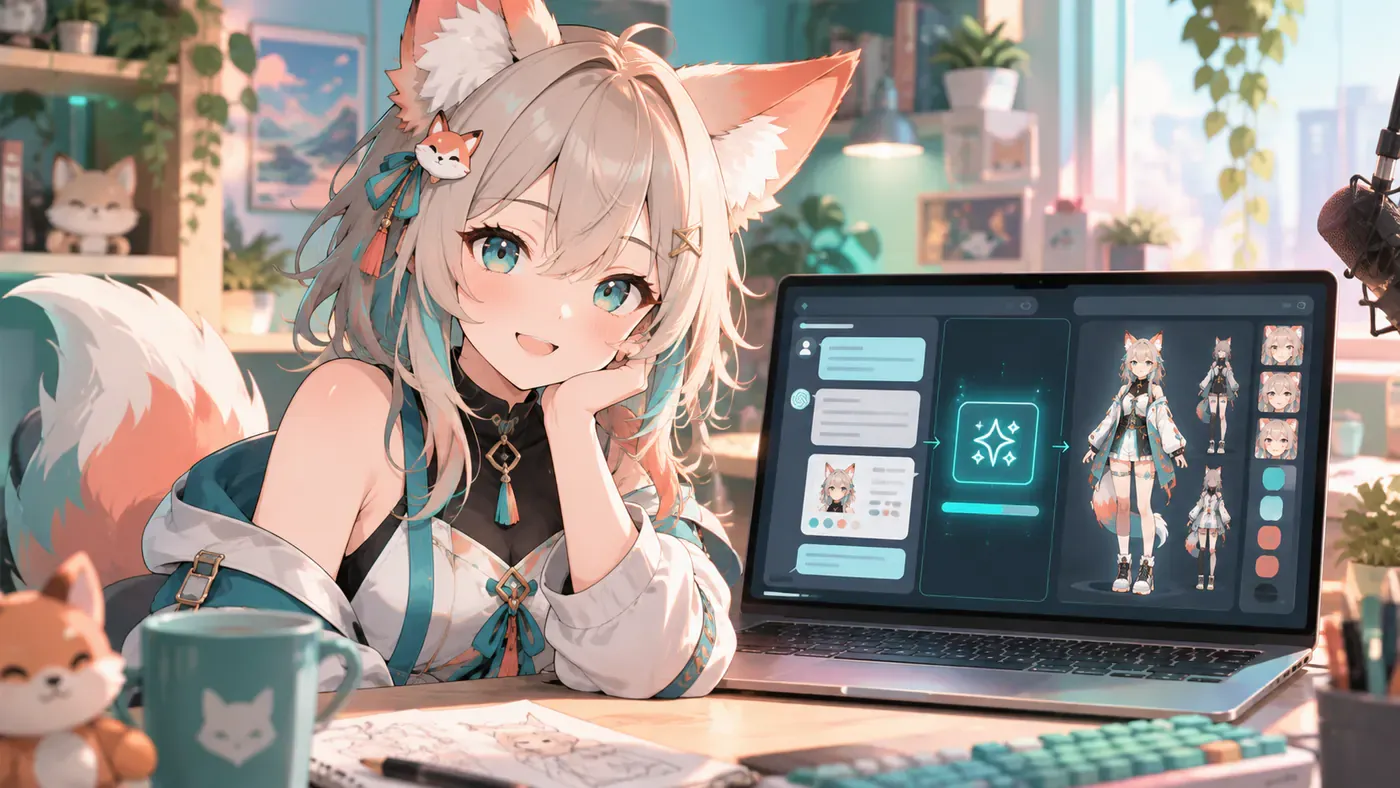
People type how to make a VTuber model with ChatGPT when they want a face before they have an artist. Fair instinct. ChatGPT is good at naming vibes, rewriting awkward lore, and turning “fox girl but not generic” into a prompt you can actually use. It is not a Cubism file, a VRM mesh, or a tracking app. Treat it as the writer next to the desk, not the whole studio.
The usual trap is generating one pretty still, posting it as “my model,” and freezing. Viewers show up for motion, voice, and a person who keeps returning. A Virtual YouTuber needs a character you can perform, not a wallpaper. If you already know the debut path from how to become a VTuber, this guide is the ChatGPT-shaped shortcut into that same pipeline.
What follows is a practical loop: use ChatGPT for the brief, generate the look where the file can move, then keep iterating without pretending a chatbot replaced VTuber rigging. BeTuber is in the middle on purpose—so the brief does not die in a Downloads folder.
Generate a VTuber model in ChatGPT with BeTuber
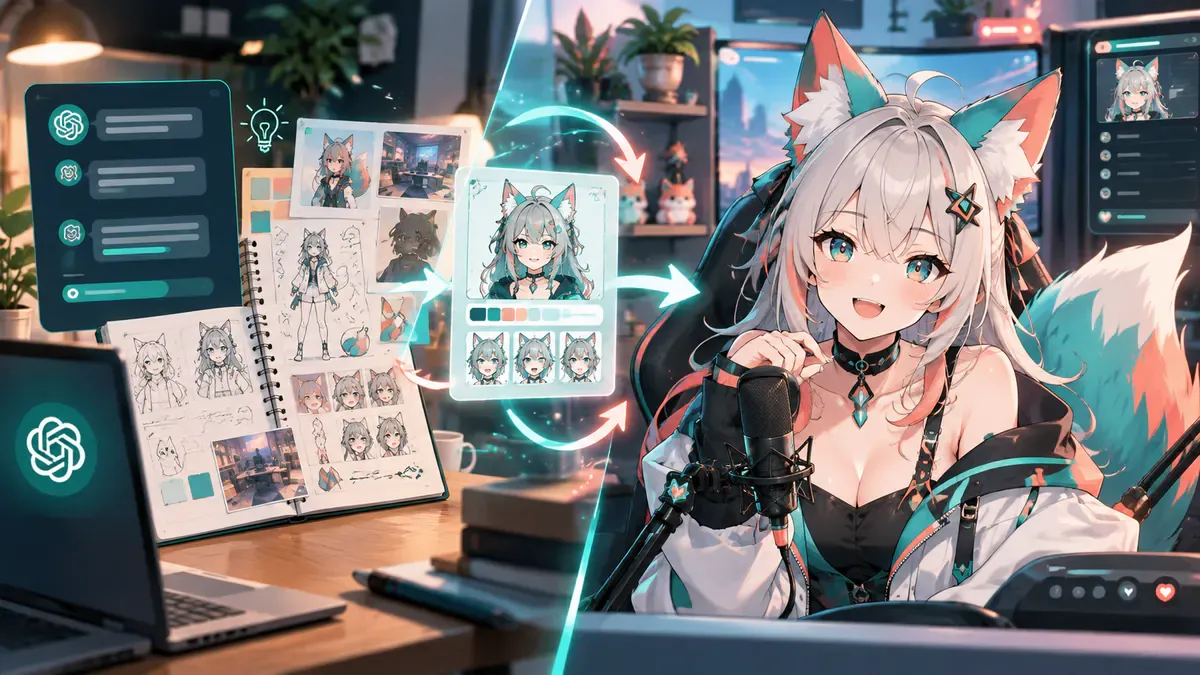
Open ChatGPT and ask for a stream-ready brief, not a novel. You want silhouette, palette, two signature details, three personality rules, and a short “do not copy” list so you stay clear of agency lookalikes. Paste that brief into BeTuber’s studio and generate the character there. The chat window stays useful for rewrites; BeTuber is where the VTuber model becomes something you can animate, practice with, and take toward a first live.
Two paragraphs of chat will not finish the job, and that is fine. Generate, react, then ask ChatGPT to tighten what looked muddy—hair too soft at webcam size, hoodie graphic crowded with icons—and regenerate. That ChatGPT → BeTuber loop is how you make a VTuber model with ChatGPT without pretending the language model exports Live2D.
What ChatGPT is actually good at for VTuber design
ChatGPT shines when you need language around a face:
- Naming and one-liners — a handle chat can say out loud
- Lore without bloat — three facts, one secret, zero essay
- Prompt drafts for concept art or BeTuber generations
- Tone samples — how the character greets raids vs. how they panic on a boss wipe
- Checklist reviews — “does this silhouette survive a 480p facecam?”
It fails when you ask it to “give me a finished Live2D.” There is no .moc3 in the reply. For the art-versus-rig split, keep VTuber rigging bookmarked. For free-file reality checks, use free VTuber models—licenses matter more than a clever prompt.
A ChatGPT prompt stack that does not waste tokens
Run these as separate messages so the model does not smear everything into one vague paragraph.
- Brand lock: “Write a one-sentence VTuber brand a stranger could repeat after one clip.”
- Visual lock: “Describe a readable anime-style avatar: silhouette, three colors, two props, no agency clones.”
- Stream lock: “List five on-stream habits that match that personality.”
- BeTuber handoff: “Rewrite the visual lock as a clean generation brief under 80 words.”
Take step four into BeTuber. If the first generate is almost right, ask ChatGPT for a delta prompt—same character, sharper bangs, warmer jacket, keep the fox pin—instead of rewriting from zero. Small corrections beat infinite restarts.
From still image to something you can stream
Making a VTuber model means more than a portrait. You need expressions, a place for the character to exist, and a path into broadcast software. BeTuber’s product loop is create → practice tracking → go live, which matches how people actually debut. ChatGPT can draft the expression list (“smug, panic, soft smile”), but you still click generate where those faces become assets.
If you later commission a custom Live2D, the ChatGPT brief becomes the artist’s reference pack. You are not throwing money at “make me cute.” You are handing a document that already survived a week of streams. Pair that with the software stack when you outgrow a first look—VTube Studio, OBS, and friends still matter; ChatGPT never replaced them.
ChatGPT mistakes that kill debuts
- Asking for a copy of a Hololive silhouette and calling it original
- Generating twenty outfits before locking one face
- Skipping personality rules, then wondering why chat feels empty
- Treating a Midjourney/ChatGPT still as a finished model
- Never opening a studio that can move the character
- Forgetting commercial license questions before monetization
The AI pillar on BeTuber’s site—VTubers and AI—covers the ethics side when chatbots start standing in for performers. This article stays on the narrower question: how to make a VTuber model with ChatGPT without confusing a prompt for a pipeline.
Claude, Midjourney, and when to switch tools
ChatGPT is one assistant. Some creators prefer Claude for longer lore edits, or an image model for moodboards. Fine. The handoff still lands in a place that ships a performable avatar. If your notes live in Claude, the sister guide how to make a VTuber model with Claude covers that workflow. Either way, BeTuber is the studio layer so you are not duct-taping chat exports into five apps the night before debut.
Bottom line
How to make a VTuber model with ChatGPT: write a tight brief in chat, generate and iterate the character in BeTuber, then practice until the face moves when you talk. ChatGPT is the editor. BeTuber is the workshop. The stream is still you.
Next: open the studio · how to become a VTuber · VTubers and AI · free VTuber models