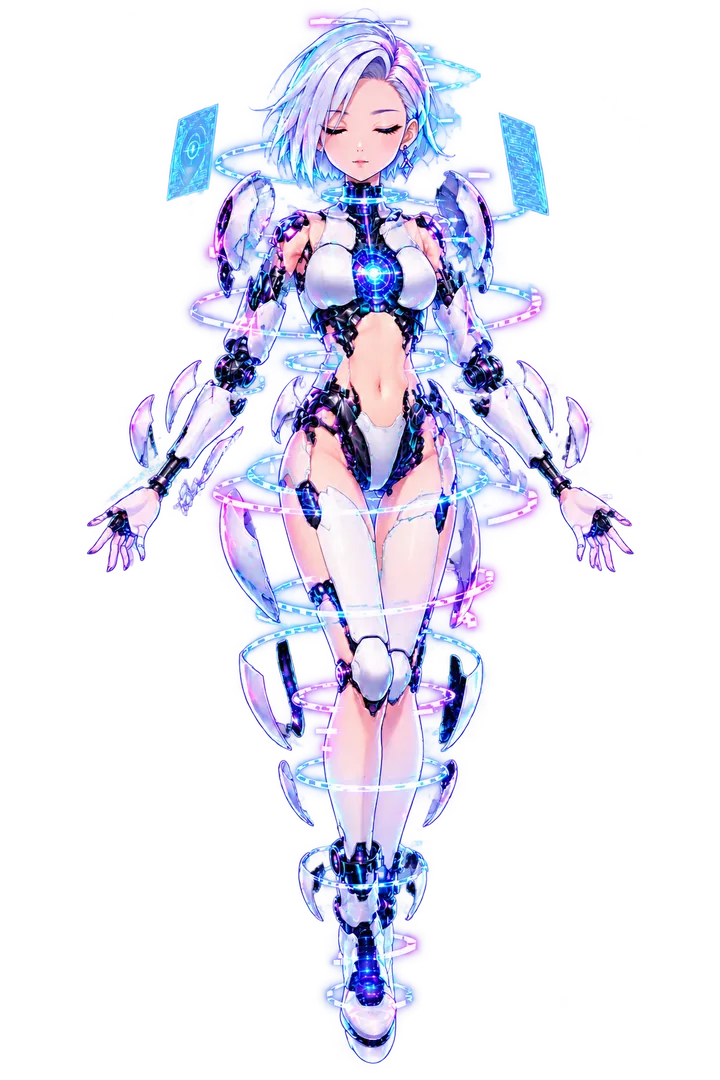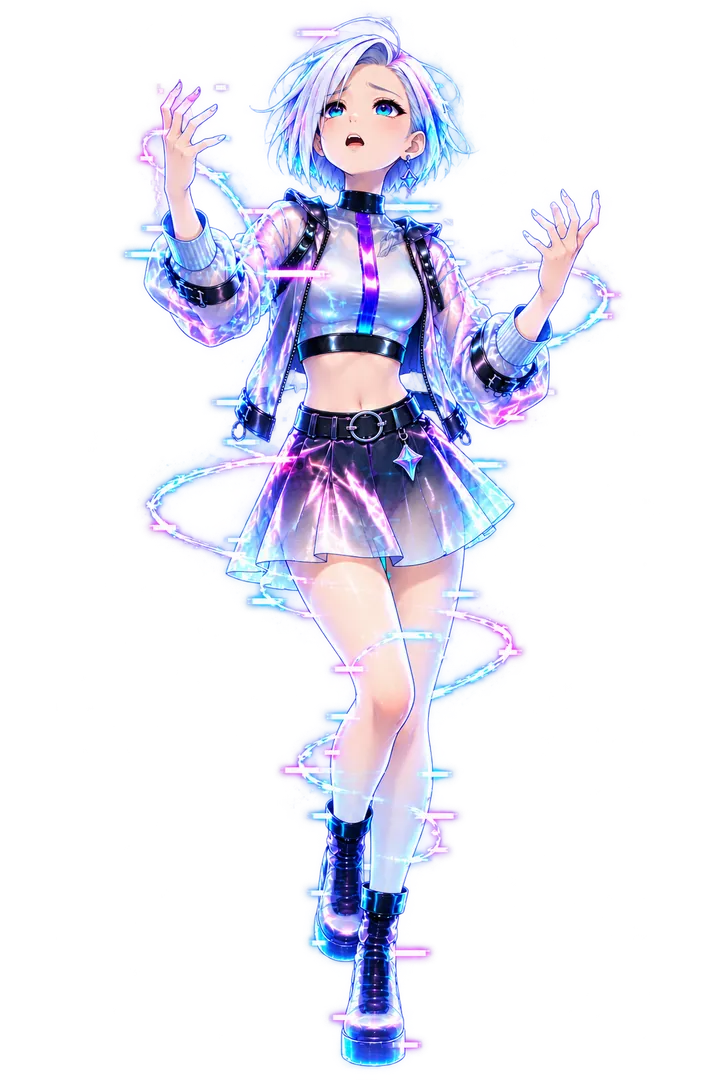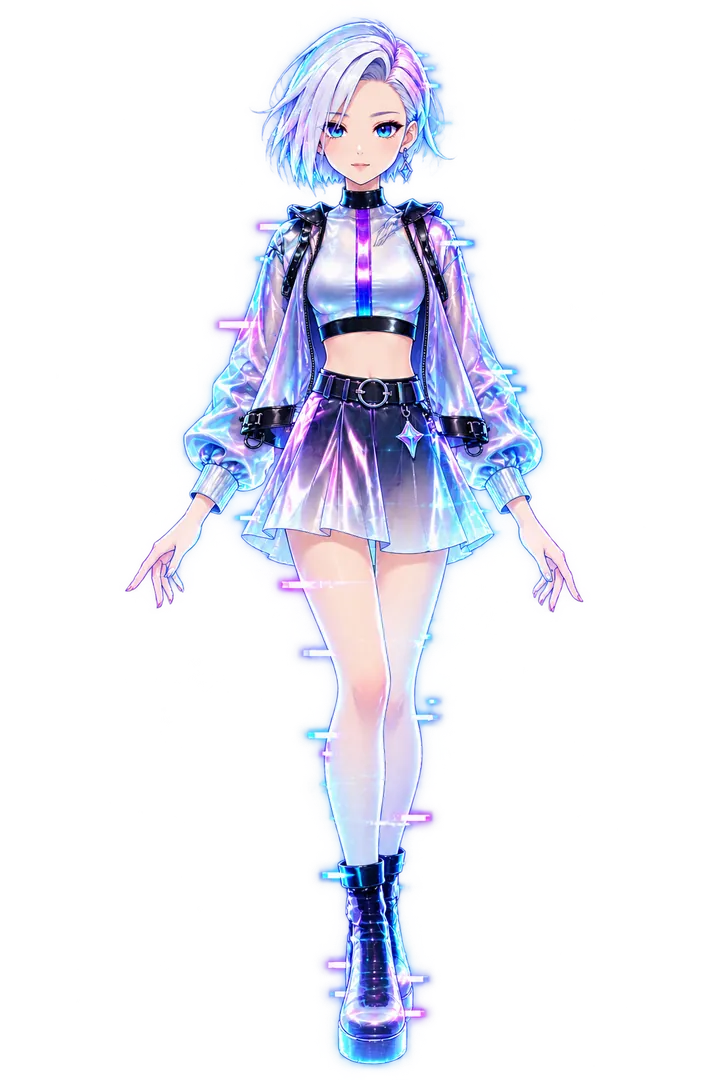
A PNGTuber (also written PNGtuber) is a creator who streams as a virtual avatar made of PNG image layers—not a rigged Live2D model and not a 3D VRM. When the mic hears speech, or when you press a hotkey, software swaps to an open-mouth or expression frame. Chat still sees a character; the tech stack stays small.
If you are still mapping the wider scene, read what a VTuber is and the term wiki. This page is the full format + setup guide that used to live only as a short hub stub.
What “PNGTuber” means
PNG is the image file. Tuber comes from Virtual YouTuber. Put together, a PNGTuber is someone who VTubes with swapped stills.
Typical pieces:
- Idle / closed mouth — default on-screen look
- Talking / open mouth — swaps on voice level or a talk key
- Optional expressions — joy, anger, tears, “dead,” props—usually hotkeys
- Transparent background — so OBS can composite you over the game or scene
There is no Cubism mesh, no blend shapes, and no webcam face tracking required. Mouth sync is audio-driven or manual, not a tracked jaw.
PNGTubers are VTubers. The format is popular for tests, budget debuts, joke alts, and the wait while a Live2D queue finishes. For the broader debut path, see how to become a VTuber.
PNGTuber vs Live2D vs 3D
| PNGTuber | Live2D | VRM / 3D | |
|---|---|---|---|
| Motion | Frame swaps | Mesh deformation + tracking | Full 3D + tracking |
| Time to first stream | Same day | Days to months | Often weeks |
| Needs webcam | No | Usually yes | Usually yes |
| Typical tools | OBS, Veadotube, BeTuber | VTube Studio + Cubism export | VSeeFace, Warudo, VRoid |
| Cost floor | Free / cheap art | Art + rig | Model + stronger PC |
| Looks “alive” | Clear but limited | Strong at stream resolution | Strong + body turns |
You are choosing what ships this week, not forever. Many people debut PNG, then move to Live2D without changing name or lore.
Why creators choose PNGTuber
- Speed — two good sprites beat a half-finished commission sitting in a queue.
- Cost — skip Cubism licenses and rigger invoices until you know you enjoy live.
- Simple stack — fewer apps fighting for the webcam and GPU.
- Permission to iterate — redesign hair or outfit by redrawing a sheet, not re-rigging.
- Honest testing — prove the show (voice, schedule, chat) before buying polish.
Tradeoffs: no head tilt from the camera, limited “alive” feel, and collabs that expect Live2D/3D may look mismatched. Those are reasons to upgrade later—not reasons to skip a first debut.
Tools for a PNGTuber stack
Art
Draw yourself, commission a small expression sheet, use a licensed pack, or generate a starter in BeTuber and export or adapt frames. Keep layers readable at facecam size: thick outlines, limited palette, mouth shapes that read at 720p.
Toggler apps
Veadotube Mini is a common free Windows/macOS app: PNG layers, mic-driven mouths, hotkey expressions, then capture into OBS. Other PNG tools exist; the job is the same—swap frames, stay transparent.
OBS alone
You can put closed/open PNGs as sources and bind Show/Hide hotkeys. Mic-reactive mouths are harder without a toggler, but a manual talk key works for practice streams.
BeTuber
BeTuber’s studio can keep a PNG-style avatar next to scenes, overlays, and live—useful if you want one place to create, practice, and go live without juggling five downloads. Compare broader options in the VTuber app hub and best VTuber software.
Broadcast
OBS Studio (or similar) mixes avatar window + game + alerts + mic. Same broadcast layer every other VTuber uses.
PNGTuber setup: step by step
1. Lock the character in one sentence
Name, vibe, and what a normal stream is about. A muddy brief produces muddy sprites. Lore can wait; silhouette cannot.
2. Build a minimal sprite sheet
Ship with:
- Closed mouth (idle)
- Open mouth (talk)
- At least one reaction (optional but useful)
Export PNG with transparency, same canvas size for every frame, character anchored so swaps do not jump. Avoid tiny mouths—chat watches at thumbnail size.
3. Wire voice or hotkeys
In Veadotube (or similar): set mic threshold so quiet breaths do not chatter, and map expression keys you can hit mid-game. In OBS-only: bind visibility toggles and practice until muscle memory is boring.
4. Drop into OBS
- Add the toggler window (or PNG sources) as a source.
- Crop chrome; keep transparency.
- Place avatar where facecam usually sits.
- Add mic (filters: noise gate / suppression as needed).
- Add game or scene capture under the avatar.
- Record a five-minute private test before going live.
5. Soft debut checklist
- License allows streaming (and monetization if you take bits/subs)
- Mic does not clip or hiss more than the avatar entertains
- Scene has a starting-soon layout
- Title/category match what you actually play or talk about
- You know how to swap to a “brb” or chat-only look
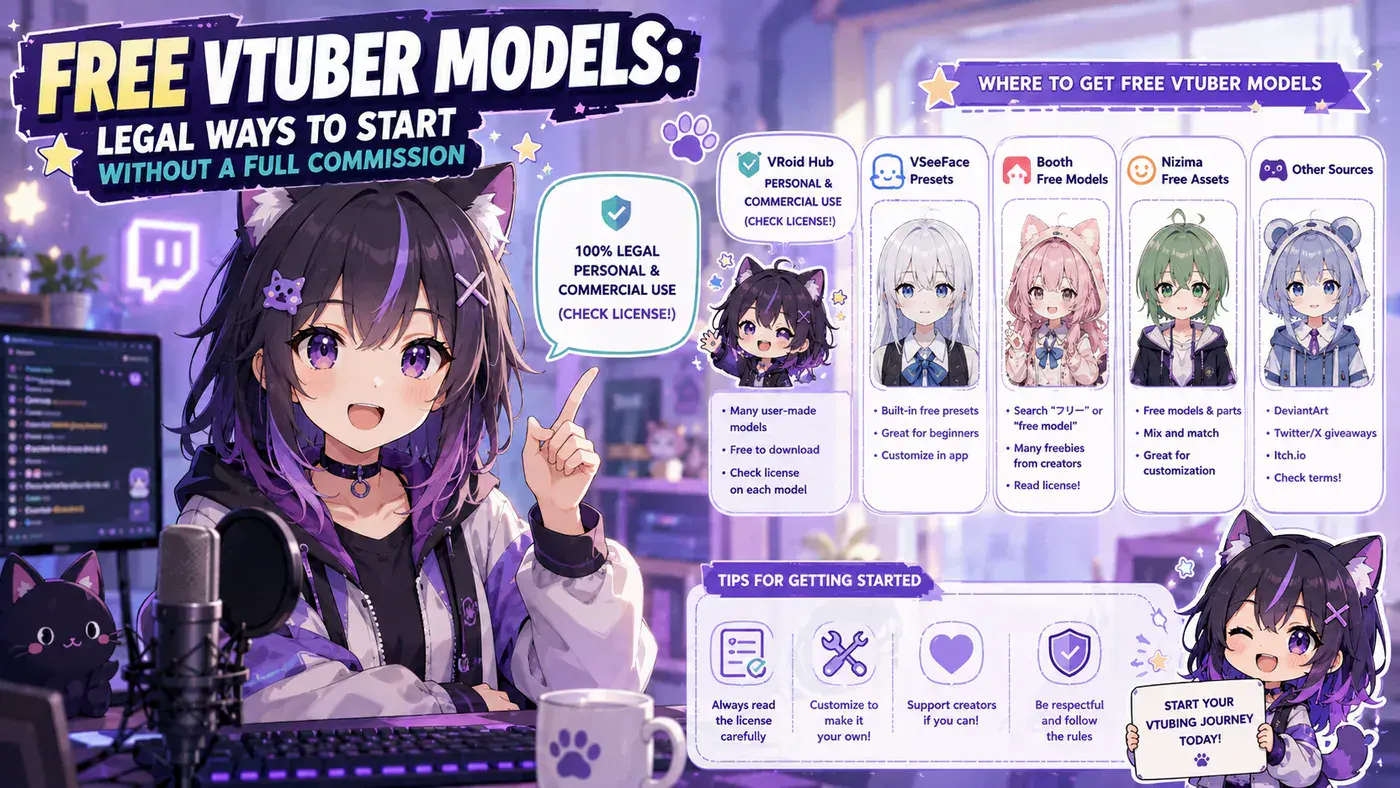
Cheap asset ideas and license pitfalls: free VTuber models. Overlay layout: VTuber overlays.
Licenses and monetization
A free PNG from a random Discord is not automatically stream-safe. Before tips, ads, or merch:
- Know whether use is personal only or commercial / monetized OK
- Keep credit text if the author requires it
- Do not use agency talent likenesses as “free PNGTubers”
- If you commission, get commercial streaming rights in writing
PNGTuber is cheap; copyright mistakes are not.
When to outgrow PNGTuber
Upgrade toward Live2D or 3D when:
- You stream on a schedule and chat already knows you
- You want tracked head motion, blinks, and physics
- Collabs or agency tryouts expect a rigged model
- Redrawing every new expression is slower than commissioning a rig
Next steps often look like: premade / free Live2D or VRM paths → VTube Studio or VSeeFace → optional custom rig via the rigging guide. Stay PNG until the show is real; the format did its job if it got you live.
Common mistakes
- Too many frames on day one — ship two, add expressions after stream three.
- Mic threshold too sensitive — constant mouth flap looks broken.
- Inconsistent canvas — frames jump; re-export aligned.
- Waiting for perfect art — a clear silhouette beats a delayed masterpiece.
- Skipping OBS practice — first live should not be the first time you hear your own mic delay.
Related reading
Bottom line
PNGTuber means streaming with toggled PNG layers—fast, cheap, and fully legitimate as Virtual YouTubing. Draw or commission a short sheet, wire mouth + a few hotkeys, composite in OBS (or BeTuber), and debut. Move to Live2D or 3D when the schedule and audience already exist—not before you have proven you like being live.