
Skip to content

Live2D Cubism

Industry-standard software for rigging 2D VTuber art

Download Live2D Cubism

Updated October 23, 2026

Live2D Cubism — Industry-standard software for rigging 2D VTuber art

What is Live2D Cubism?

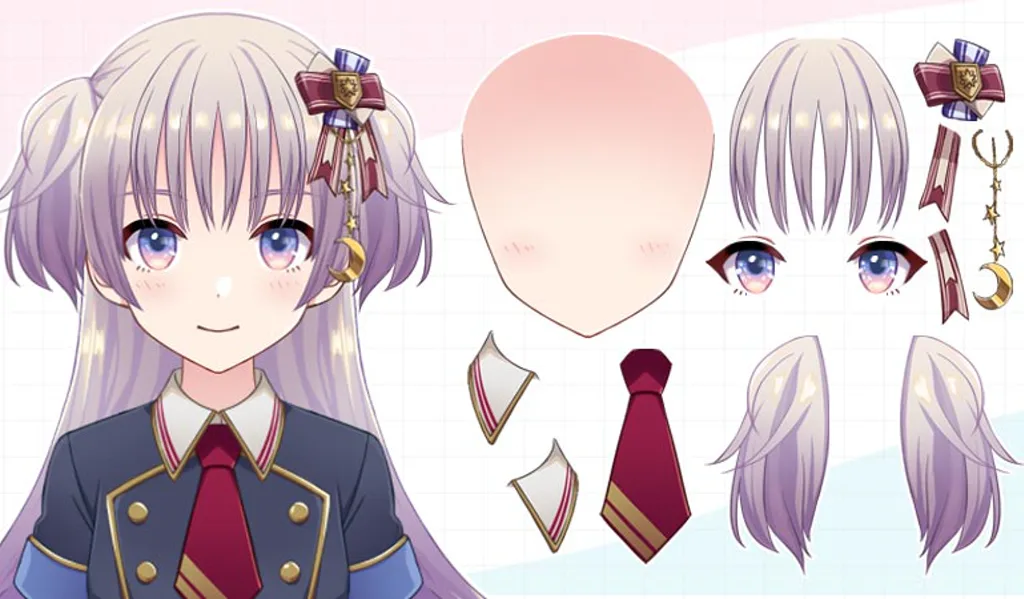
Live2D Cubism is the professional authoring toolchain for 2D VTuber art. Illustrators split characters into layers; riggers bind meshes, physics, and parameters in Cubism Editor, then export a puppet that trackers such as VTube Studio can load.

Cubism is not what viewers see on stream—it is what artists and riggers use before the first live test.

Authoring vs performance

Think of Cubism as the shop and VTube Studio as the stage. Performers with store-bought Live2D often never open Cubism. You need Cubism when you commission custom art, edit an existing rig, or build models as a career skill.

Outputs trackers expect

Exports land as .model3.json projects with texture folders. Those bundles import into VTube Studio for face tracking. Cubism does not produce VRM 3D avatars—that pipeline lives in VRoid and 3D trackers instead.

Who Cubism is for

Cubism fits artists, riggers, and studios producing Live2D at scale. It is optional for streamers who only purchase finished models with streaming rights.

How to use Live2D Cubism

  1. Download Cubism Editor from Live2D’s official site (see Download Live2D Cubism below).
  2. Import layered art from your illustrator—or draw inside the toolchain if you wear both hats.
  3. Rig deformers and parameters, test motion in the editor, then export for VTube Studio.
  4. Hand the export to the performer with clear license terms for streaming and monetization.

Alternatives to Cubism

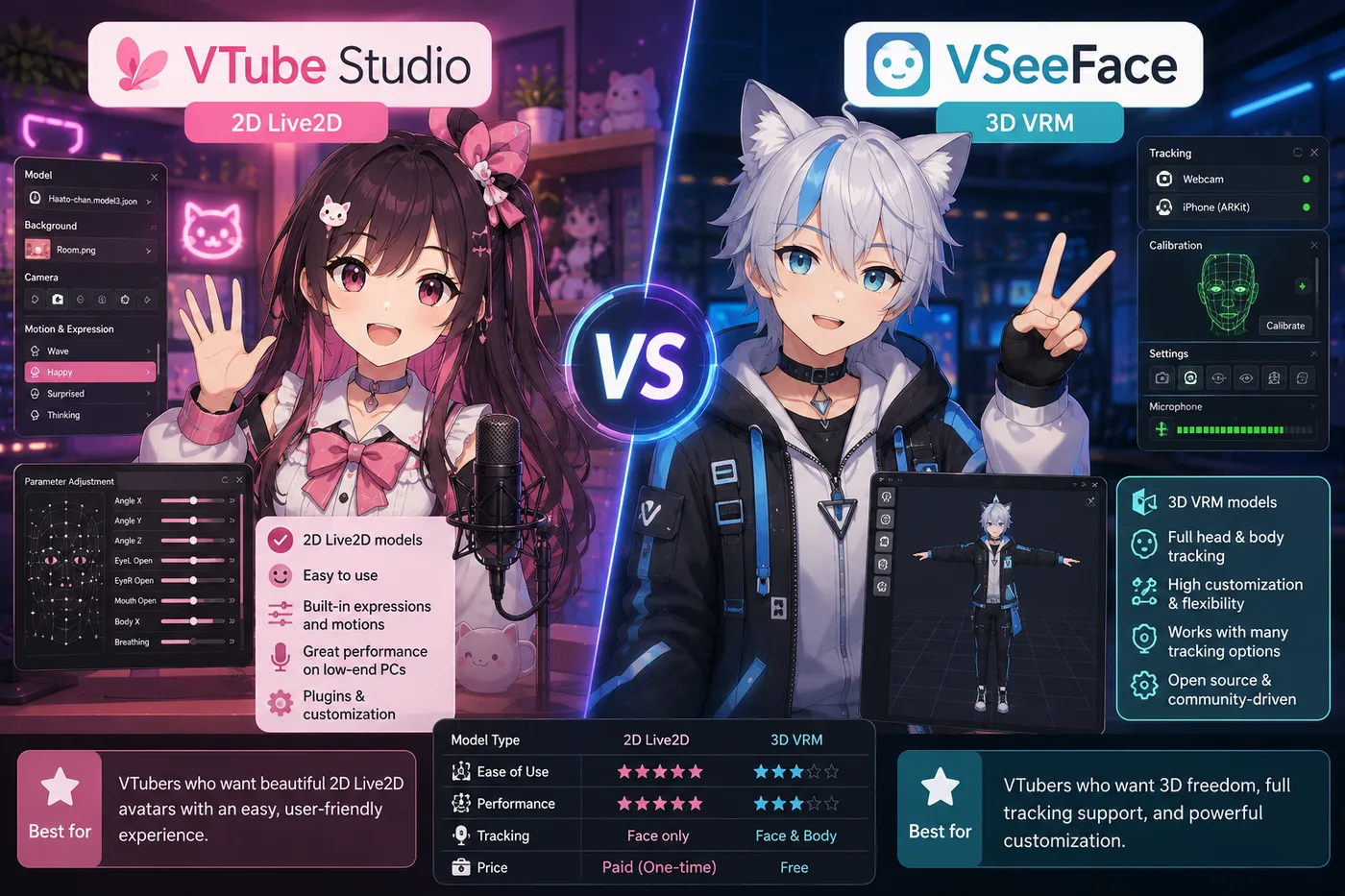
Keep Live2D Cubism when you are authoring or rigging custom 2D art. When you only stream with finished Live2D or want 3D instead—these are the paths BeTuber compares most.

BeTuber

Top pick: All-in-one studio.

BeTuber — modern VTuber app

Model, scenes, tracking, and go-live in one place. VRM and Live2D in one stack. Free to start; grow when one app isn’t enough. Create VTuber model in BeTuber.

Live2D Cubism and VTubers

The VTuber audience rarely sees Cubism named on stream, but almost every custom Live2D talent passed through it—or through a rigger who did. Premade debuts skip this layer entirely and jump straight to VTube Studio plus OBS.

When 2D authoring feels heavier than your timeline, compare 3D VRM or all-in-one studio paths in the alternatives section above.

Download Live2D Cubism

Use only live2d.com and official download flows. Review free versus Pro licensing before commercial work or monetized streams featuring custom rigs. Cubism does not include a webcam tracker—you still need VTube Studio (or another Live2D runtime) and OBS to perform live.

Live2D Cubism compare guides

Format guides when your pipeline is 2D Live2D versus 3D VRM debuts.

BeTuber VTuber character in an idle full-body hologram pose

Be the next virtual youtuber star

Be the next virtual youtuber star, be the next vtuber.

Frequently asked questions

Is Live2D Cubism the same as VTube Studio?
No. Cubism authors and rigs 2D art; VTube Studio tracks a finished Live2D model on stream.
Do I need Cubism to debut as a VTuber?
Only if you are making or deeply editing custom Live2D art. Premade and commissioned models skip Cubism for performers.
What file does VTube Studio need from Cubism?
A Cubism export bundle—commonly `.model3.json` with textures—that VTube Studio imports as a Live2D puppet.
Can Cubism stream to Twitch by itself?
No. You export from Cubism, then track in VTube Studio (or another Live2D runtime) and broadcast through OBS.