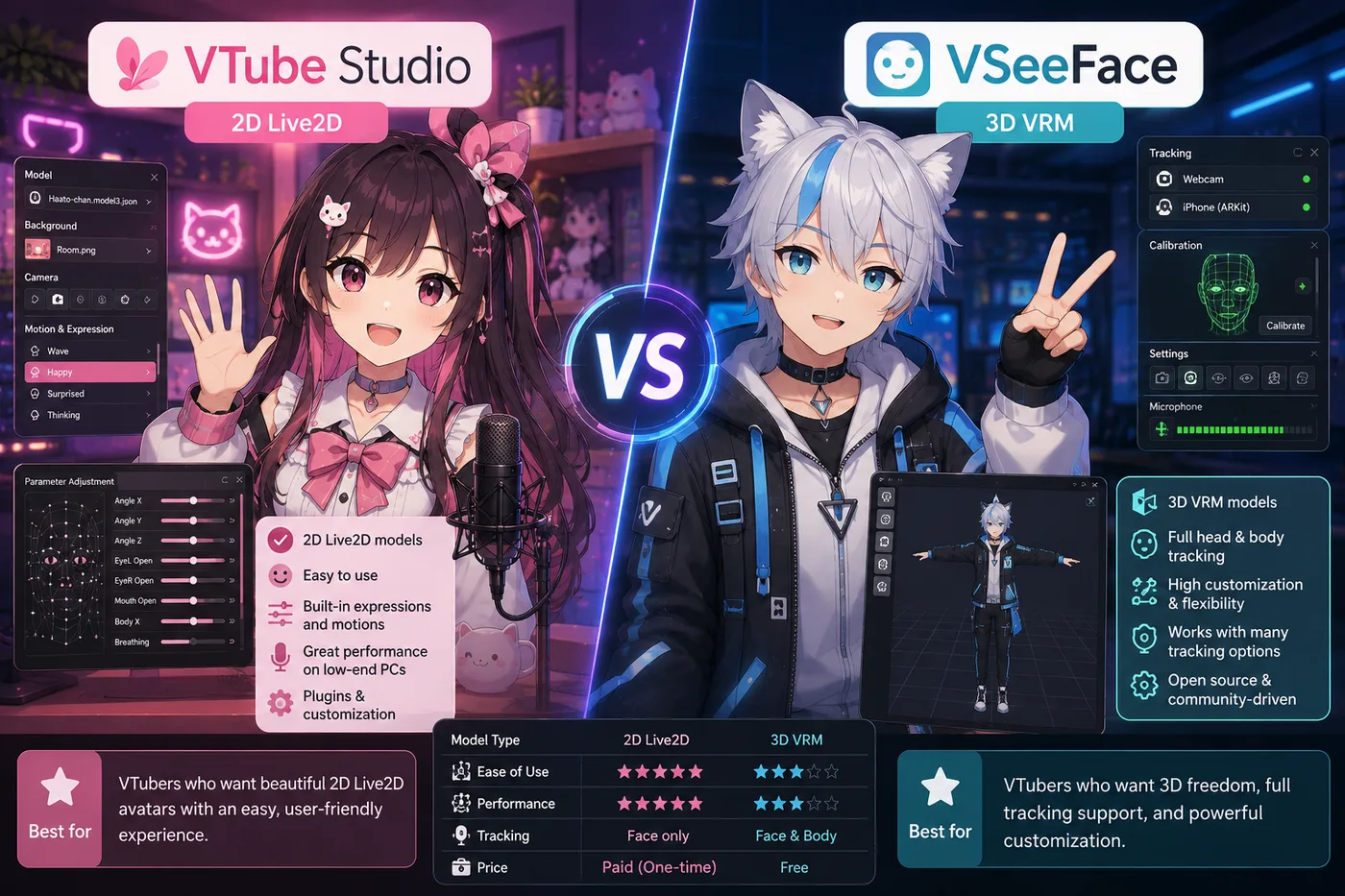
VTube Studio vs VSeeFace is the question beginners ask before they have a model—which is backwards. In 2026 the answer is still mechanical: Live2D commissions use VTube Studio; VRM exports use VSeeFace. BeTuber is the third path when you want both formats and streaming in one studio without assembling OBS first.
Verdict (2026): Open your model folder. If you see .model3.json and Live2D textures, use VTube Studio. If you see a single .vrm, use VSeeFace. Add OBS Studio on PC for the classic indie pipeline, or pick BeTuber / PRISM when you want fewer windows.
At a glance
| VTube Studio | VSeeFace | BeTuber | |
|---|---|---|---|
| Primary format | Live2D Cubism | VRM 3D | Live2D and VRM |
| Typical look | Layered 2D facecam | 3D anime avatar | 2D or 3D in one studio |
| Platform (2026) | Windows, macOS, iOS companion for tracking | Windows (community standard for free VRM) | Browser studio |
| Software cost | Free tier + optional Pro | Free | Free to start |
| Broadcast | Usually OBS or similar capture | Usually OBS window capture | Built-in go-live path |
| Best first buyer | You already paid for Live2D art | You exported VRoid or bought a VRM | You have not committed to a file type yet |
Why “which app is better” is the wrong question
VTube Studio and VSeeFace are both face trackers. Neither replaces OBS for a full production stack on PC—they animate the avatar. OBS (or another encoder) mixes gameplay, alerts, audio, and the avatar layer.
They are not interchangeable because the runtime reads different assets:
- VTube Studio expects a Live2D rig your artist exported for streaming.
- VSeeFace expects a VRM—common from VRoid Studio, Blender pipelines, or 3D commissions.
Picking VSeeFace because a friend uses it, while your commission is Live2D, is the most common wasted afternoon in VTuber setup forums.
VTube Studio in a 2026 workflow
Choose VTube Studio when:
- Your model documentation mentions VTube Studio, Live2D, or
.model3.json. - You want hotkeys for expressions, toggles, and the “classic” 2D indie look.
- You plan a desktop stream with OBS scenes, noise gates, and alert overlays.
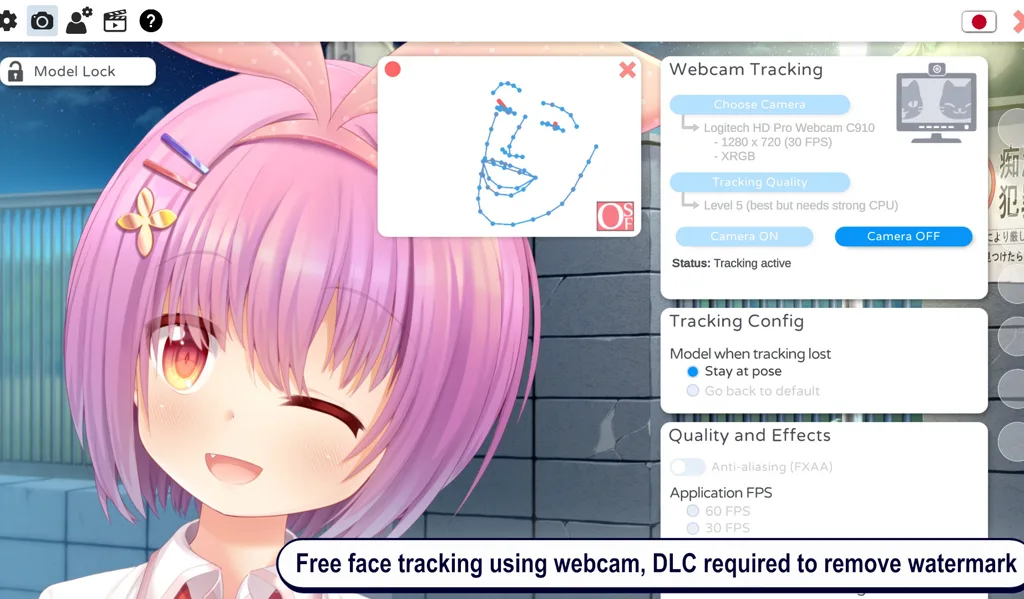
Reality check: VTube Studio does not paint the character—it drives a rig built in Live2D Cubism or by your rigger. Phone tracking via the VTube Studio mobile app is still a common upgrade path when webcam quality is the bottleneck.
Typical chain: Face (webcam or phone) → VTube Studio → transparent or game-capture window → OBS → Twitch / YouTube.
VSeeFace in a 2026 workflow
Choose VSeeFace when:
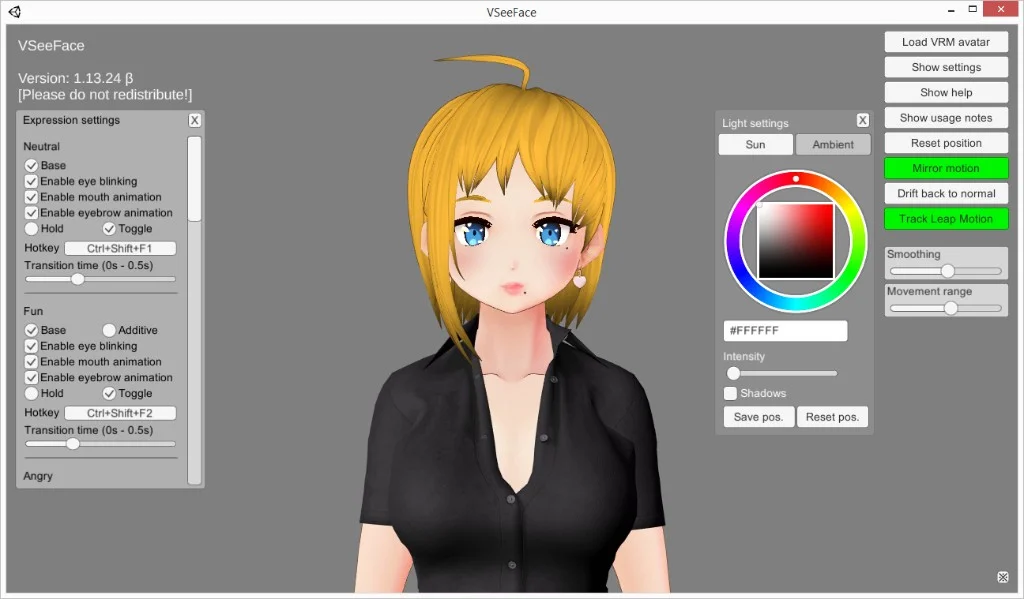
- Your avatar is VRM and you want the default free 3D tracker indies recommend.
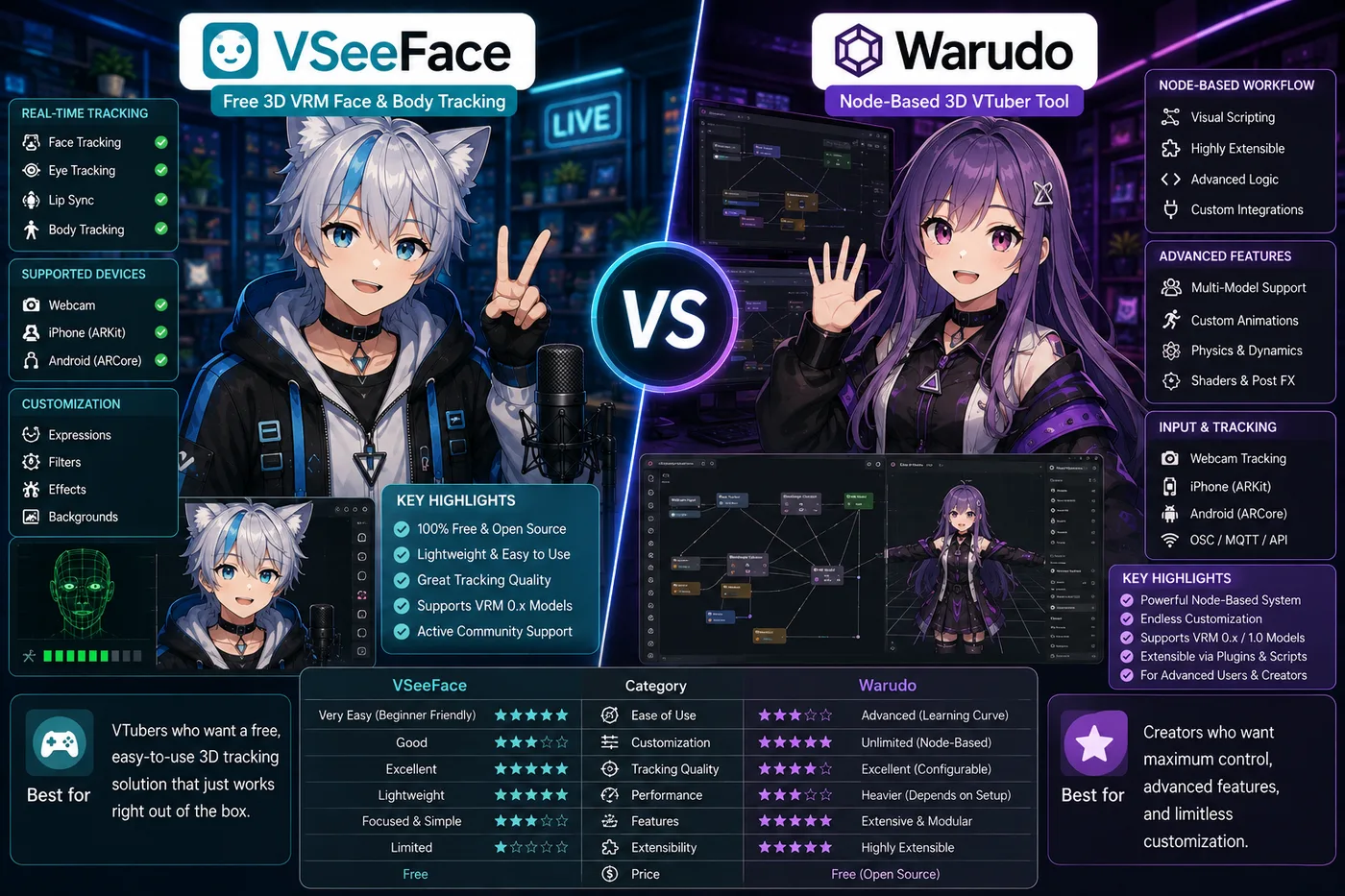
- You are testing 3D before paying for Warudo or a packaged suite.
- You like head rotation and “room” framing that 3D enables.
Reality check: VSeeFace will not load Live2D folders. If your commission is 2D, stop here and use VTube Studio.
Typical chain: Webcam → VSeeFace → OBS → platform. Many creators stay on VSeeFace for months before upgrading to node-based tools.
Where BeTuber fits (third column)
VTube Studio and VSeeFace are specialist trackers. BeTuber targets the step before that stack exists: you need a character, tracking practice, a scene, and a first live—not three installs and a capture tutorial.
Pick BeTuber when:
- You have not bought Live2D vs VRM yet and do not want to bet wrong.
- You want Live2D and VRM experiments in one place.
- Your goal is a first stream this month, not a perfect OBS layout.
Skip BeTuber (for now) when:
- You already invested in a rigger-tested VTube Studio pipeline or a custom VRM workflow you love.
- You need PC-only plugins, dual-PC, or broadcast features only OBS ecosystems provide.
OBS vs these trackers (a different layer)
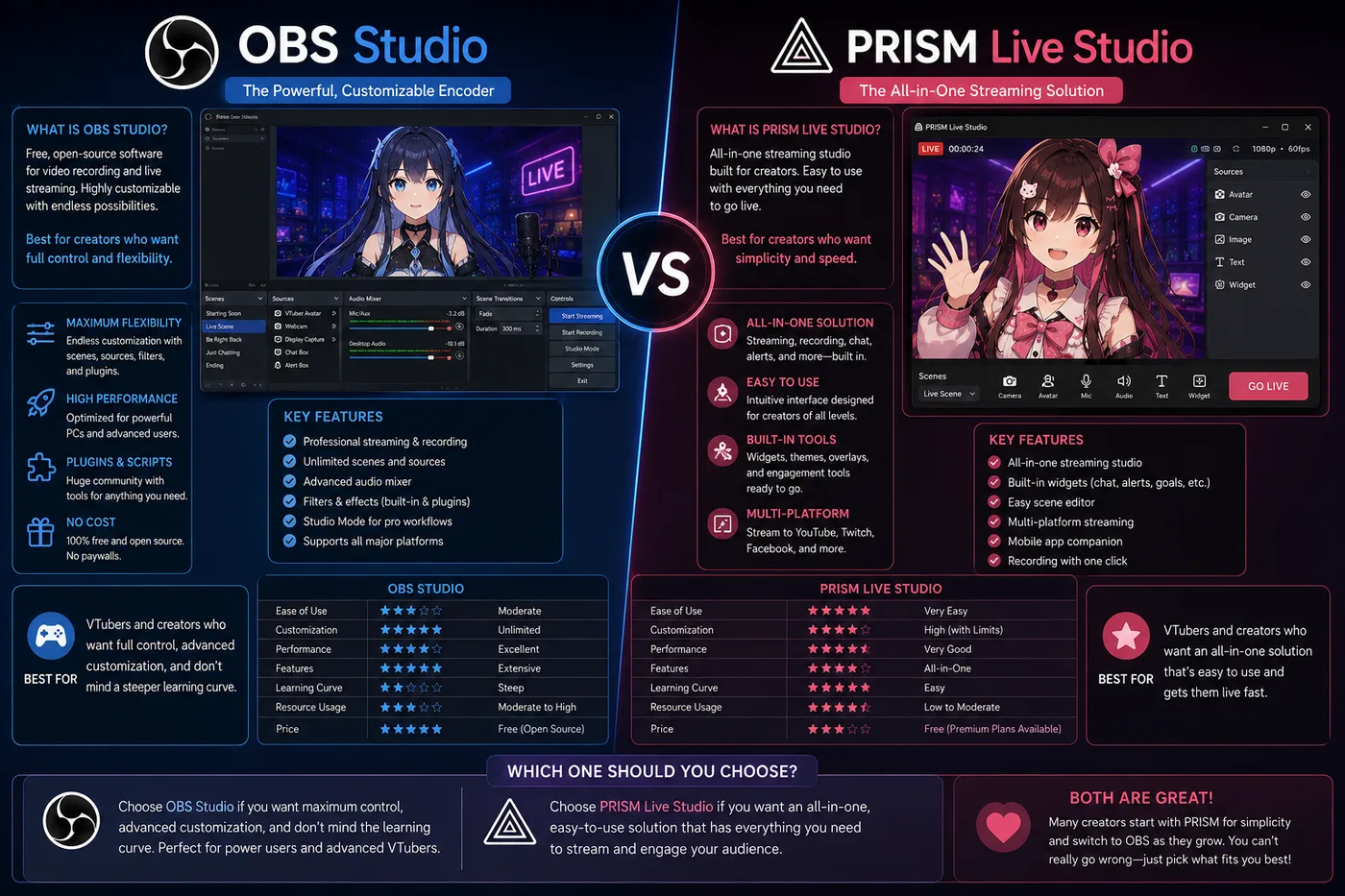
Searches like OBS vs VTube Studio mix layers. OBS never loads your .model3.json or .vrm. Trackers never replace a full encoder for complex shows. Standard indie order remains tracker → encoder → platform.
Common mistakes in 2026
- Choosing software before art — format follows the commission, not the other way around.
- Expecting VSeeFace to “try” Live2D — it will not; use a Live2D runtime.
- Skipping audio — viewers forgive janky tracking before bad mic noise; fix audio in OBS or your studio’s chain early.
- Buying Pro / Steam suites before debut — prove one stream with free tiers first.
Upgrade paths after you commit
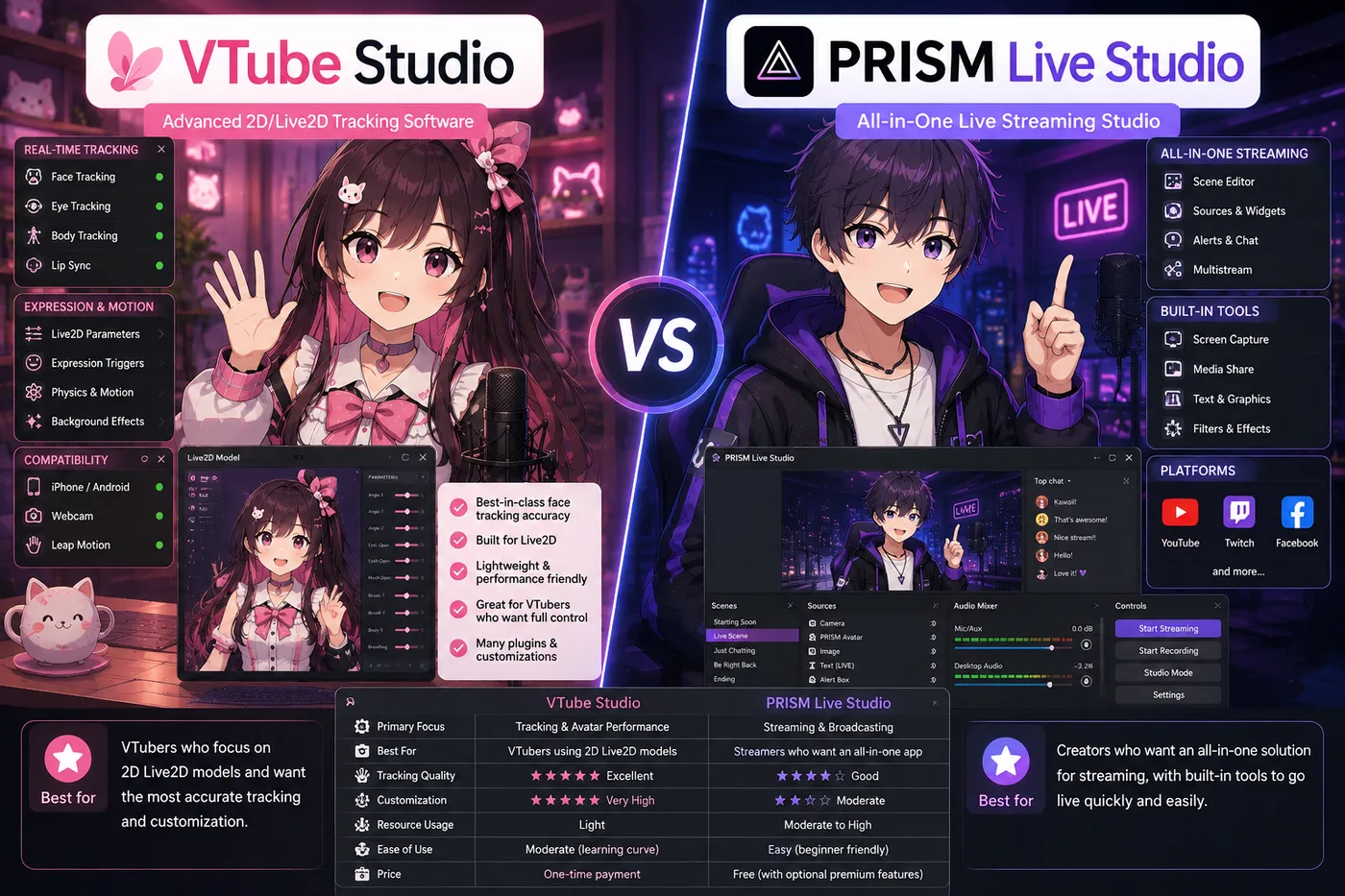
- Live2D track: Stay on VTS or evaluate mobile-first PRISM vs desktop OBS; compare VTube Studio vs PRISM Live Studio vs BeTuber when broadcast simplicity matters more than hotkeys.
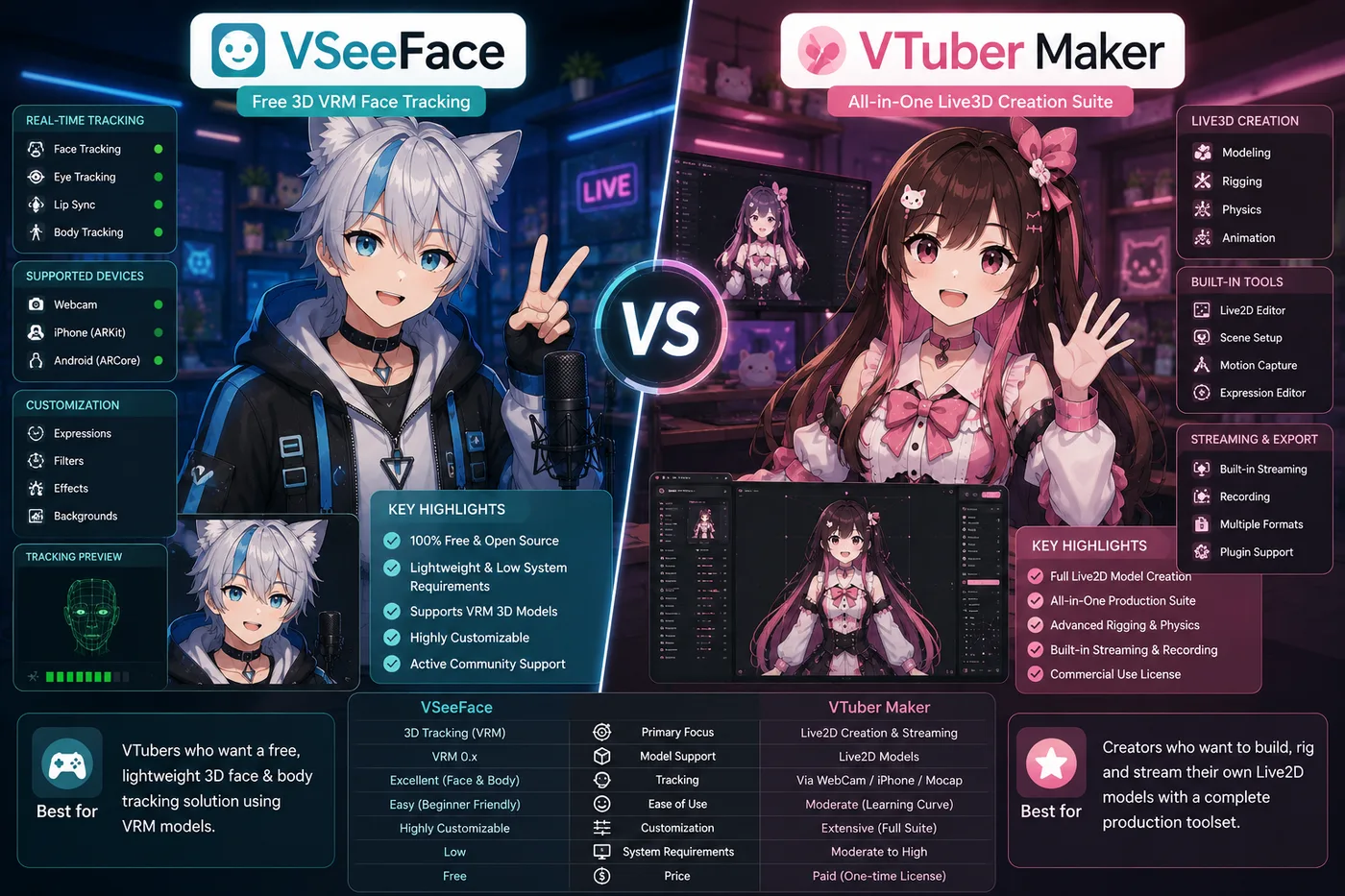
- VRM track: Outgrow VSeeFace with Warudo for props and nodes, or VTuber Maker for a packaged kit—or BeTuber if you want one studio instead of another download.
Quick decision checklist
- Identify file type: Live2D folder or
.vrm. - Install the matching tracker (VTS or VSeeFace) or open BeTuber if format is undecided.
- Run a 10-minute mic and lighting test before tuning physics.
- Add OBS (or use built-in go-live) and stream once before buying extras.