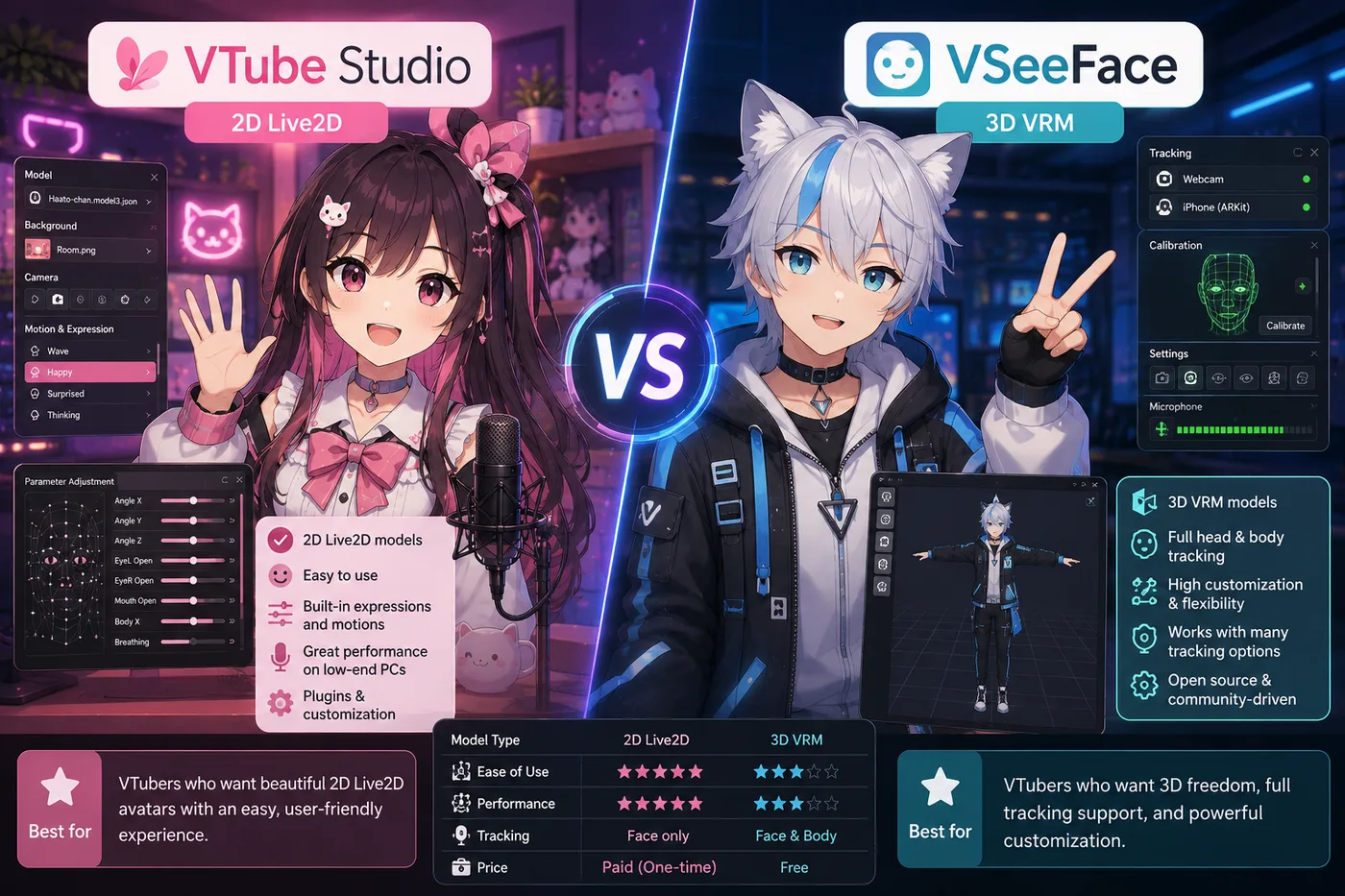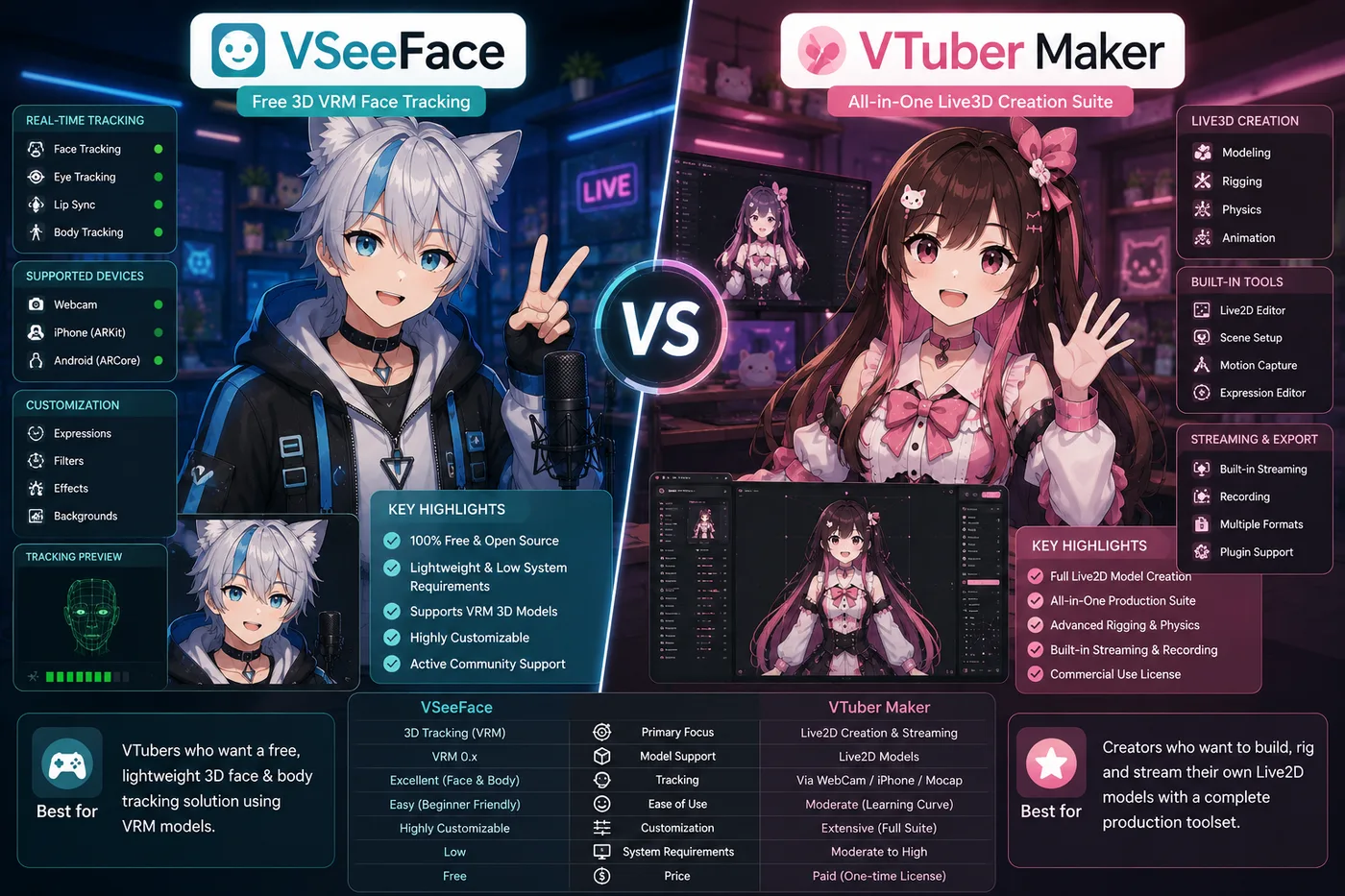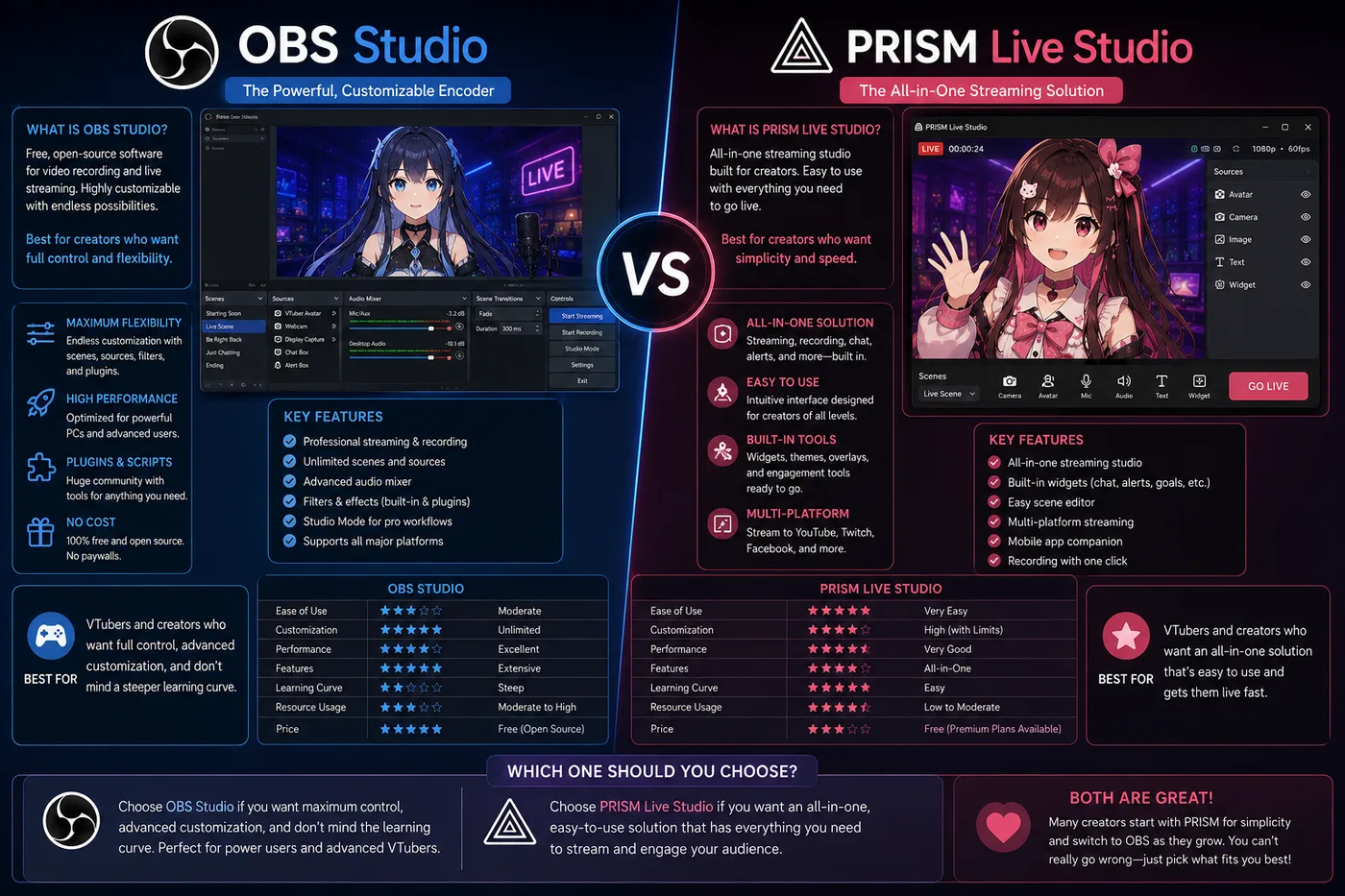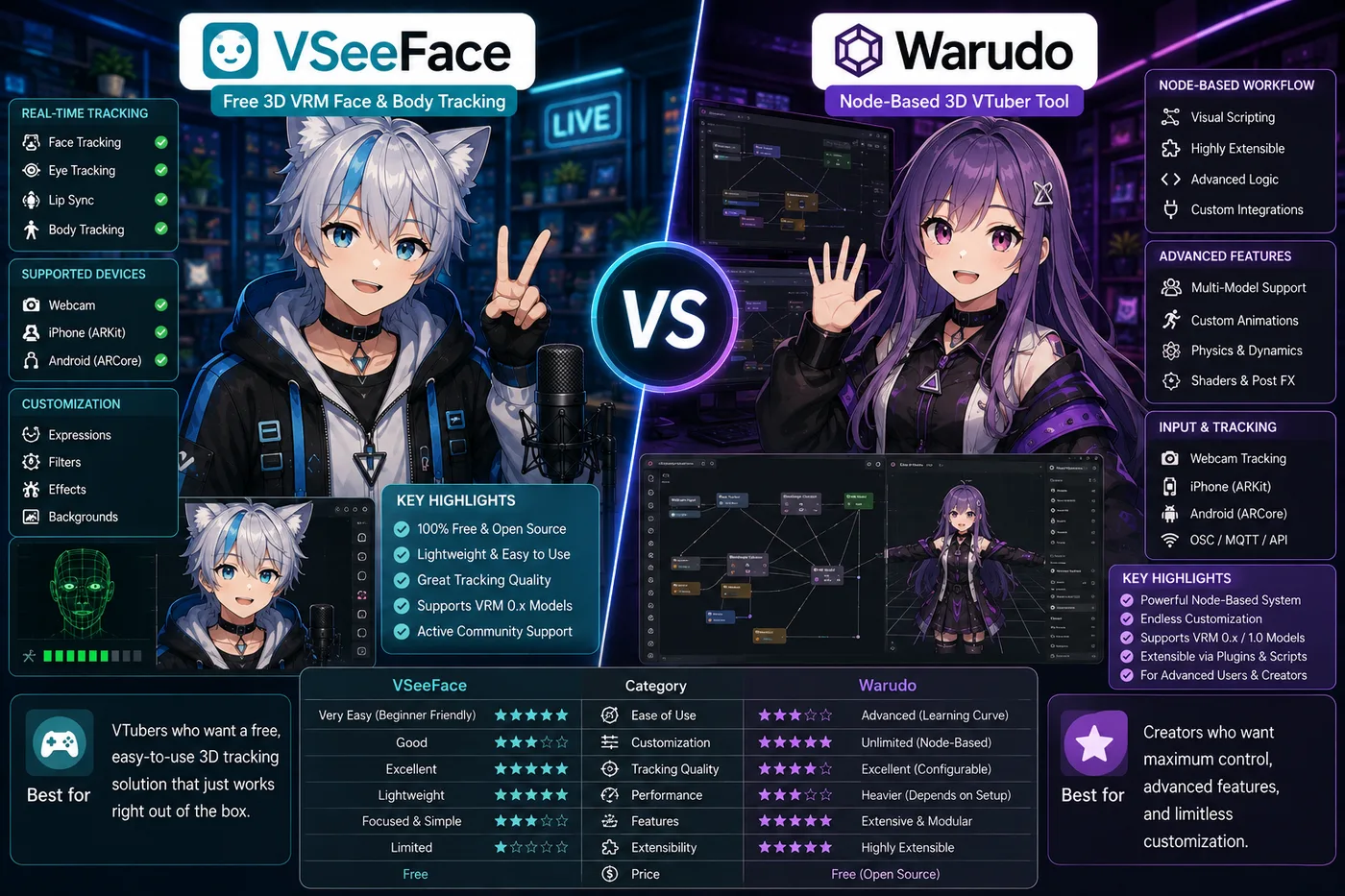
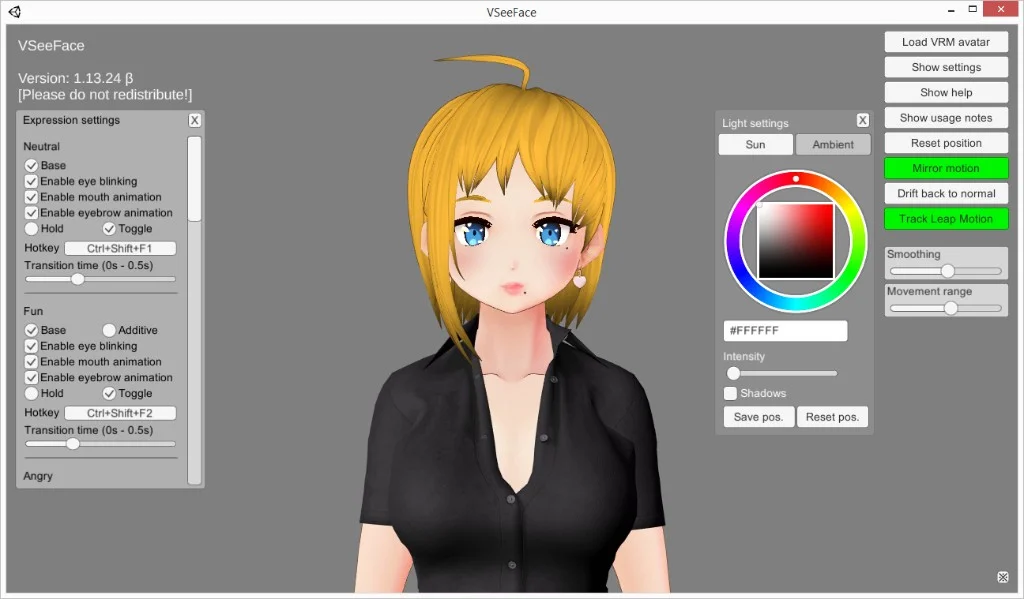
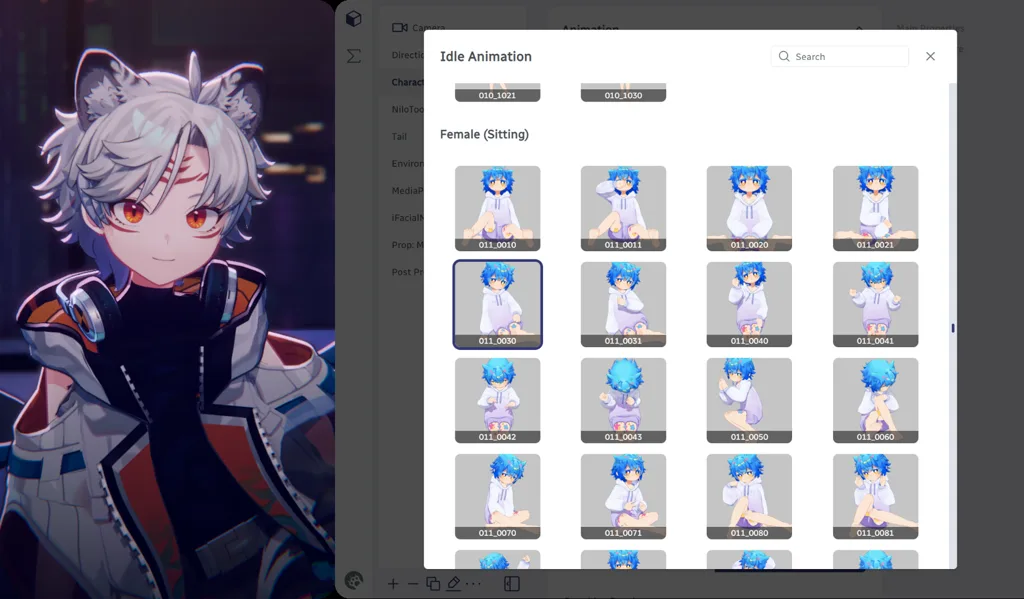
VSeeFace vs Warudo is a fair fight: both are Windows-friendly 3D trackers built around VRM. VSeeFace is the free baseline the community still recommends for first streams. Warudo is the upgrade when your show needs props, logic, and node-based control—not when you are still learning lip sync.
Verdict (2026): Debut on VSeeFace unless you already know you need reactive props on week one. Trial Warudo when simple window capture feels limiting. Choose BeTuber if nodes and OBS homework are not the problem you are solving—you need a full debut path in one product.
At a glance
| VSeeFace | Warudo | BeTuber | |
|---|---|---|---|
| Price | Free | Free core; paid Pro on Steam | Free to start |
| Model focus | VRM | VRM + Live2D support | Live2D and VRM in one studio |
| Learning curve | Low | Medium–high (node graph) | Low (guided studio) |
| Strength | Reliable free tracking | Show control, props, logic | Character + scenes + go-live |
| OBS | Typical | Typical | Optional |
| Best for | First 3D debut, chat streams | Tech-forward shows, reactive bits | Skipping the tracker upgrade ladder |
VSeeFace when it is enough
Pick VSeeFace if you:
- Exported VRoid (or bought a VRM) and want to go live this week.
- Stream talking head plus gameplay without AR-style props.
- Want zero software subscription before the channel proves itself.
2026 reality: VSeeFace remains the honest default in forums and rigging Discord servers. It is not “ outdated”—it is the right tool until complexity demands more.
Workflow: Webcam → VSeeFace → OBS capture → stream. Tune tracking once, then focus on content and audio.
Warudo when the upgrade is real
Pick Warudo if you:
- Need throwable props, multi-step reactions, or motion you cannot script in VSeeFace alone.
- Already comfortable with OBS and want the avatar layer to be programmable.
- Outgrew VSeeFace but refuse a Unity/Unreal production pipeline.
2026 reality: Warudo’s node graph rewards planners. If your pain is “I don’t have a model yet,” Warudo is not the fix—asset and tracking basics come first.
Migration tip: Keep your VSeeFace project stable for backup streams while you rebuild one Warudo scene—not your entire show at once.
BeTuber as the third option
VSeeFace and Warudo assume you already have a VRM pipeline and an encoder mindset. BeTuber targets creators who want character creation, tracking practice, scenes, and go-live without graduating through free tracker → node graph → OBS plugins.
Pick BeTuber when:
- Props and nodes are more software than your first month needs.
- You want Live2D or VRM without picking a Windows tracker first.
- You would rather stream once than compare capture settings across three apps.
Stay on VSeeFace/Warudo when:
- You run a mature OBS show with third-party plugins Warudo/VSeeFace integrate with.
- Your community and model docs already standardize on a local tracker window.
Not a Live2D comparison
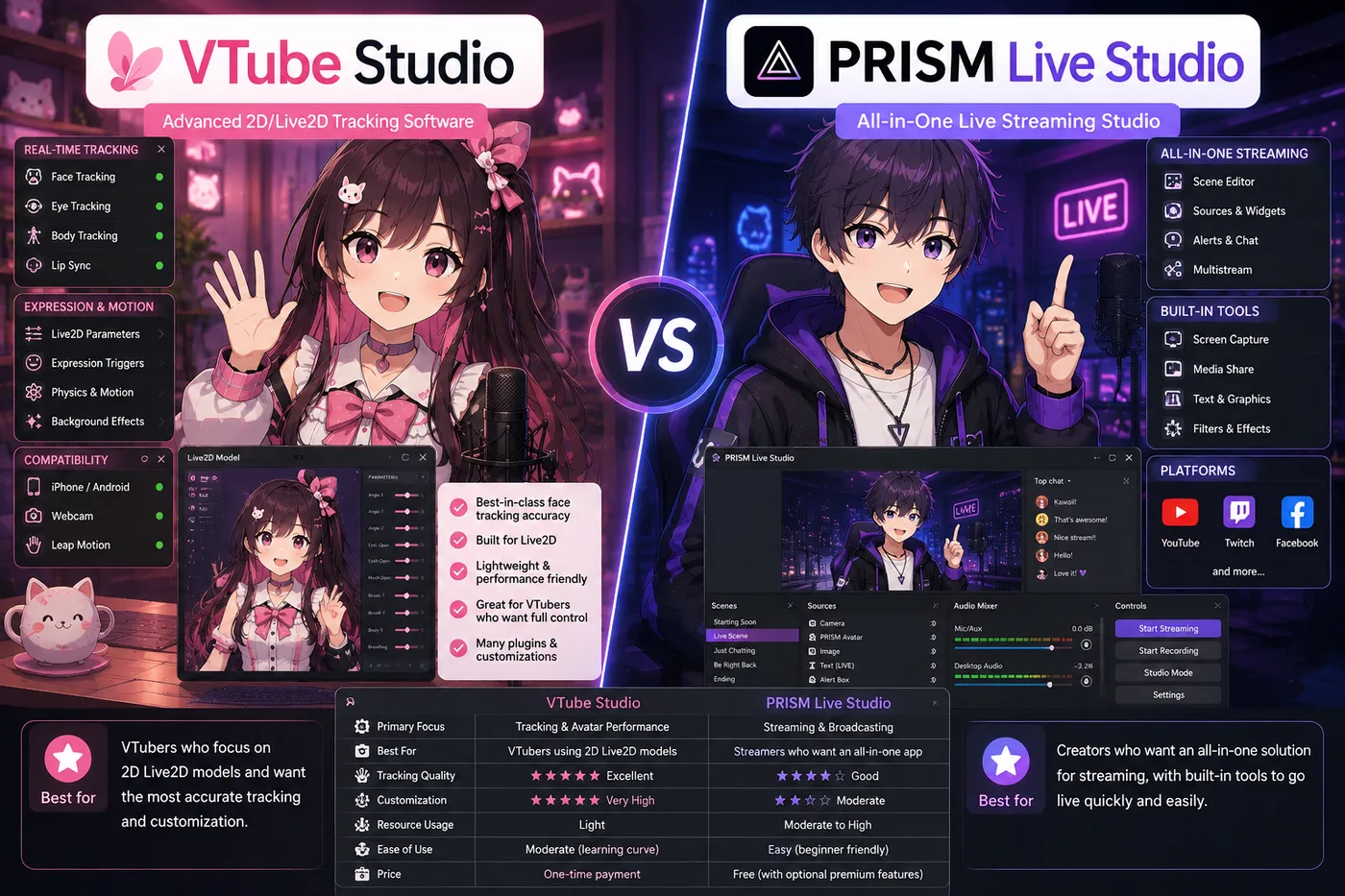
Neither VSeeFace nor Warudo replaces VTube Studio for Live2D commissions. If your artist delivered .model3.json, read the VTube Studio vs VSeeFace vs BeTuber guide instead—this page is 3D-only.
Suggested install order (2026)
- VSeeFace + OBS + mic test (one successful short stream).
- Fix audio and lighting before buying Steam Pro anywhere.
- Open Warudo only when you can describe one scene VSeeFace cannot do.
- Consider BeTuber if step 1 felt like too many apps for a first timer.
Common mistakes
- Jumping to Warudo for “better graphics” — tracking quality comes from cam, light, and model rig, not nodes on day one.
- Ignoring VRM license terms — commercial use depends on the model, not the tracker.
- Dual-tracking two apps live — pick one capture source per stream unless you know virtual cam routing cold.