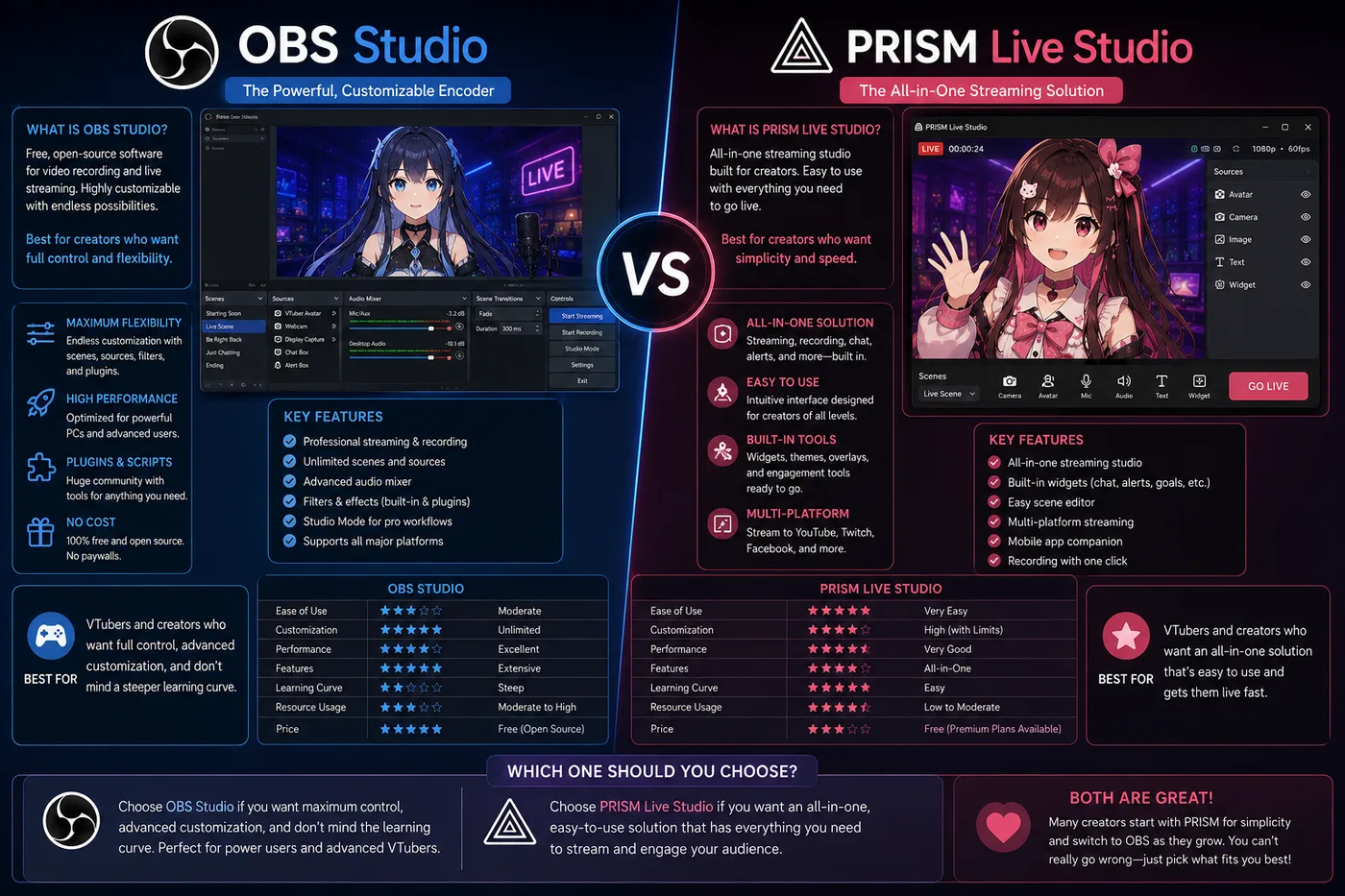
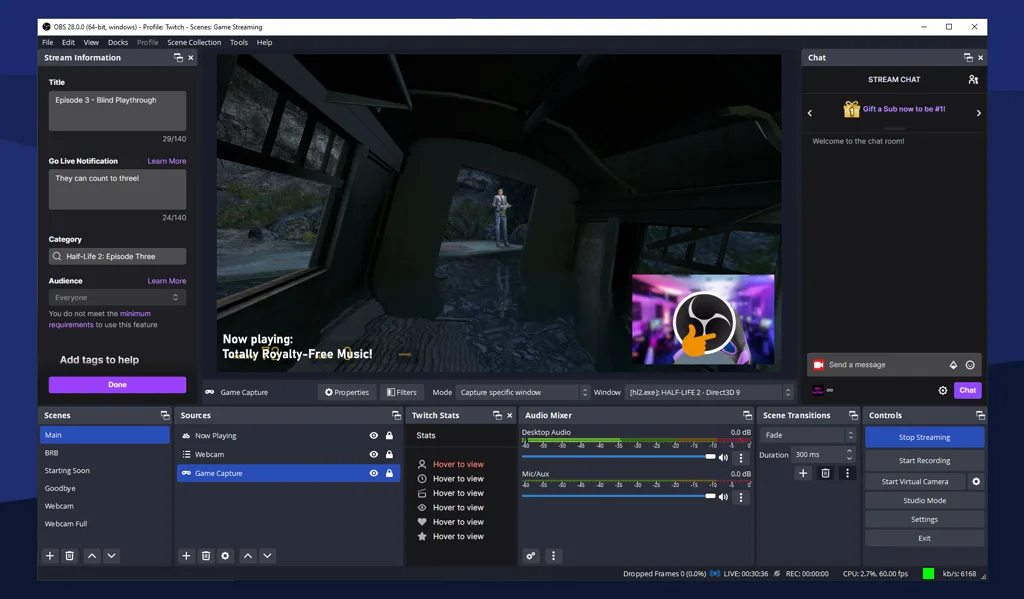
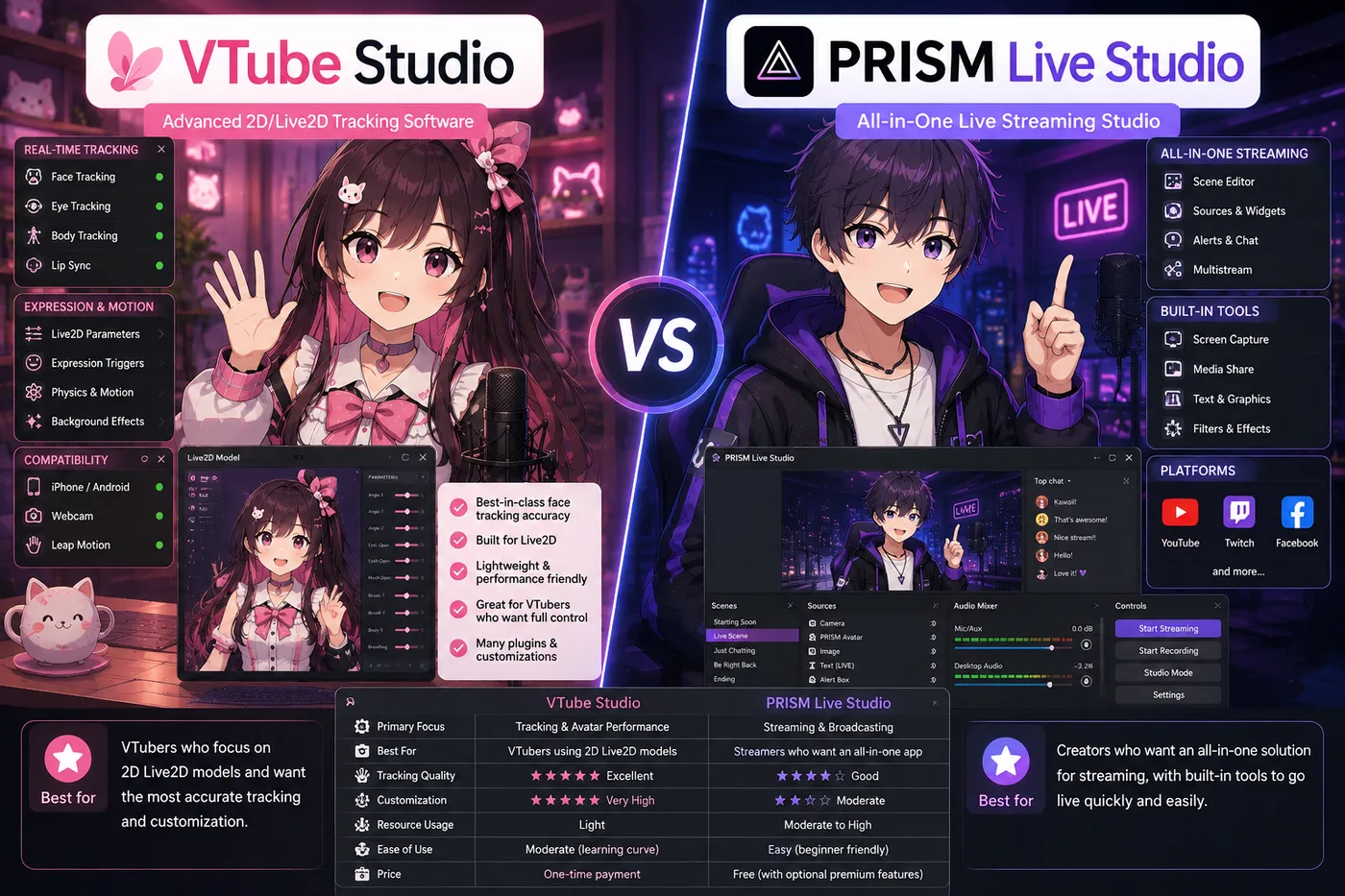
OBS vs PRISM Live Studio is a broadcast-layer comparison. It is not VTube Studio vs VSeeFace. OBS Studio is the open-source encoder most PC tutorials assume. PRISM Live Studio bundles mobile-friendly streaming with optional avatar features for creators who want fewer windows.
Verdict (2026): Build on OBS if you want maximum layout control and plugin ecosystems on desktop. Choose PRISM if mobile go-live and simplicity beat scene complexity. Choose BeTuber if you still need the avatar and first stream, not a better encoder argument.
At a glance
| OBS Studio | PRISM Live Studio | BeTuber | |
|---|---|---|---|
| Role | Encoder / scene mixer | Encoder + optional tracking | Studio: model, tracking, scenes, live |
| Price | Free, open source | Free tier; paid features vary | Free to start |
| Strength | Plugins, audio, layouts | Fast mobile streaming | Debut without encoder homework |
| Typical VTuber flow | Tracker window → OBS → platform | PRISM-centric or hybrid | Studio → platform |
OBS Studio in 2026
Choose OBS when:
- You run alert widgets, multiple scenes, noise gates, or dual-PC setups.
- Your tracker (VTS, VSeeFace, Warudo) outputs a window or virtual cam you already trust.
- You want every English VTuber tutorial to apply verbatim.
Reality: OBS does not move your model. Pair it with a tracker or a virtual cam from an all-in-one studio. OBS’s job is mixing and sending the show.
Pain points: Learning curve, plugin maintenance, and audio routing—but that flexibility is why PC indies stay.
PRISM Live Studio in 2026
Choose PRISM when:
- Phone streaming is central and OBS feels heavy on your hardware.
- You want tracking and go-live closer together with fewer capture steps.
- You accept fewer customization options in exchange for speed.
Reality: PRISM is not “OBS but easier” for every show—complex VTuber productions still hit encoder limits. It shines for creators optimizing for time-to-live.
BeTuber as the third path
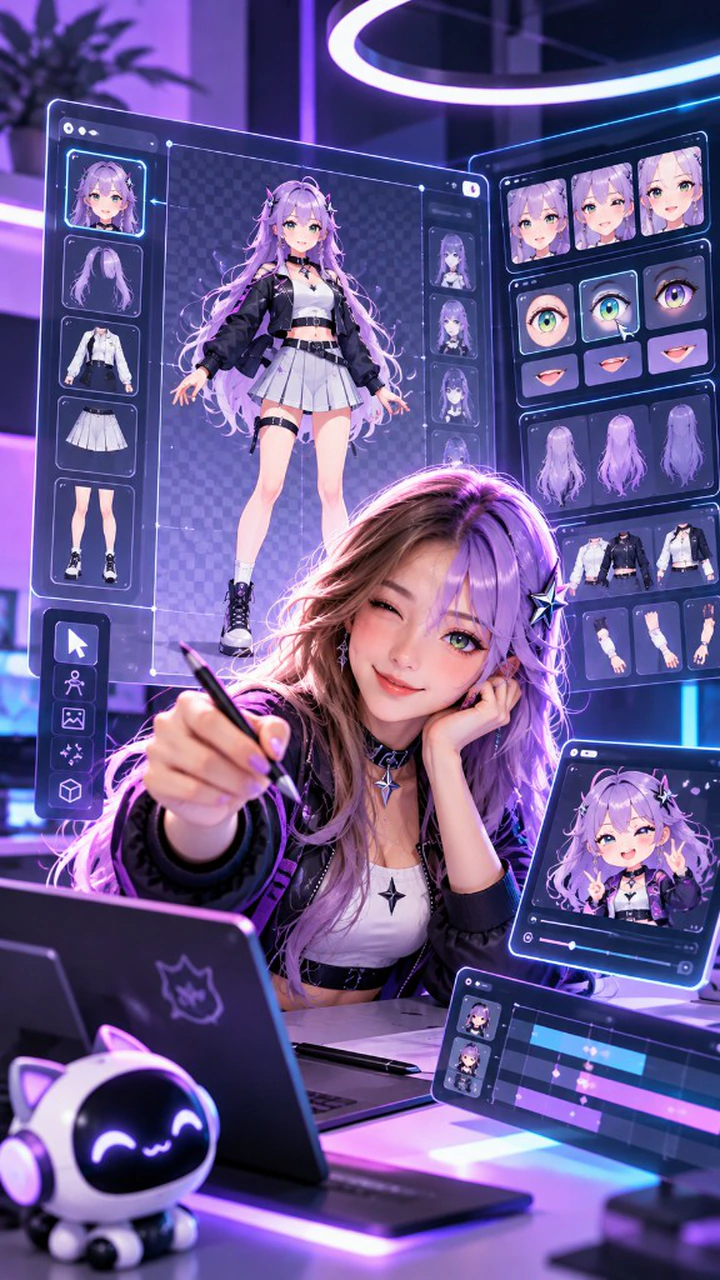
OBS vs PRISM debates assume you already have a capture chain. BeTuber targets earlier pain: no character, no practiced tracking, no scene, no first live.
Pick BeTuber when:
- Encoder choice is step four, not step one.
- You want Live2D or VRM inside one browser studio.
Pick OBS or PRISM when:
- You already stream with a tracker window you love and only need a better broadcast tool.
Layer mistakes (still common)
- OBS vs VTube Studio — you usually need both roles filled.
- OBS vs VSeeFace — same answer; VSeeFace tracks, OBS broadcasts.
- Buying hardware before software clarity — fix format (2D vs 3D) before capture cards.
Practical checklist
- Do you already have a tracker or studio output? If no → consider BeTuber first.
- Is your show mobile-first? Lean PRISM.
- Do you depend on OBS plugins alerts? Lean OBS.
- Run one 30-minute test stream before buying paid tiers anywhere.