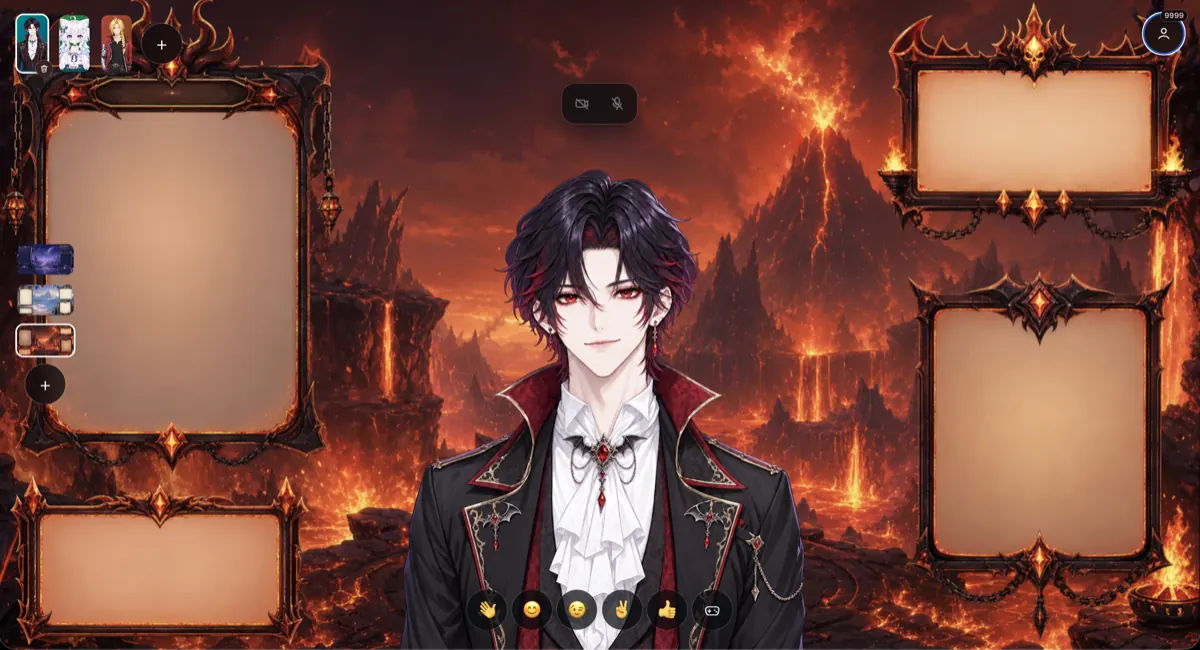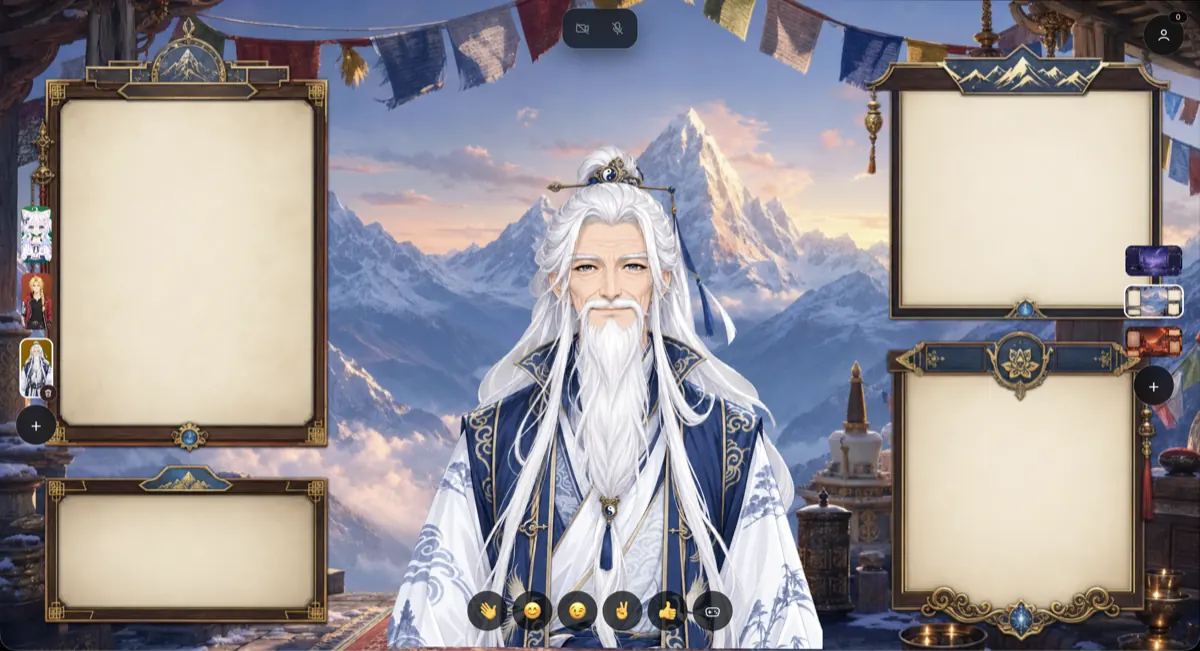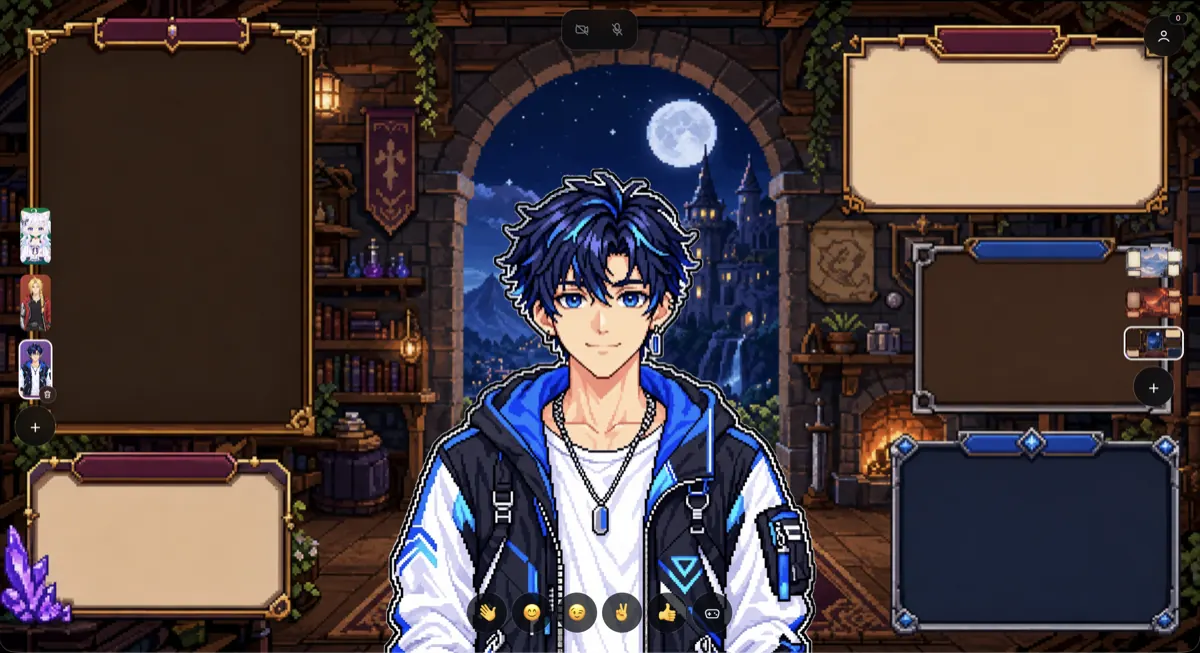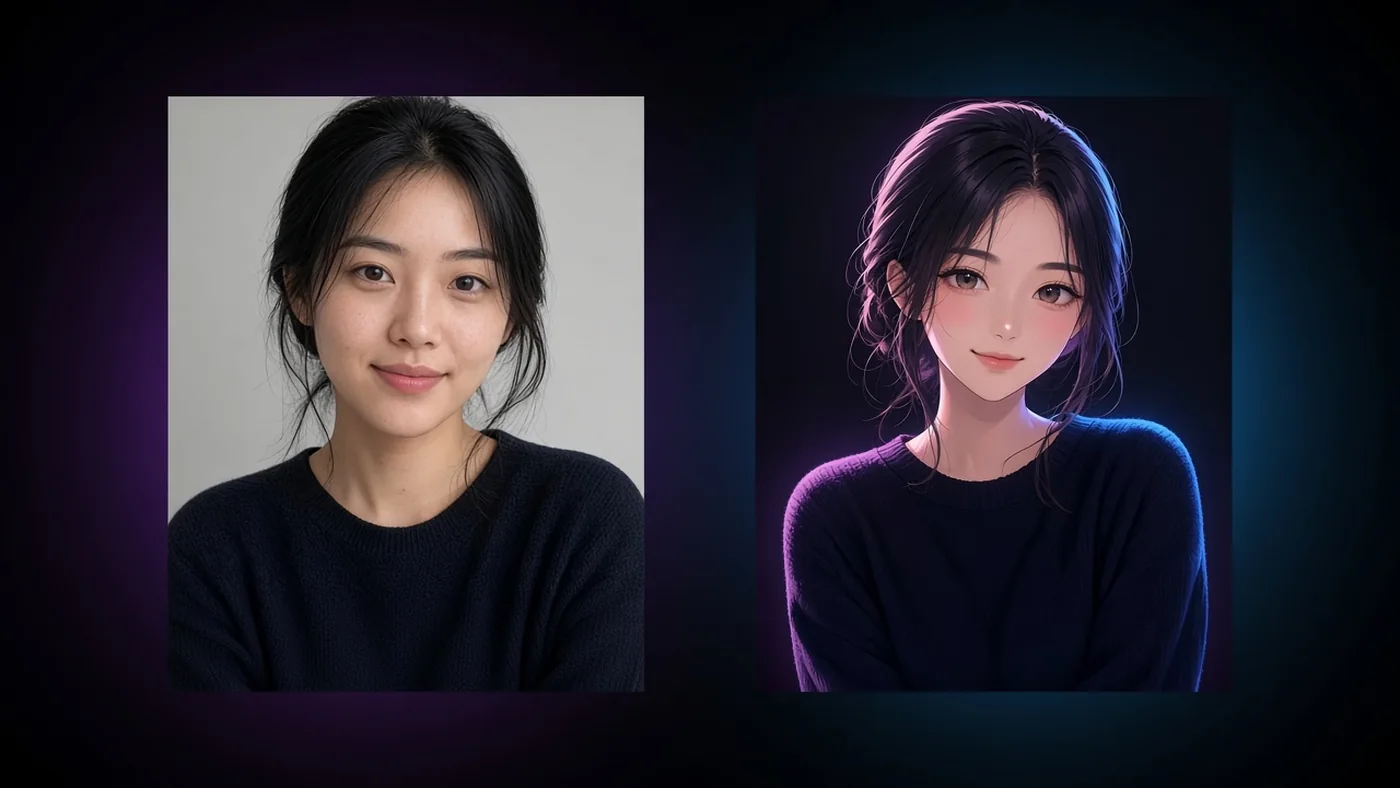
People search generate VTuber AI with my photo when they already have a face and zero patience for a blank prompt box. Fair. A real portrait carries hair color, silhouette hints, and an outfit you would actually wear on stream. BeTuber turns that still into an anime-style base avatar you can own inside the app—not a random Pinterest clone with no next step.
The live tool below is the same two-column experience as the homepage banner: your photo on the left, the generating VTuber on the right. Sign in when the frame opens, upload once, and claim your one free base image. Gestures and basics unlock with tokens when you are ready to perform.
Try it: photo → VTuber in BeTuber
Upload a clear portrait in the frame. While generation runs you will see the right column update like the landing preview. When it finishes, the base character is saved to your Models library. That is the free claim—afterward, unlocking gestures and basics spends studio tokens so the free tier stays honest.
Why photo-to-VTuber beats starting from zero
Text prompts are great when you know the vibe. Photos are better when you want likeness. BeTuber’s brief keeps waist-up framing, transparent cut-out rules, and SFW stream standards so the result drops into tracking practice without a five-tool scavenger hunt. If you are still learning the debut path, pair this with how to become a VTuber and the broader AI VTuber hub.
Compared with pasting a selfie into a generic image chatbot, BeTuber stores the asset as a character you can lock, extend, and take live. A pretty PNG in Downloads is not a VTuber model—a studio character is.
How the free claim and tokens work
- Sign in inside the embed (register opens on first visit).
- Upload one portrait — front-facing, well lit, face not covered.
- Generate — one free BeTuber base image per account.
- Unlock gestures & basics with tokens when you want expressions and hands.
- Open Models to keep editing, then Stream when you are ready to go live.
Core studio pricing still applies outside this campaign: scenes, extras, and live starts use the same token wallet. The photo campaign only gifts the first base from your photo.
Photo tips that keep likeness
- Face the camera; avoid heavy filters and sunglasses.
- Show hair and shoulders—waist-up framing matches BeTuber’s portrait rules.
- Simple backgrounds reduce noise the model might invent as “outfit.”
- If the first result is close, unlock basics and refine in Models instead of burning another free claim (you only get one).
For prompt-first design instead of photo likeness, see how to make a VTuber model with ChatGPT or the Claude twin guide.
After the base: gestures, scenes, live
A base portrait is the door, not the debut. Unlock gestures and basics so chat can read expressions. Add a scene from Overlays when you want a stage. Hit Stream in BeTuber App when you want a shareable live URL. That loop—create → practice → go live—is why photo generation lives inside the product instead of a disposable demo.
If you need free starter looks without a selfie, browse free VTuber models. If you are comparing tools, start from best VTuber software.
FAQ-ready bottom line
Generate VTuber AI with my photo should mean: upload, see a live preview, keep the base, then pay tokens only when you unlock performance layers. BeTuber’s embedded studio above is built for that—one free claim, clear paywall for gestures and basics, and a path into Models and Stream without leaving the product.