Skip to content

VRoid Studio: VRM Avatar Maker

VRoid Studio is Pixiv’s free 3D character editor for indie VTubers who want a DIY anime-style avatar and a VRM export for VSeeFace or Warudo—without modeling from scratch or paying for a commission upfront.

Download VRoid Studio

Updated October 23, 2026

VRoid Studio VTuber Software App

What is VRoid Studio?

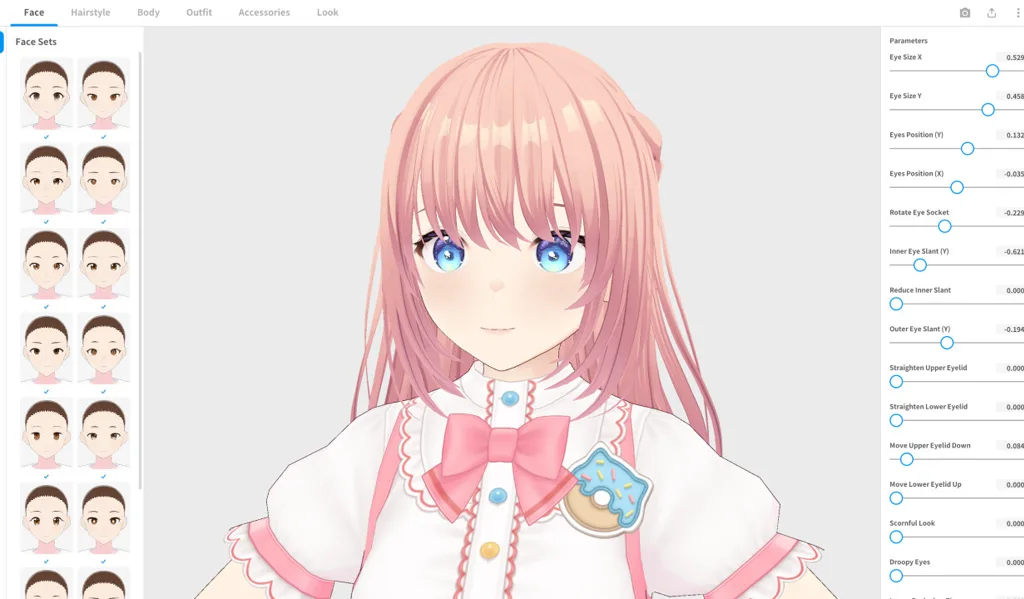
VRoid Studio is Pixiv’s free 3D character editor for building anime-style avatars without traditional 3D modeling. You adjust parametric hair, facial features, outfits, and materials in a guided UI, then export a VRM file that 3D trackers load on stream. For many indie VTubers, VRoid is the upstream art step before VSeeFace or Warudo handles performance.

The app shows up whenever someone asks how to make a VRM without Blender, or how debuts stay free until they choose paid hair packs. VRoid is deliberately focused on authoring, not broadcasting.

An authoring studio, not a tracker

VRoid sits in the creation layer of a VTuber stack. You sculpt the look, assign textures, and publish a .vrm file. It does not read your webcam, sync lip motion to a mic, or replace OBS Studio on your stream key. If you open VRoid expecting a puppet that mirrors your face, you are one app too early in the pipeline.

That separation explains the classic stuck point: “I exported from VRoid but nothing moves on Twitch.” Movement happens after export, in tracking software you install separately.

VRM: the export VTubers need

VRM is the open humanoid format indie 3D VTubers share—blend shapes for expressions, standardized bones, and metadata for licensing. VRoid’s export produces .vrm files tuned for apps like VSeeFace. It does not output Live2D .model3.json projects or PNG sprite sheets for PNGtubing.

Match the tool to the downstream tracker: a Live2D debut still needs illustrated 2D art and VTube Studio, no matter how polished your VRoid project looks in the editor preview.

Who VRoid Studio is for

VRoid fits DIY 3D debuts when you want an anime 3D look, have time to iterate on hair and outfit, and plan to track in VRM-compatible apps on Windows. It also suits creators who outgrow a premade base but are not ready to commission a full custom sculpt.

It is a weaker fit when your brand must be unique illustration-heavy 2D, when you refuse to touch any 3D tooling, or when you need a broadcast-ready puppet tonight—licensed premades from a free VTuber models guide may beat a same-day VRoid session.

VRoid vs commissioning custom art

VRoid excels at fast, good-enough 3D for first streams and identity experiments. A paid Live2D or high-end 3D commission buys bespoke illustration, rigging polish, and explicit commercial terms—but costs money and calendar time. Many creators debut in VRoid, prove the persona, then reinvest revenue into commissioned art while retiring the starter model.

Where the VRM sits next to trackers and OBS

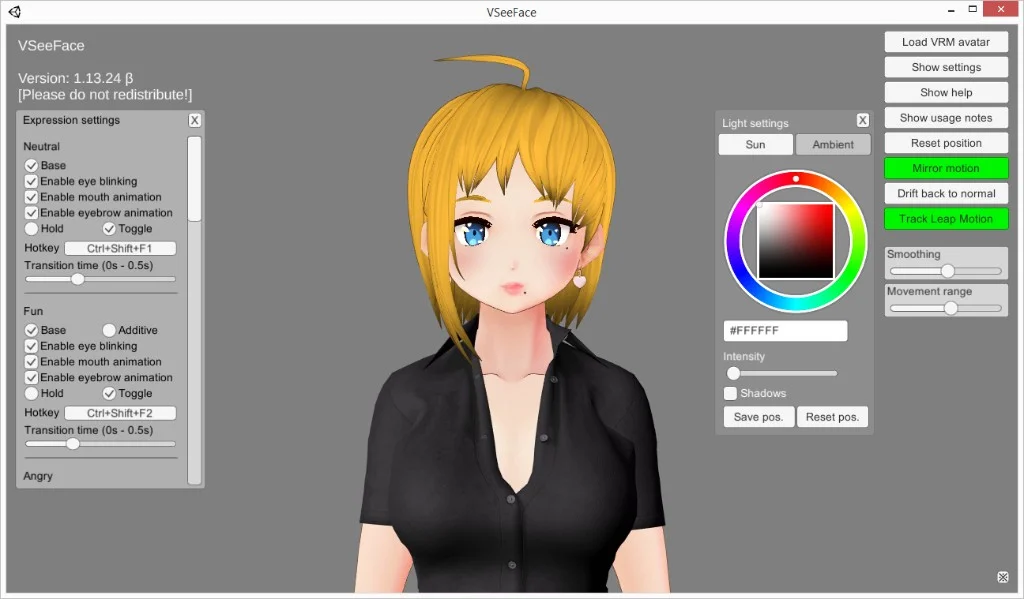
Think in three steps, not one app. VRoid authors the .vrm. VSeeFace or Warudo moves it from your webcam. OBS mixes avatar, game, alerts, and audio before the stream key. VRoid does not replace either downstream app, and a pretty editor preview is not a stream.

Authoring on Mac is supported. Tracking in VSeeFace still expects Windows, so a lot of people design on one machine and perform on another. Export a small test VRM and run it through the tracker before you spend a weekend on hair.

How to use VRoid Studio

  1. Install VRoid Studio from the official site (see Download VRoid Studio at the end of this page).
  2. Start from a base body, then customize face, hair, and outfit layers. Save the project so you can iterate without re-exporting blindly.
  3. Preview lighting and expressions in the editor. Fix clipping on hair and accessories before export.
  4. Export VRM, note the file size, and read any popup about licenses on bundled assets.
  5. Import the .vrm into VSeeFace or Warudo, calibrate tracking, then capture the tracker window in OBS and record a short test.

Alternatives to VRoid Studio

Use VRoid Studio to author a free `.vrm`, then track in VSeeFace or Warudo. When you skip DIY art or pick a different format—these are the alternatives BeTuber compares most.

BeTuber

Top pick: All-in-one studio.

BeTuber — modern VTuber app

Model, scenes, tracking, and go-live in one place. VRM and Live2D in one stack. Free to start; grow when one app isn’t enough. Create VTuber model in BeTuber.

VSeeFace

VSeeFace

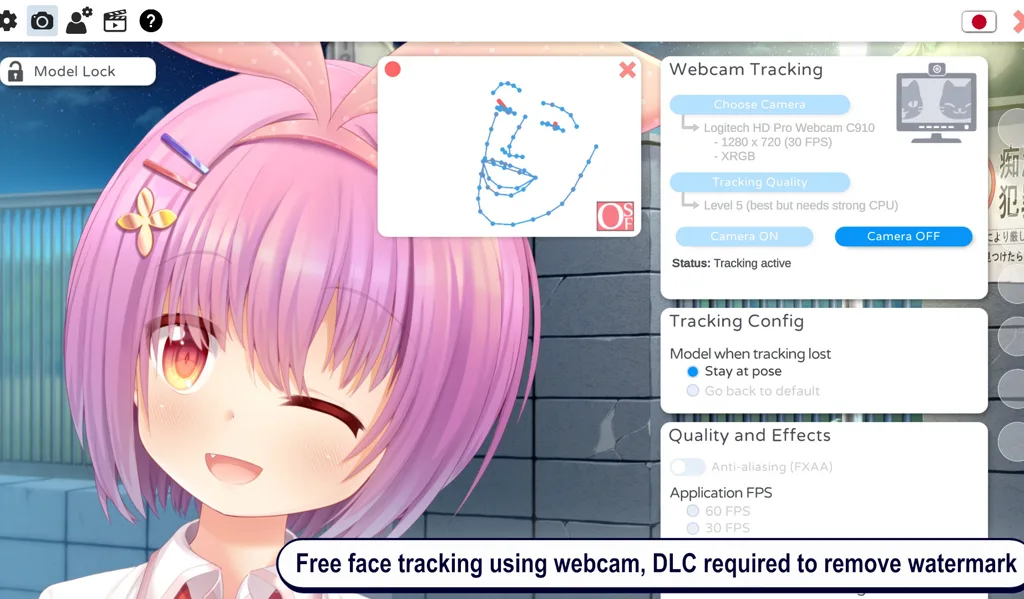
Free Windows VRM face tracking in one window. The smallest step when you already have a `.vrm` and do not need nodes, a bundled catalog, or PNG toggles.

Tracking software
Warudo VTuber app

Warudo

Node-based 3D scenes, props, and logic when VSeeFace feels limiting but you are not ready for a full game-engine pipeline.

Tracking software
VTuber Maker Live3D

VTuber Maker (Live3D)

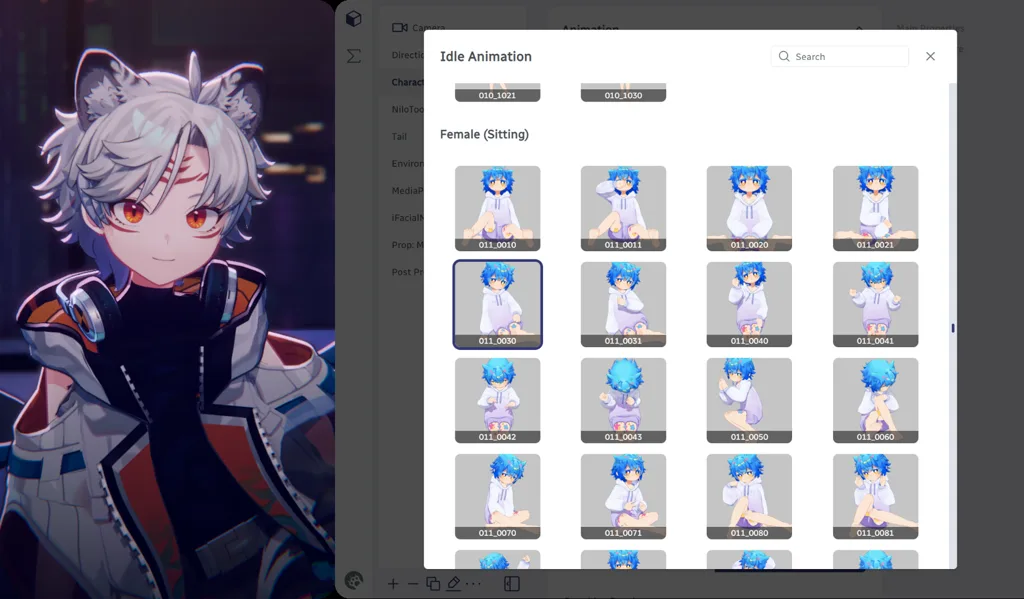
Bundled 3D avatars and a guided first setup if you do not have a `.vrm` file yet and want a packaged debut.

Tracking software
VTube Studio

VTube Studio

The usual Live2D tracker when your avatar is 2D art—not VRM. Pair with OBS the same way you would VSeeFace.

Tracking software
Veadotube Mini

Veadotube Mini

Free PNG avatar app with mic-reactive mouths and hotkeys—ideal when you want a 2D debut without VRM or Live2D.

PNG software

VRoid Studio and VTubers

Indie VTubers treat VRoid as the default free 3D forge: huge hair libraries, community tutorials, and a straight line from a blank base to a VRM on disk. VRoid handles identity art. Trackers handle motion. OBS handles layout, alerts, and game capture. That is the same three-layer split as a Live2D pipeline, with VRM instead of Cubism files.

Many debuts are hair tweaks plus a stock outfit. Months later a commission replaces the starter look while the channel keeps the same name. When a tracker feels small, people keep the VRM and swap apps instead of rebuilding the avatar. When the outfit is the limit, they reopen the VRoid project and export again. Commercial use still depends on Pixiv’s terms plus every downloaded hair, texture, and logo in the file.

Download VRoid Studio

The current Windows and macOS builds are free from Pixiv’s official VRoid site linked below. Verify the domain before installing so you avoid unofficial repacks. You need disk space for project files and exports, plus a separate Windows setup if you track in VSeeFace after authoring on Mac. Export a small test .vrm first and confirm it loads in your tracker before you detail the debut model.

VRoid Studio compare guides

Format and stack guides when you export a VRM from VRoid.

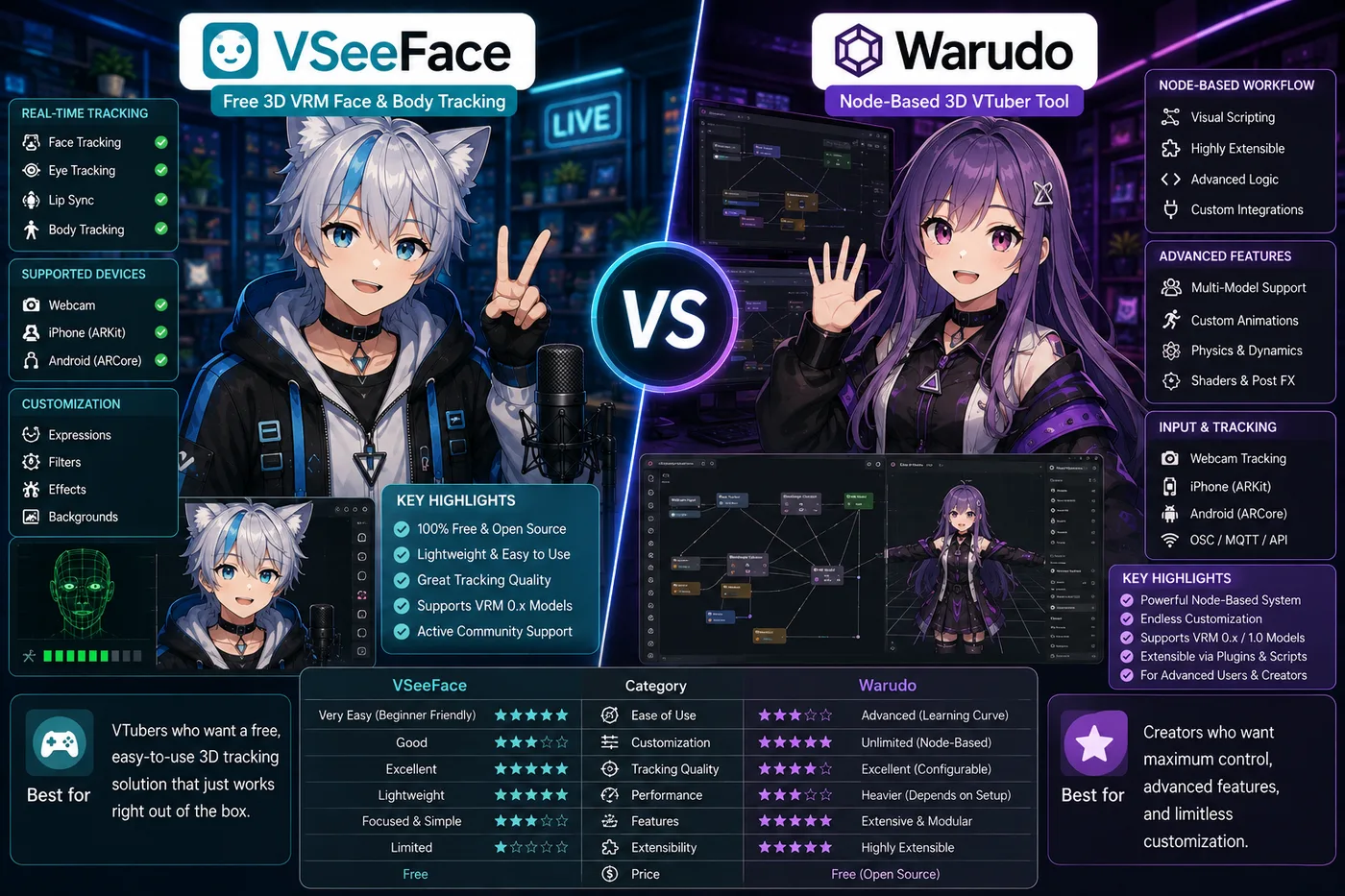
VSeeFace vs Warudo vs BeTuber (2026): 3D tracking paths

VSeeFace vs Warudo vs BeTuber

VSeeFace vs Warudo in 2026: free VRM tracking vs node-based scenes, props, and when to upgrade—or use BeTuber for an all-in-one debut.

Compare

Frequently asked questions

Is VRoid Studio free?
Yes. VRoid Studio is free to download and use for personal avatar creation on Windows and macOS. Download only from vroid.com or official distribution channels so you avoid repacked installers. Some optional asset packs or third-party hair may have separate licenses.
What is VRoid Studio used for?
VRoid Studio lets you customize a parametric anime-style 3D character—hair, face, outfit, and colors—then export a `.vrm` file. VTubers use that file in trackers such as VSeeFace or Warudo and capture the result in OBS Studio for streaming.
Does VRoid Studio track your face for streaming?
No. VRoid Studio is an authoring tool, not a face tracker. You build and export the avatar here, then import the VRM into VSeeFace, VTuber Maker, or Warudo for webcam-driven motion on stream.
Can VRoid Studio export VRM for VSeeFace?
Yes. Export VRM from VRoid Studio’s menu, then load the `.vrm` in VSeeFace on Windows. Confirm blend shapes and licensing on the model before you monetize streams or sell merchandise featuring the character.
VRoid Studio vs Live2D for beginners?
VRoid is usually faster for a DIY 3D debut if you like anime 3D looks and will track in VSeeFace. Live2D premade models plus VTube Studio fit illustrated 2D art. Pick the format that matches the avatar art you want on camera—not whichever app name sounds newest.
Can you use VRoid Studio on Mac?
Yes. VRoid Studio has an official macOS build alongside Windows. Face tracking still happens in Windows-first apps like VSeeFace, so many Mac creators author in VRoid on Mac and track on a Windows PC or dual-boot setup.
Can I use a VRoid avatar commercially?
It depends on VRoid’s terms and every asset you used—default parts, downloaded hair, textures, and logos. Read Pixiv’s VRoid guidelines and any booth asset licenses before monetized streams, paid content, or merch. When in doubt, commission art with a written commercial license.
What is the difference between VRoid Studio and VSeeFace?
VRoid Studio creates and exports 3D avatars as VRM files. VSeeFace loads an existing VRM and animates it from your webcam for OBS. Most indie stacks use both: VRoid upstream, VSeeFace at stream time.
Do you need Blender to use VRoid Studio?
No for a standard VTuber debut. VRoid’s editor covers hair, clothing layers, and VRM export. Blender helps only if you want custom meshes, unusual props, or pipeline work outside VRoid’s parametric parts.
How do premade models compare to VRoid?
Premade VRM packs get you on stream faster if you accept someone else’s design. VRoid trades that speed for ownership of the look you built. Browse free and paid bases, then decide whether DIY in VRoid or a licensed premade fits your debut timeline.
What should you use after exporting from VRoid Studio?
VRoid Studio does not track your face. Load the `.vrm` in VSeeFace for the simplest free Windows tracker, or in Warudo when the show needs node-based scenes. If you want authoring, scenes, tracking, and go-live in one studio instead of stitching apps, BeTuber is the path we highlight on this page. Stay in VRoid while you are still iterating hair, outfit, and the export itself.