
Skip to content

Veadotube Mini

Veadotube Mini is a free PNG avatar app for mic-reactive mouths and hotkey expressions—one of the fastest paths to a 2D VTuber-style debut without VRM rigging or Live2D.

Download Veadotube Mini

Updated October 23, 2026

Veadotube Mini VTuber Software App

What is Veadotube Mini?

Veadotube Mini is a free PNG avatar app by olmewe, distributed on itch.io. You assign PNG images for the body, mouth states, and expressions. The app reacts to microphone volume and hotkeys, then you capture the window in OBS.

It is the app people open when they want a PNGTuber-style debut without paying for a Live2D rig or learning a 3D VRM tracker. Veadotube is deliberately small: it swaps pictures while you talk. It does not track a face.

A PNG player, not a face tracker

Veadotube sits in the performance layer, but it does not read your webcam. Volume opens the mouth. Keys swap expressions or props. It does not rig art, sculpt a VRM, or replace OBS. You bring finished PNGs—commissioned, from a licensed pack, or drawn simply—and the app plays them.

That split is why “I installed Veadotube and I have no character” still happens. The download is the player. The avatar is the PNG set you prepare before the first stream.

PNG layers: the files Veadotube expects

Art is flat PNG layers, not .vrm and not Live2D .model3.json. At minimum you need a base body plus closed and open mouth states. Extra expressions, outfits, or props are more layers on hotkeys. Transparent backgrounds matter. OBS cannot invent a clean edge the PNG does not already have.

A Live2D model or a VRoid export will not import here. Match the app to the file. Cubism art belongs in VTube Studio. A finished VRM belongs in VSeeFace or Warudo.

What you get on stream

On stream you get a 2D illustrated puppet. The mouth toggles with your voice, and the face can snap to expressions you mapped. Motion is discrete—states, not continuous face tracking—so blinks, head turns, and eye contact do not follow you unless you draw those states and hit a key. That is the trade for a debut that can run on a modest PC without a webcam.

Reliable lip sync here is a mic problem, not a camera problem. Gain set too high flaps the mouth on room noise. A threshold set too high keeps it shut while you talk. Set the mic in OBS first, then tune Veadotube’s mouth threshold against a short test recording.

Who Veadotube Mini is for

Veadotube fits people who want a first stream this week on a tight budget, on Windows or Mac, and who prefer illustrated 2D over 3D anime. It is a solid PNGTuber tool for chatting and simple game streams when toggled art is the look you want.

It is a weak fit when you need continuous face tracking, a 3D turn of the head, or a model you already built in Live2D or VRM. Those stay in VTube Studio, VSeeFace, or Warudo. Move on when toggled mouths are what is holding the show back.

Where it sits next to OBS

Think in two windows. Veadotube plays the PNG states. OBS mixes avatar, game, alerts, and audio before the stream key. Veadotube does not ship Twitch alerts, chat boxes, or a stream encoder. Capture the window, or use Game Capture if it flickers. Route the same USB mic through OBS, and crop the avatar source so empty PNG margins do not eat the scene.

How to use Veadotube Mini

  1. Download Veadotube Mini from the official itch.io page (see Download Veadotube Mini at the end of this page).
  2. Import PNG layers: base body, closed mouth, open mouth, and any expressions you will actually use. Confirm the art license allows streaming.
  3. Select the mic input and test mouth thresholds until speech opens the mouth and silence closes it.
  4. Map hotkeys for extra expressions or props. Keep the first stream to a few keys you can hit without looking.
  5. In OBS, add Window Capture (or Game Capture if the window flickers), then add the mic and game sources. Record a short test and fix a flapping mouth before you go live.

Alternatives to Veadotube Mini

Keep Veadotube Mini for the fastest mic-driven PNG debut. When you outgrow toggled mouths or need VRM or Live2D tracking—these are the stacks BeTuber compares most.

BeTuber

Top pick: All-in-one studio.

BeTuber — modern VTuber app

Model, scenes, tracking, and go-live in one place. VRM and Live2D in one stack. Free to start; grow when one app isn’t enough. Create VTuber model in BeTuber.

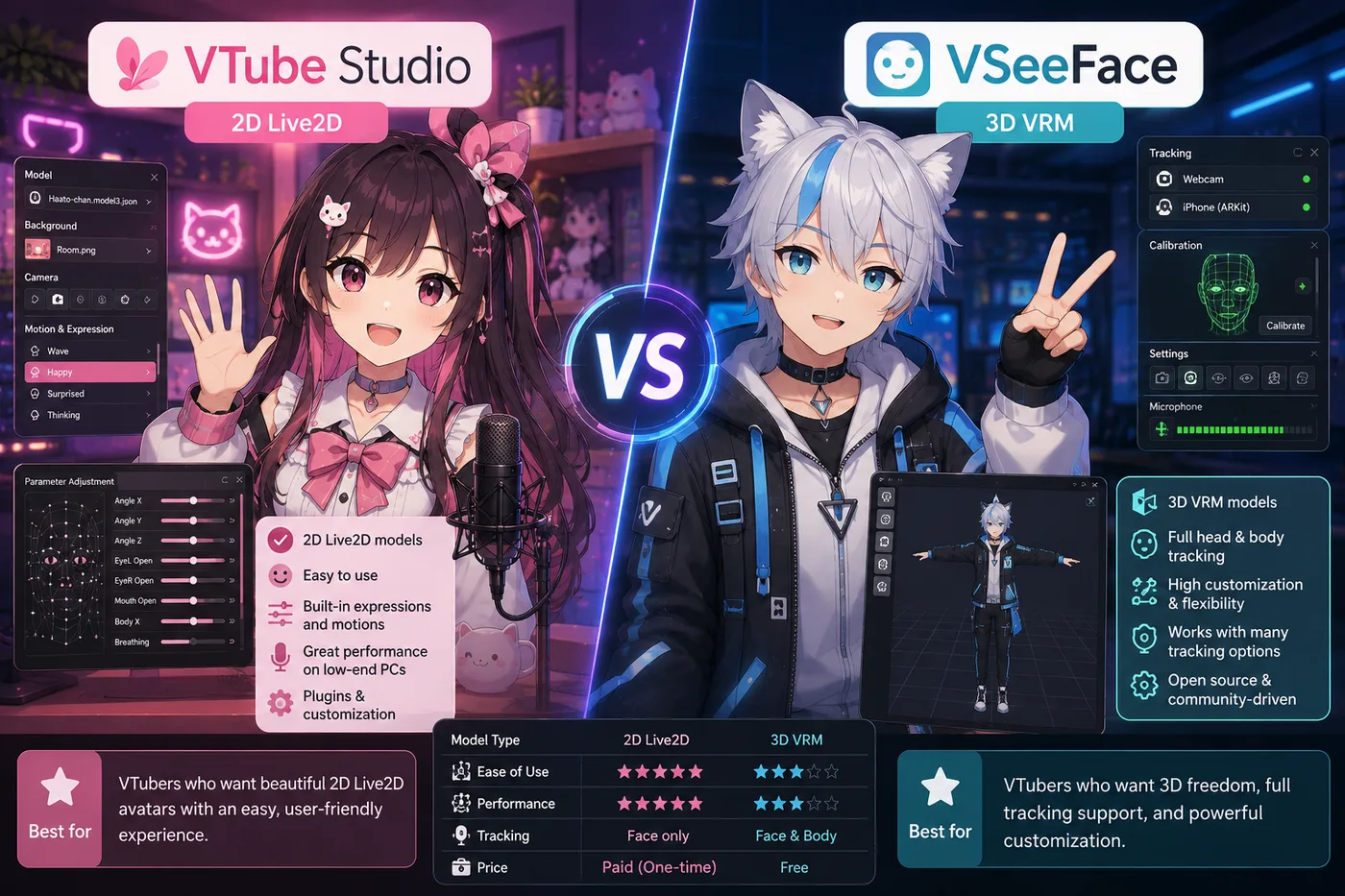
VSeeFace

VSeeFace

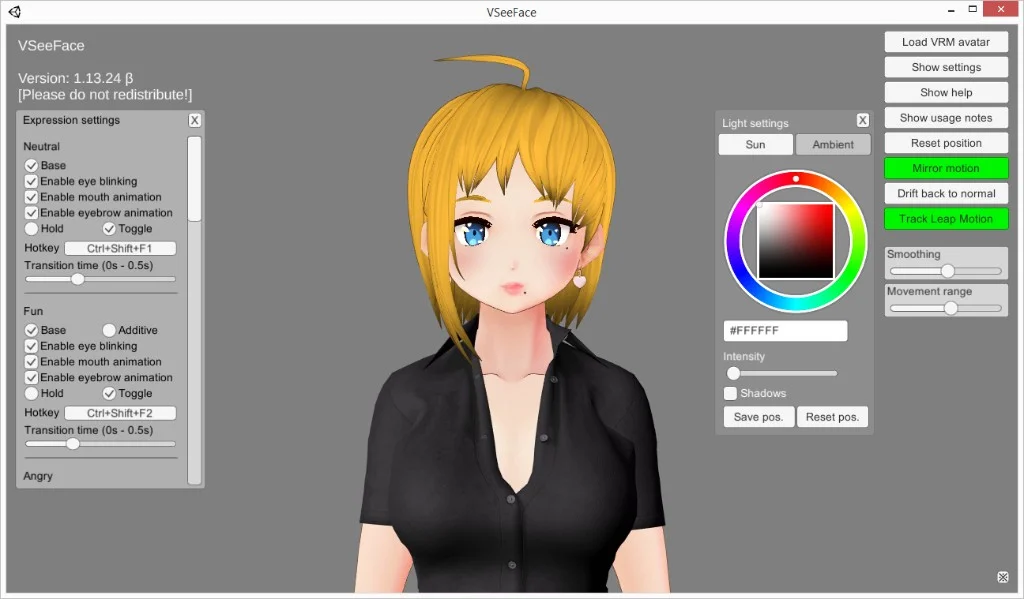
Free Windows VRM face tracking in one window. The smallest step when you already have a `.vrm` and do not need nodes, a bundled catalog, or PNG toggles.

Tracking software
Warudo VTuber app

Warudo

Node-based 3D scenes, props, and logic when VSeeFace feels limiting but you are not ready for a full game-engine pipeline.

Tracking software
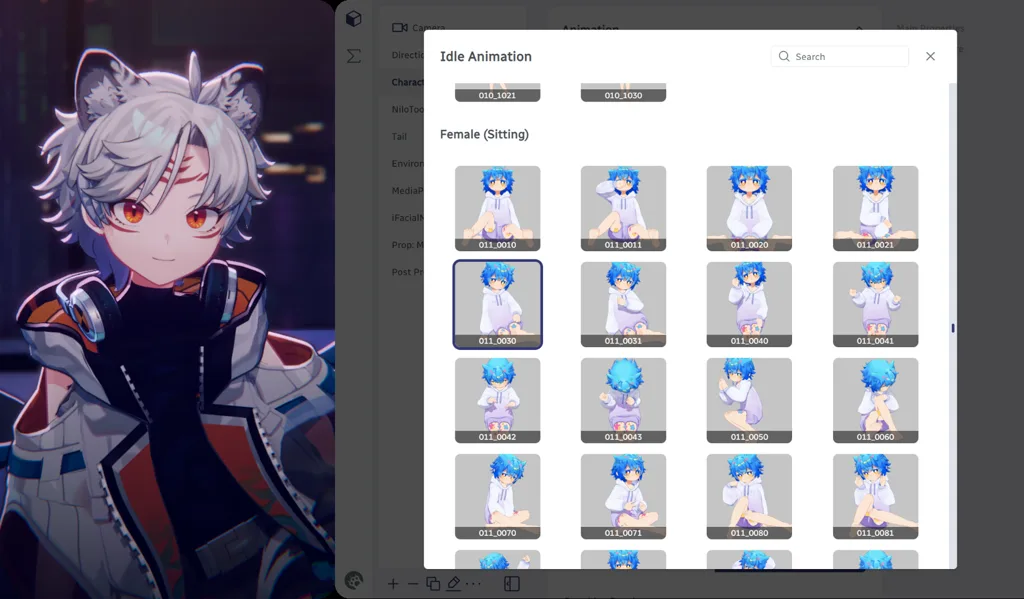
VTuber Maker Live3D

VTuber Maker (Live3D)

Bundled 3D avatars and a guided first setup if you do not have a `.vrm` file yet and want a packaged debut.

Tracking software
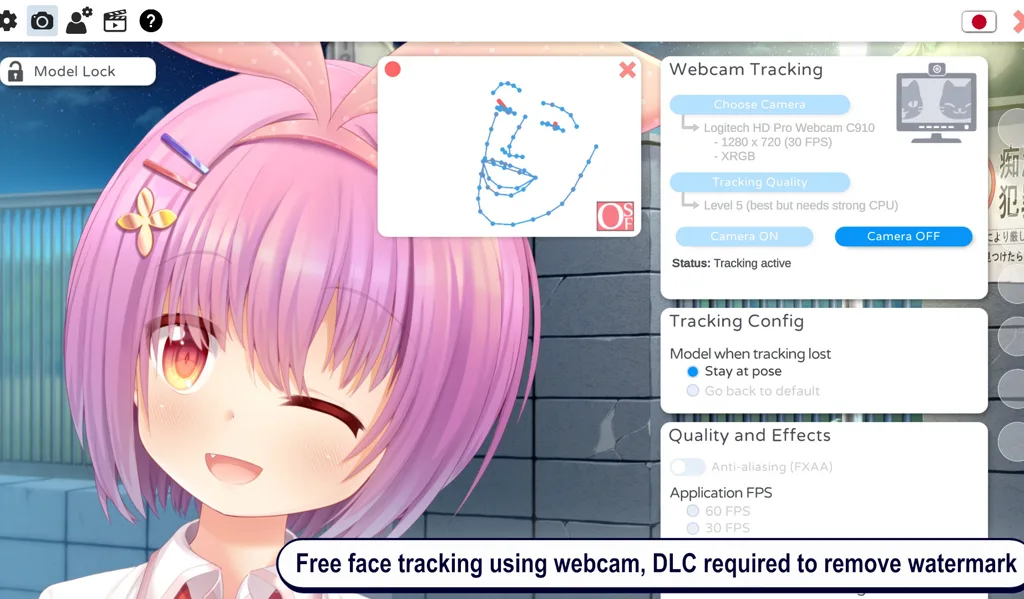
VTube Studio

VTube Studio

The usual Live2D tracker when your avatar is 2D art—not VRM. Pair with OBS the same way you would VSeeFace.

Tracking software
VRoid Studio

VRoid Studio

Build or customize a free `.vrm`, then load the export in VSeeFace or any 3D tracker—authoring, not a tracker replacement.

Avatar authoring

Veadotube and VTubers

PNGTubers, including Veadotube users, are real VTubers when the persona stays consistent. The format is simpler tech, not a smaller channel. Plenty of debuts are only Veadotube, a decent USB mic, and a quiet OBS scene. Many creators later move the same character to Live2D or 3D and keep the name.

Veadotube stays light on Windows and macOS, which is why it pairs with cheap mics and small scenes. Alerts, chat, and game capture remain OBS jobs, the same split Live2D and VRM stacks use. When toggled mouths are no longer enough, you change the avatar app. The broadcast layout can stay.

Download Veadotube Mini

Download only from olmewe’s official itch.io listing linked below. The Mini build is free. Tip the developer if you rely on it long term. It supports Windows and macOS. Read the current version notes on that page before you install. You do not need a webcam. You do need a microphone routed through OBS and PNG art you have the right to stream.

Veadotube compare guides

Side-by-side guides when you choose between mic-reactive PNG and Live2D or VRM trackers.

Frequently asked questions

What is Veadotube Mini?
Veadotube Mini is a lightweight app by olmewe that animates PNG avatar images from microphone input and keyboard hotkeys. It is popular with PNGtubers who want mouth movement without Live2D or 3D VRM tracking.
Is Veadotube the same as PNGTuber?
PNGTuber is the format (PNG layers on stream). Veadotube Mini is one app that implements that workflow—alongside OBS-only toggles or other PNG tools. It is not the only way to PNGTube.
Veadotube vs VSeeFace?
VSeeFace tracks a 3D VRM with a webcam. Veadotube uses flat PNG art and mic levels—no VRM file. Pick Veadotube for the cheapest 2D debut; pick VSeeFace when you already have or want a 3D avatar.
Does Veadotube work with OBS?
Yes. Capture the Veadotube window or use its output as a source in OBS, then mix game capture, alerts, and mic audio like any other avatar layer.
Can Veadotube replace Live2D?
No. Live2D offers continuous face-driven motion on rigged 2D art. Veadotube swaps PNG states (mouths, expressions)— simpler and cheaper, but less fluid than VTube Studio on a Live2D model.
Is Veadotube Mini free?
Yes. The Mini build on itch.io is free to download; olmewe accepts optional tips. Download only from the official itch.io listing to avoid repacked copies.
Does Veadotube work on Mac?
Yes. Veadotube Mini supports macOS alongside Windows. Check the itch.io page for the current build notes and any version-specific requirements.
Veadotube vs VTube Studio?
VTube Studio drives Live2D models with webcam face tracking. Veadotube toggles PNG mouth and expression layers from mic volume and hotkeys—lower cost and setup, less continuous motion on stream.
Do you need a webcam for Veadotube?
No. Veadotube reacts to microphone input and keyboard shortcuts, not your face. You still need a decent USB mic routed through OBS for clear voice and reliable mouth thresholds.
What PNG layers do you need for Veadotube?
At minimum, a base body PNG plus closed and open mouth states. Optional expression or prop layers map to hotkeys. Art can be self-drawn, commissioned, or from a licensed PNG pack. Transparent edges matter: OBS cannot clean up a background the PNG still contains.
What is the best next step after Veadotube Mini?
Stay on Veadotube when toggled PNG mouths are the look you want. Move to VTube Studio for continuous Live2D face tracking, or to VSeeFace when you switch to a 3D VRM. If you want to create the model, build scenes, track, and go live in one studio, BeTuber is the strongest fit we highlight on this page.