Skip to content

OBS Studio

Free broadcast app every VTuber uses to go live

Download OBS Studio

Updated October 23, 2026

OBS Studio — Free broadcast app every VTuber uses to go live

What is OBS Studio?

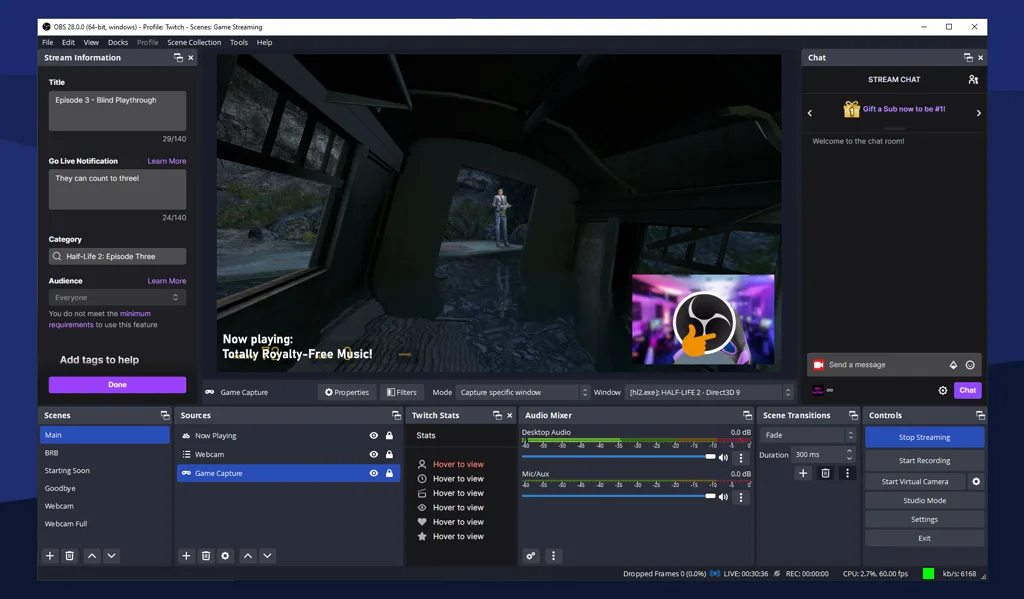
OBS Studio is the free broadcast encoder between your VTuber tracker and your streaming platform. It captures your avatar window, microphone, game or desktop footage, and browser overlays, then sends one mixed feed to Twitch, YouTube, Kick, or a recording file.

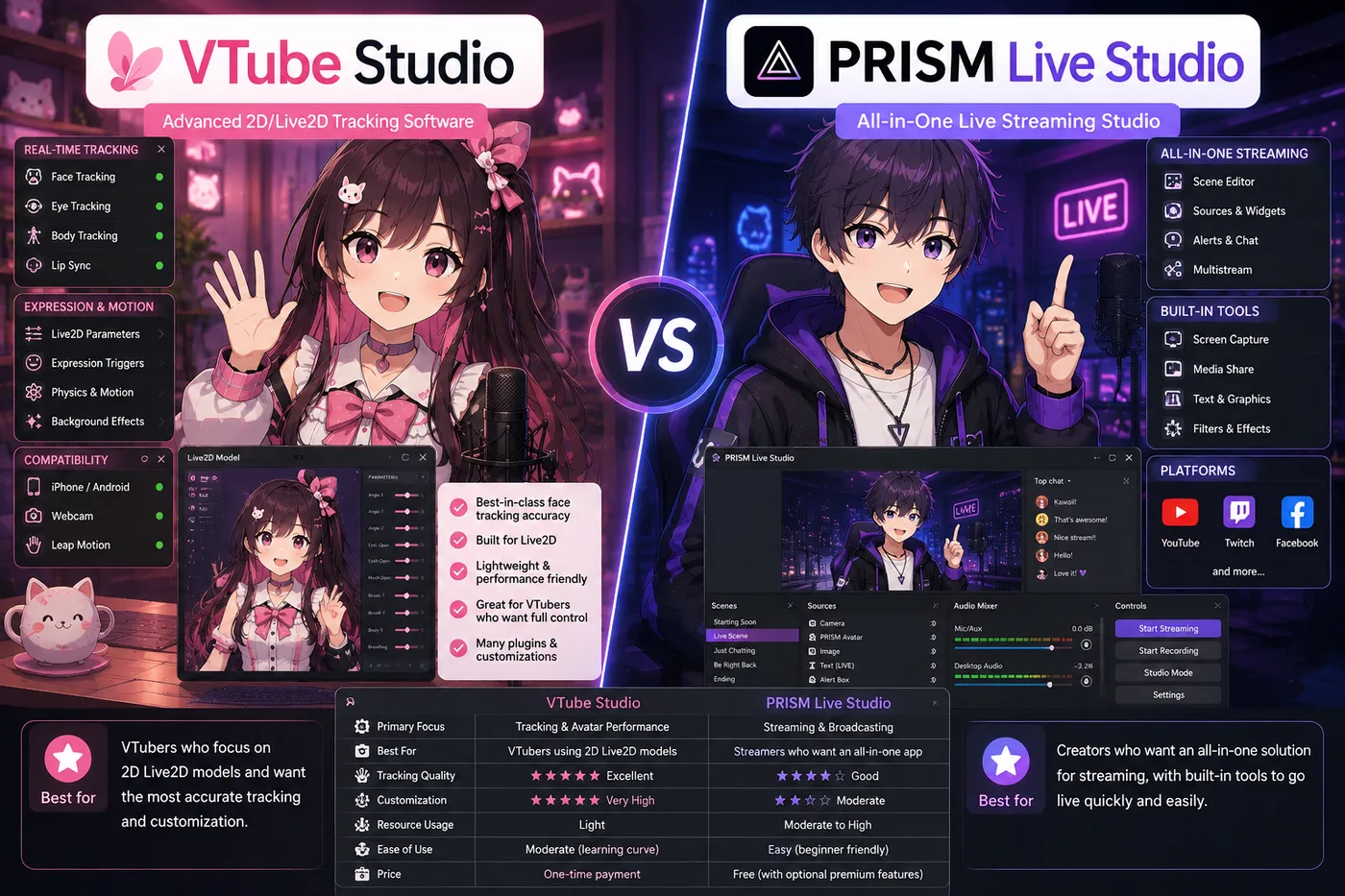
Almost every indie VTuber on PC runs VTube Studio or VSeeFace into an OBS scene. OBS does not choose 2D versus 3D—it composites whatever tracker window you give it.

An encoder, not a tracker

OBS sits in the distribution layer. It will not load Live2D or VRM files or follow your face. If OBS is the only app open, viewers see layouts and captures—not a performing avatar. Install and test your tracker first, then wire OBS around it.

What you build in OBS

Typical VTuber scenes stack mic audio, avatar capture, game or content capture, and alert/browser sources. Scenes let you swap between “chatting”, “gaming”, and “BRB” layouts without rebuilding the tracker.

Who OBS is for

OBS fits anyone who wants maximum control on PC or Mac and is willing to learn scenes and audio routing. It is the default recommendation paired with specialist trackers.

Mobile-only debuts sometimes skip OBS when an all-in-one app handles tracking and broadcast—compare PRISM in the guides below if that is your path.

How to use OBS with a VTuber

  1. Install OBS from obsproject.com (see Download OBS Studio below).
  2. Set your mic as an audio input; disable duplicate monitoring that causes echo.
  3. Add Window Capture or Game Capture for VTube Studio, VSeeFace, or Warudo; crop and scale the avatar.
  4. Add game or display capture, then browser docks for alerts if you use them.
  5. Run a short recording, check lip sync and levels, then copy your stream key from Twitch or YouTube.

Alternatives to OBS

Keep OBS Studio when you want full scene control on PC. When you want tracking and broadcast in one mobile app—or a single studio product—these are the stacks BeTuber compares most.

BeTuber

Top pick: All-in-one studio.

BeTuber — modern VTuber app

Model, scenes, tracking, and go-live in one place. VRM and Live2D in one stack. Free to start; grow when one app isn’t enough. Create VTuber model in BeTuber.

OBS Studio and VTubers

VTubing tutorials assume OBS because it is free, stable, and platform-agnostic. Tracker apps change with format; OBS stays the compositor whether you are Live2D, VRM, or PNG with a still source.

When OBS scene wiring is the bottleneck—not tracking—consider whether an all-in-one studio or mobile hybrid fits your debut better. The alternatives above show what BeTuber compares for full-stack debuts.

Download OBS Studio

Download only from obsproject.com or official distro packages. Pick the installer for your OS, run the auto-configuration wizard for streaming if you are new, then add sources manually so you understand the scene graph. You need a working tracker window and microphone before OBS can produce a believable test stream.

OBS Studio compare guides

Encoder matchups when you mix avatar, game, and alerts before Twitch or YouTube.

OBS vs PRISM Live Studio vs BeTuber (2026)

OBS vs PRISM Live Studio vs BeTuber

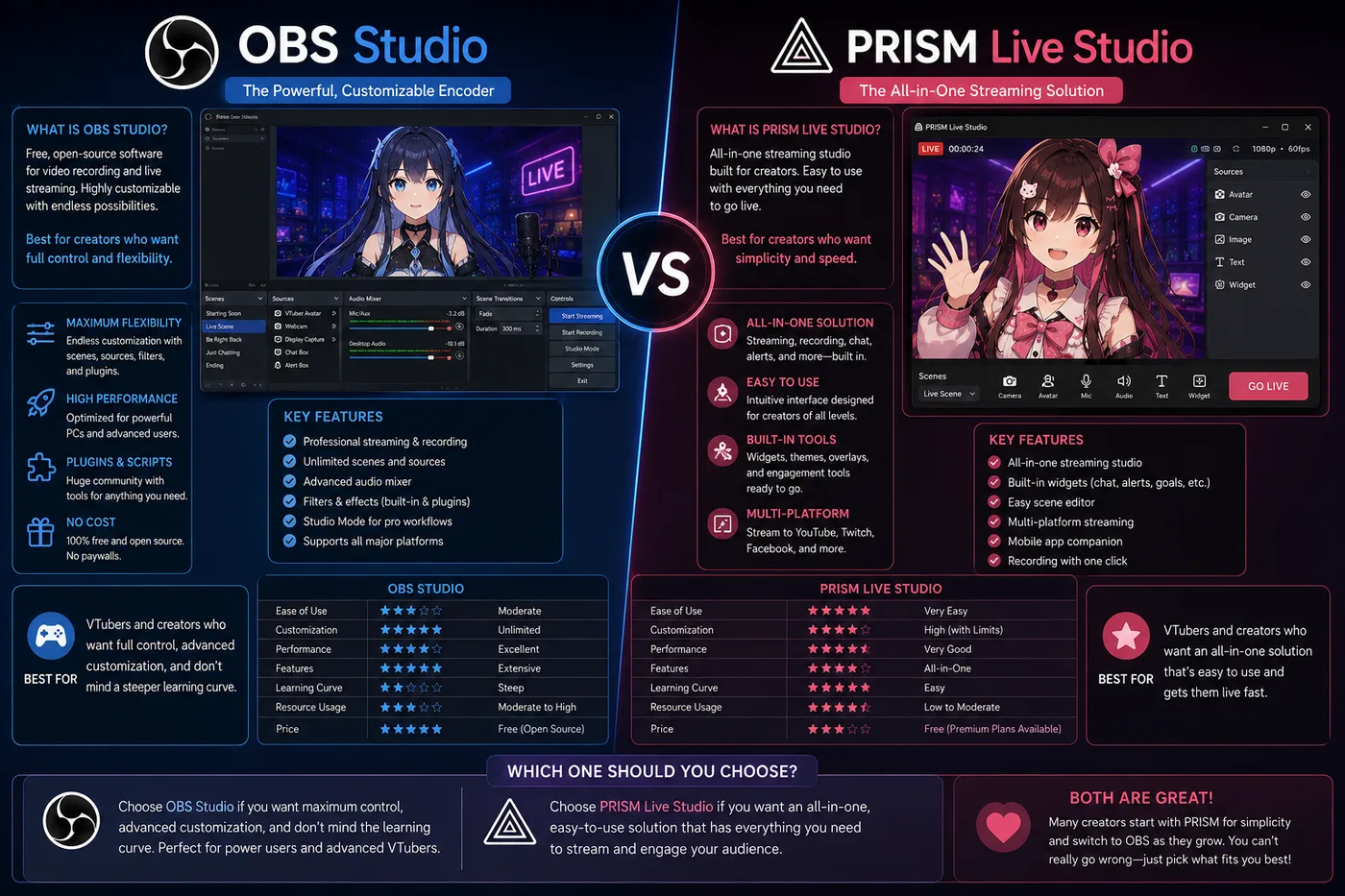
OBS vs PRISM Live Studio in 2026 for VTubers: encoders, mobile streaming, avatar capture, and when BeTuber replaces tracker-plus-OBS homework.

Compare

Be the next virtual youtuber star

Be the next virtual youtuber star, be the next vtuber.

Frequently asked questions

Do I need OBS if I use a VTuber tracker?
On desktop, usually yes. Trackers render your avatar; OBS composites that window with game capture, chat overlays, and audio before Twitch or YouTube.
What should I add to OBS first?
Mic audio, then avatar window capture, then game or desktop capture, then browser-based alerts and chat.
Is OBS Studio free?
Yes. OBS Studio is free and open source on Windows, macOS, and Linux. Download only from obsproject.com.
OBS vs PRISM Live Studio?
OBS is the flexible PC encoder most VTuber guides assume. PRISM can fold tracking and broadcast for mobile-first setups—see the compare guides on this page.
Can OBS track my face?
No. OBS mixes sources; VTube Studio, VSeeFace, or Warudo move the avatar. You capture their window in OBS.