
VTuber Software
Guides to pick and set up avatar tracking and broadcast tools. Product listings will expand here over time.
8 guides · 5resources
Software guides
Best VTuber Software in 2026: VTube Studio, Live2D, and VSeeFace
Compare VTube Studio, Live2D Cubism, VSeeFace, and OBS so you can pick 2D or 3D VTuber software without buying the wrong stack.
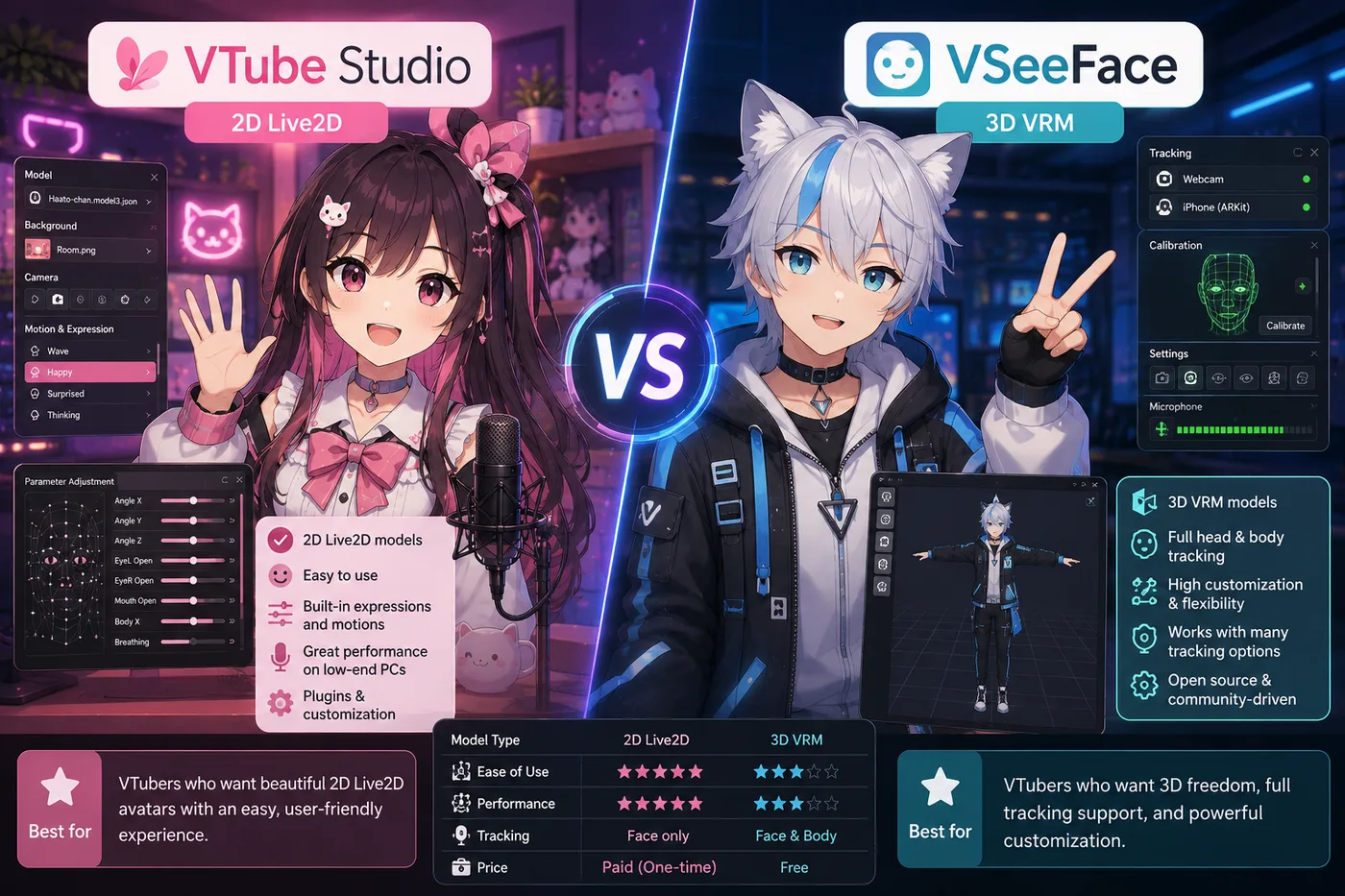
VTube Studio vs VSeeFace (2026): 2D Live2D or 3D VRM?
VTube Studio vs VSeeFace explained: model format, cost, OBS setup, and which tracker to download first for Live2D or 3D VTubing.
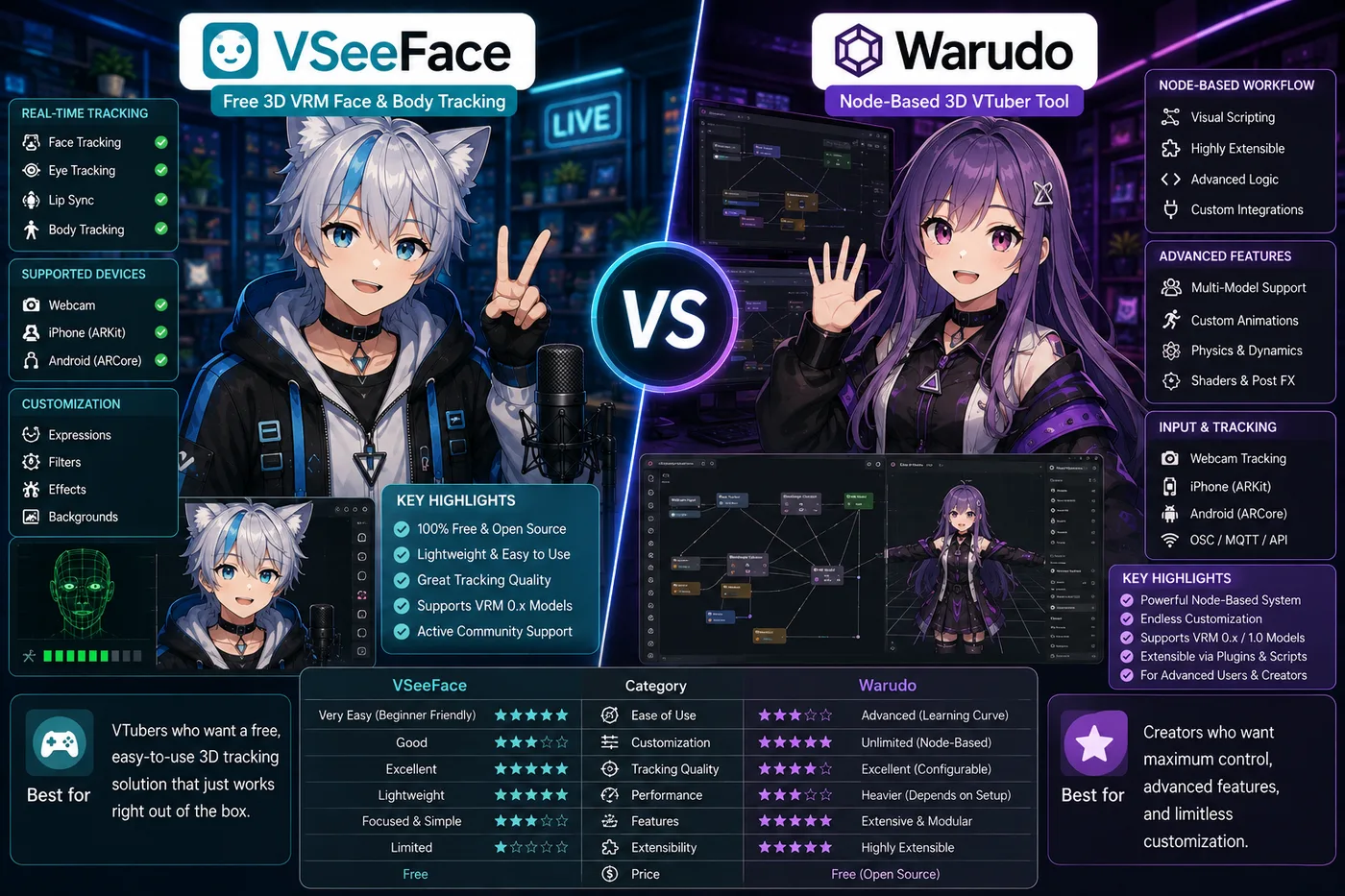
VSeeFace vs Warudo (2026): Free 3D Tracker or Node-Based Power?
Compare VSeeFace and Warudo for 3D VRM VTubing: price, learning curve, props, Live2D support, and when to upgrade from free tracking.
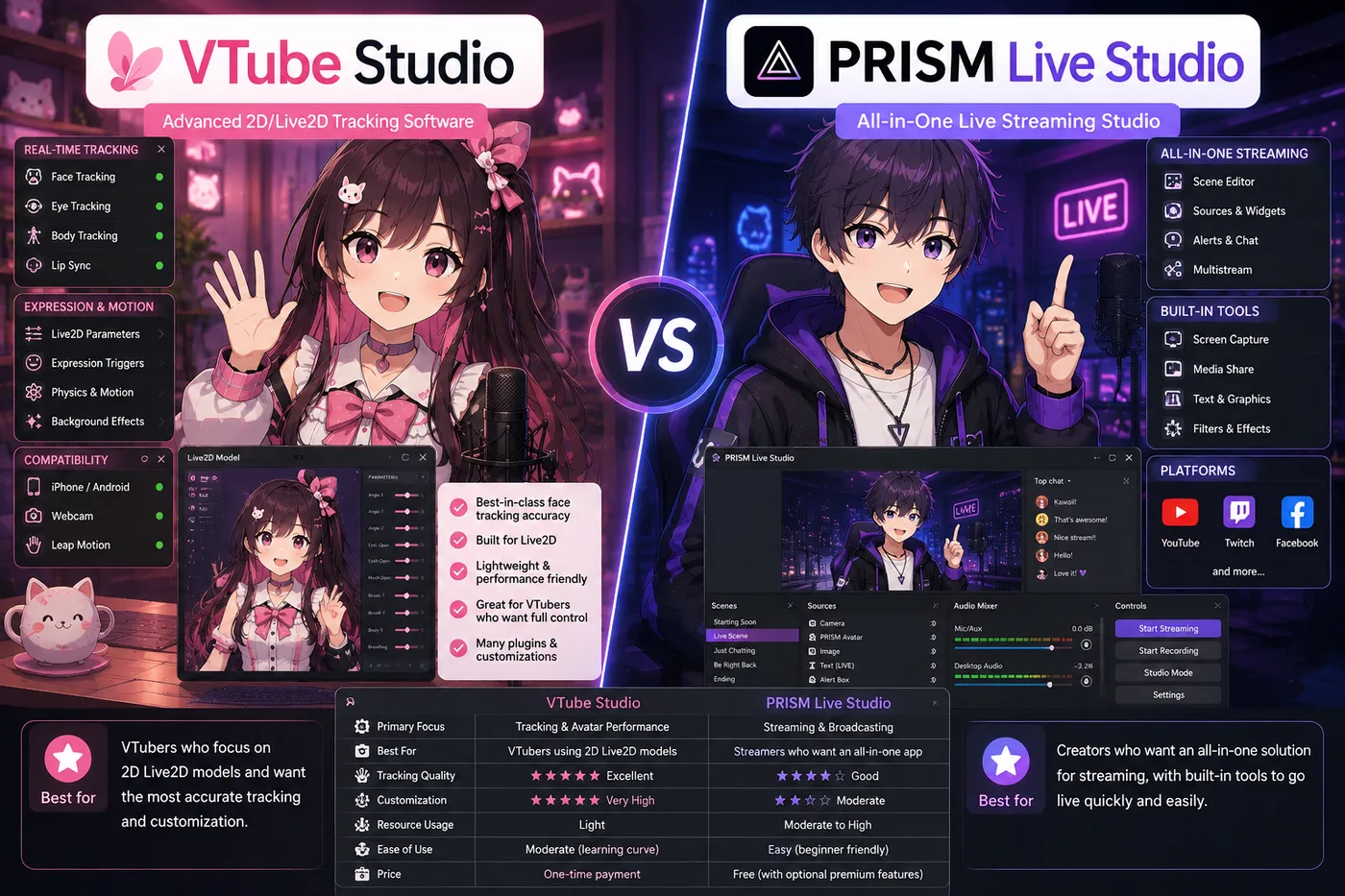
VTube Studio vs PRISM Live Studio (2026): Tracker or All-in-One?
Compare VTube Studio and PRISM Live Studio for Live2D VTubing: tracking, built-in streaming, OBS workflow, and which to install first.
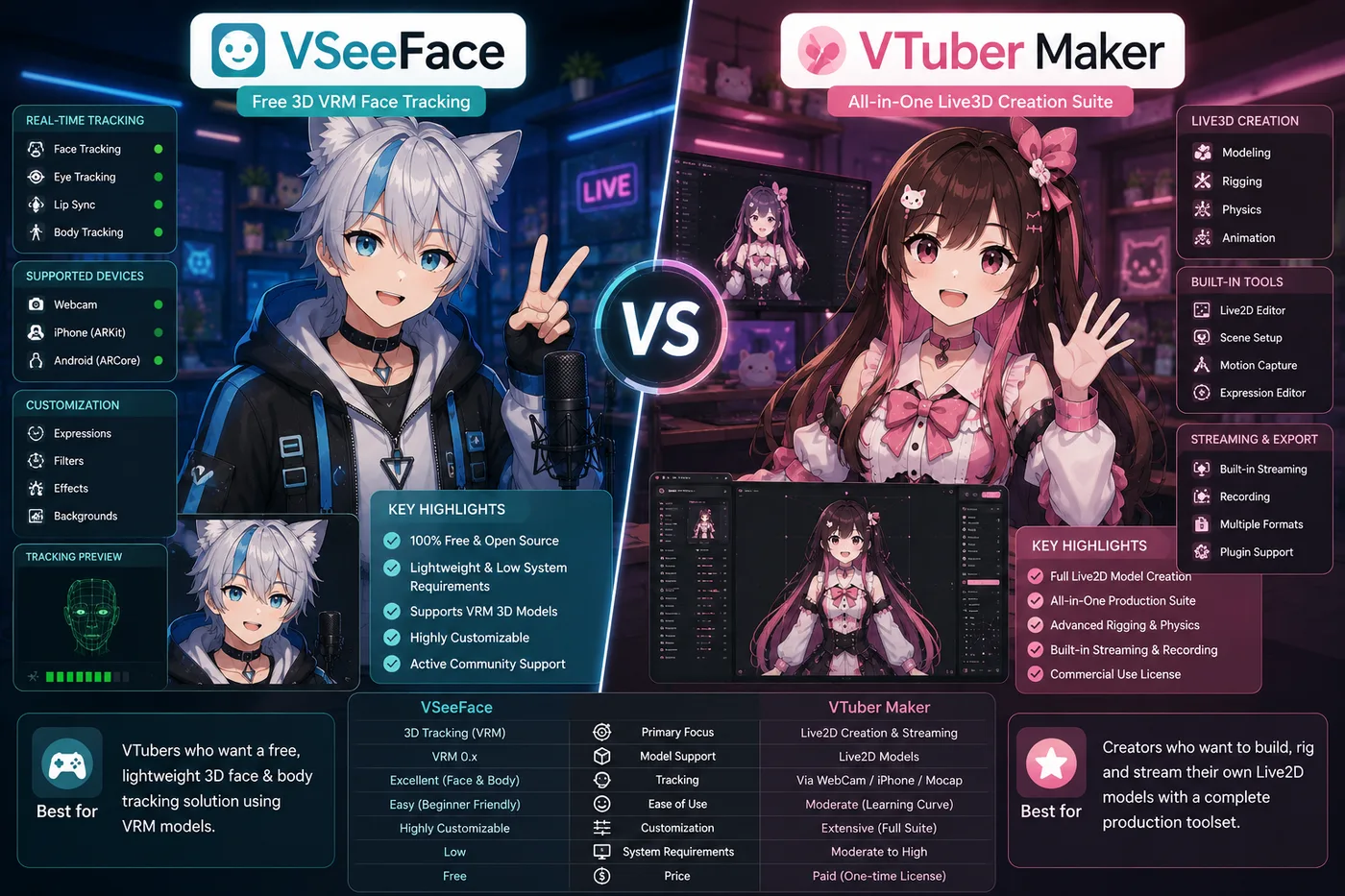
VSeeFace vs VTuber Maker (2026): Free VRM Tracker or Live3D Suite?
Compare VSeeFace and VTuber Maker (Live3D) for 3D VTubing: price, VRM support, ease of use, and which 3D app to download first.
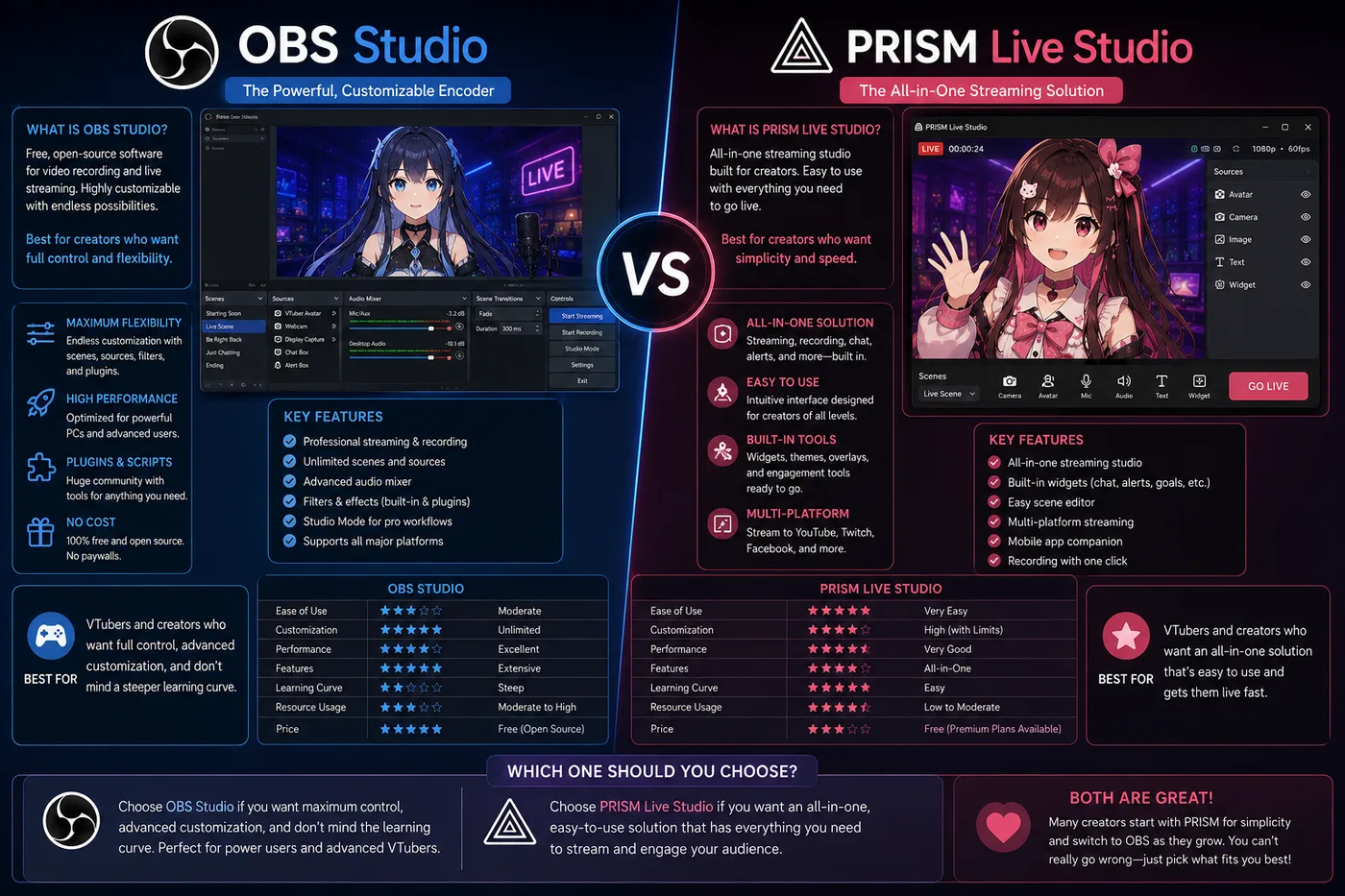
OBS vs PRISM Live Studio (2026): Encoder or All-in-One for VTubers?
OBS Studio vs PRISM Live Studio for VTubers: scenes, avatar capture, mobile streaming, and when you still need both apps.

VTuber App Guide: What to Download to Stream as a Virtual YouTuber
Looking for a VTuber app? Compare VTube Studio, VSeeFace, PRISM, Warudo, and OBS so you download the right avatar software for Live2D or 3D.
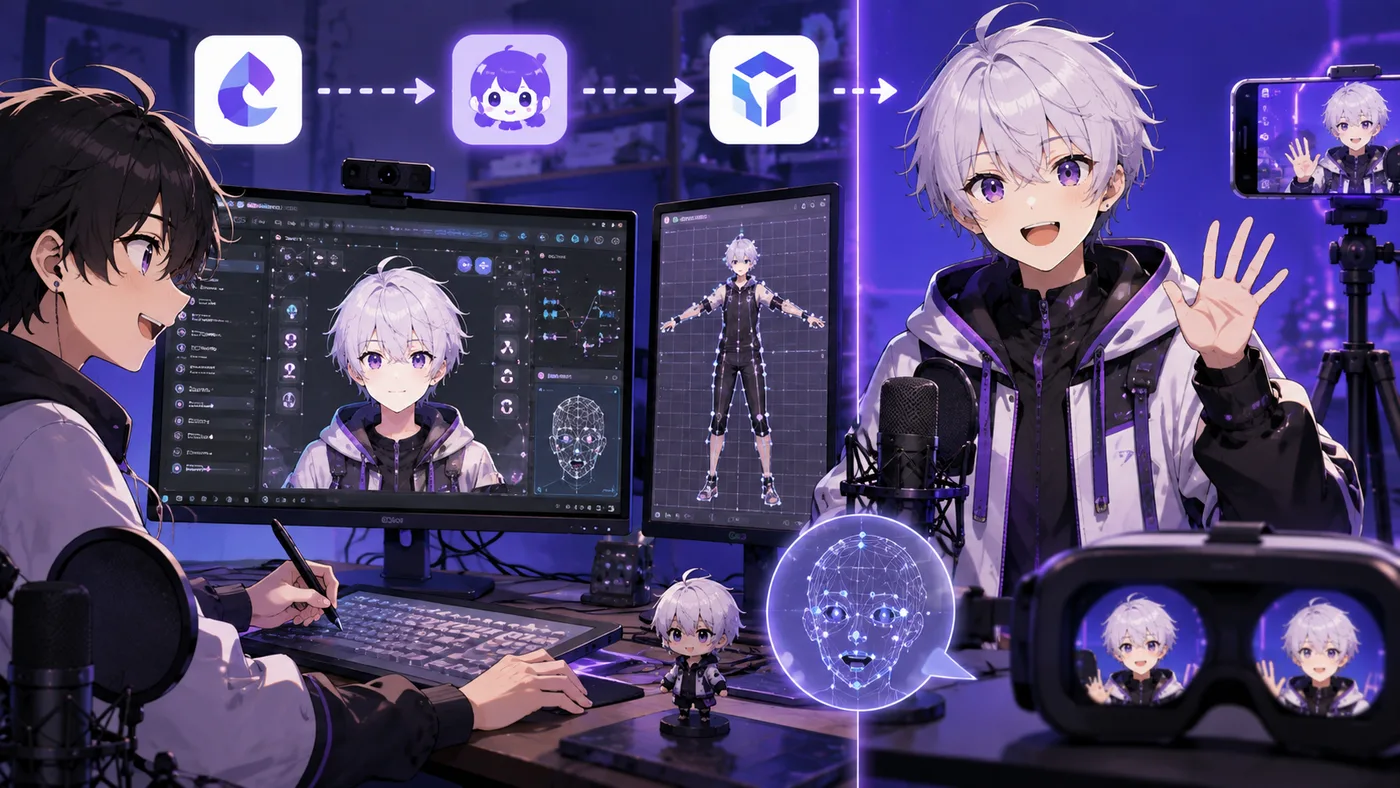
VTuber Maker Guide: Live3D App, vtubermaker Setup, and VRM Streaming
What VTuber Maker (vtubermaker) is—Live3D's free 3D avatar app on Steam, VRM uploads, OBS setup, pricing, and how it compares to VSeeFace and VTube Studio.
Frequently asked questions
- What is the best VTuber software?
- It depends on Live2D vs 3D. Many Live2D creators use VTube Studio; many 3D creators use VSeeFace or Warudo. Start with our best VTuber software comparison, then the app download guide.
- Is VTuber Maker the same as VTube Studio?
- No. VTuber Maker (Live3D) is a 3D avatar app. VTube Studio is the common Live2D tracking app. See each guide for the right stack.