
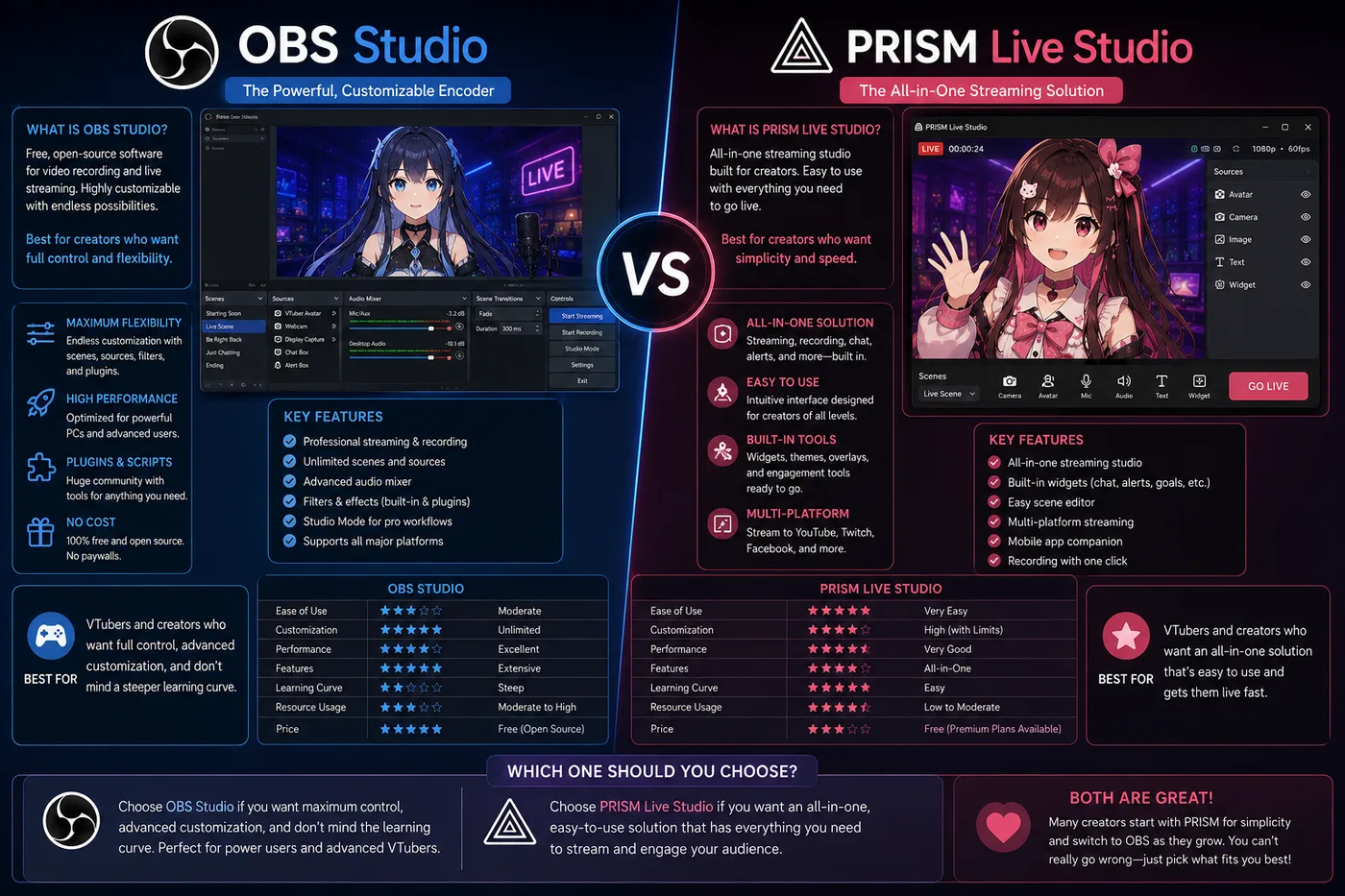
OBS vs PRISM Live Studio compares the broadcast layer — not VTube Studio vs VSeeFace. OBS is the free open-source encoder; PRISM bundles mobile-friendly streaming with optional avatar tracking.
Verdict: Use OBS Studio for the standard PC VTuber pipeline (tracker → OBS → Twitch/YouTube). Use PRISM when you want a simpler, mobile-first stack and fewer scene windows. Tracker choice: VTube Studio vs PRISM.
Comparison
| OBS Studio | PRISM Live Studio | |
|---|---|---|
| Role | Encoder / scene mixer | Encoder + optional tracker |
| Price | Free | Free tier; paid features |
| Strength | Plugins, audio, layouts | Fast mobile go-live |
| Typical VTuber flow | VTS/VSeeFace → OBS → platform | PRISM-only or hybrid |
Pick OBS when
- You run Streamlabs/SE alerts, multiple scenes, or dual-PC
- Your tracker outputs a window capture (VTS, VSeeFace, Warudo)
- You want every VTuber tutorial to apply verbatim
Hub: OBS Studio. Install order: VTuber app guide.
Pick PRISM when
- Phone streaming matters and OBS feels heavy
- You want tracking + go-live without building five scenes first
- You accept fewer customization options
Not a tracker comparison
OBS does not move your Live2D mesh. Pair it with VTube Studio or VSeeFace. Wrong searches:
- OBS vs VTube Studio → you need both; see best VTuber software
- OBS vs VSeeFace → same answer
Related: VTube Studio vs PRISM · best VTuber software