
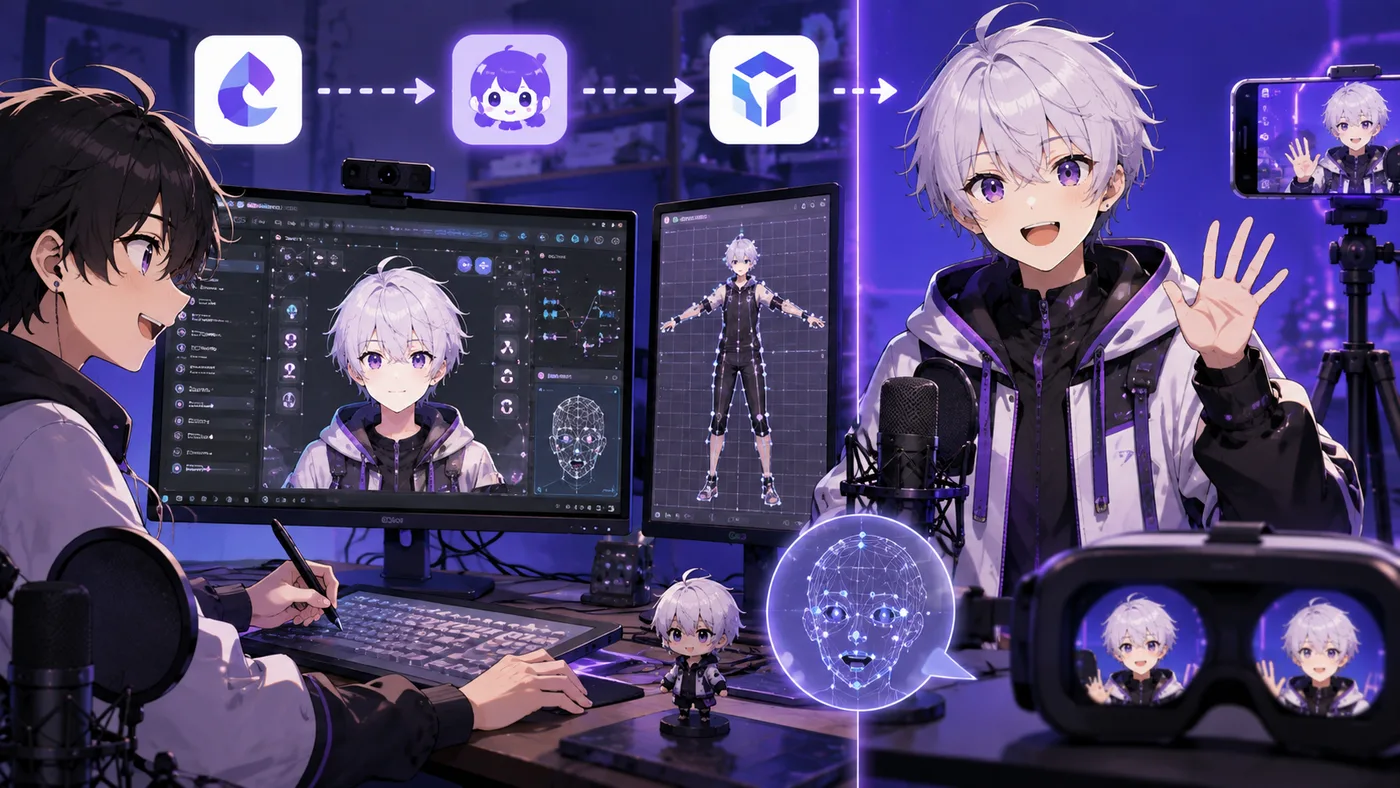
Searches for VTuber Maker and vtubermaker usually mean one product: the Live3D Windows app that puts a 3D anime avatar on your webcam feed for streams, calls, and clips. It is not a generic phrase for “software that makes you a VTuber”—though marketers and beginners use vtubermaker that way in forums and YouTube titles.
This guide explains what the real VTuber Maker app does, how it fits next to VTube Studio and VSeeFace, how to load custom VRM models, and when vtubermaker is the right first download versus the wrong one.
VTuber Maker vs “a vtuber maker”
| Term | What people mean |
|---|---|
| VTuber Maker / vtubermaker | Live3D’s named app (Steam app ID 1368950, live3d.io) |
| vtuber maker (lowercase, generic) | Any tool in the pipeline—VRoid, VSeeFace, VTube Studio, OBS |
| VTuber Editor | Live3D’s companion app to import and tune custom VRM files |
If your model is Live2D, stop here and open the VTuber app guide—vtubermaker will not load your file. If your model is VRM or you have no model yet, VTuber Maker is a legitimate starting point in the 3D lane.
What Live3D VTuber Maker is
VTuber Maker is a 3D virtual avatar program published by Live3D. It launched on Steam in 2020 and is positioned as an entry-level vtubermaker suite: pick or import a character, enable face tracking (and optional hand / body tracking), add backgrounds or props, then send video to:
- OBS Studio (virtual camera, green screen, or transparency capture)
- Zoom, Discord, Teams, Google Meet (virtual webcam)
- Recorded video for YouTube or Shorts
Live3D also ships related tools—VTuber Editor (VRM import and blendshape setup), gallery/pose apps, and Twitch extensions—under the same brand. vtubermaker in a tutorial almost always means the main Maker app, not the whole bundle.
Core features
- Built-in 3D avatars — start without commissioning art (check license terms for monetized streams)
- Custom VRM upload — via VTuber Editor (
.vrm, size limits apply) - Webcam tracking — face, head; hand and body tracking marketed as differentiators vs basic trackers
- Virtual backgrounds and props — scene dressing inside the vtubermaker UI
- Presentation mode — slide-style virtual presentations, not only gaming/chat
- Windows only — no official Mac build; plan on a mid-range PC
Live3D claims high-precision tracking and lower CPU use than some open-source stacks in difficult lighting. Independent creators still often compare vtubermaker side by side with VSeeFace on their own hardware before committing.
vtubermaker setup: quick start
- Install VTuber Maker from Steam or Live3D’s site.
- Pick an avatar from the built-in library or import a custom VRM (see below).
- Allow webcam access and calibrate face tracking in good light.
- Choose output: virtual camera for OBS, or chroma/alpha capture.
- Open OBS — add the vtubermaker feed as a source, then game, mic, and alerts.
- Test on a private/unlisted stream before going live.
For the full broadcast stack, pair vtubermaker with OBS as described in the VTuber app guide. Maker is the tracking + avatar layer; OBS is still what Twitch and YouTube receive.
Uploading a custom VRM to vtubermaker
You cannot sculpt a model inside VTuber Maker itself. The usual path:
- Create or download a VRM (e.g. VRoid Studio, Blender, or a free VTuber model).
- Install VTuber Editor from Live3D (linked inside Maker under Avatar → Private).
- In Editor: Private Avatars → New Avatar, upload
.vrm. - Respect Live3D’s rules: file under ~50MB, VRM 0.x (convert VRM 1.0 if needed), avoid VPN during upload if transfers fail.
- Map blendshapes (blink, mouth, expressions); save.
- Restart VTuber Maker — model appears under Avatar → Private.
Live2D models do not work in vtubermaker. That is the most common wrong-file mistake after “I downloaded the vtubermaker app but I have a .vtube.json.”
VTuber Maker vs VSeeFace vs VTube Studio
| VTuber Maker (vtubermaker) | VSeeFace | VTube Studio | |
|---|---|---|---|
| Model type | 3D VRM | 3D VRM | Live2D |
| Price | Free tier + subscription upsells | Free | Paid app + optional DLC |
| Built-in avatars | Yes | No (bring your own) | No |
| Best for | Fast 3D debut, meetings, presentations | Indie 3D with your own VRM | Industry-standard 2D |
| Platform | Windows | Windows | Windows, Mac, mobile bridge |
Pick vtubermaker if you want a turnkey 3D first stream this weekend and may pay later for extras.
Pick VSeeFace if you already have a optimized VRM and want a minimal, free tracker—see best VTuber software.
Pick VTube Studio if your avatar is Live2D—vtubermaker is the wrong app regardless of SEO.
Neither vtubermaker nor VSeeFace replaces OBS for a pro layout with alerts and browser sources.
Pricing and “free vtubermaker”
Live3D markets a free package: basic tracking, some avatars and backgrounds, virtual camera streaming. Paid tiers unlock more expressions, assets, or suite features—check current pricing on live3d.io before assuming everything is no-cost.
Steam listings also note in-app purchases. Budget for:
- Subscription if you outgrow free limits
- Custom model commission if built-ins feel generic
- OBS (free) and a decent mic (not optional)
Compare total cost with “VRoid + VSeeFace + OBS,” which stays $0 for software if you skip vtubermaker’s convenience bundle.
Who vtubermaker is good for
Strong fit:
- Beginners with no VRM yet who want to test VTubing before spending on art
- Streamers who need virtual camera for work calls as well as Twitch
- Creators who prefer 3D rotation and full-body posing over Live2D
- People who literally searched vtubermaker and want the official app, not a listicle of ten tools
Weak fit:
- Live2D talents — use VTube Studio
- Mac/Linux users — vtubermaker is Windows-centric
- Low-end PCs — 3D + tracking can stutter; try PNGTuber or optimize VRM first
- Artists who need deep rig control — VRoid/Blender + VSeeFace may be more flexible
Live3D suite: beyond the vtubermaker app
Live3D brands several products. Names blur in search results:
| Product | Role |
|---|---|
| VTuber Maker | Main vtubermaker stream/present app |
| VTuber Editor | Import and tune custom VRM for Maker |
| VTuber Gallery / pose tools | Poses and assets for thumbnails or clips |
| Twitch extensions | Virtual effects on stream |
You do not need every install to go live. Minimum viable vtubermaker path: Maker + OBS + (optional) Editor if you use your own VRM.
Common vtubermaker mistakes
- Installing vtubermaker for a Live2D commission
- Uploading VRM 1.0 without converting to 0.x when Editor rejects the file
- Skipping OBS and wondering why Twitch shows a desktop wallpaper
- Using built-in avatars for monetized brand work without reading commercial license terms
- Treating vtubermaker as a model creator—use VRoid Studio to design, Maker to perform
- Expecting vtubermaker to replace a VTube Studio workflow on a 2D model
vtubermaker + OBS workflow
Typical Twitch layout:
- VTuber Maker — avatar + background, virtual cam ON
- OBS — Video Capture Device or Window Capture from vtubermaker virtual camera
- Game Capture — gameplay under or beside avatar
- Audio — mic in OBS, not buried in vtubermaker defaults
- Stream — Twitch/YouTube output from OBS
For overlay frames and Steam game capture quirks, see Steam overlays for streamers and Twitch overlays with chat.
Alternatives if vtubermaker is not for you
- VSeeFace — free 3D VRM tracker (software guide)
- Warudo — paid 3D with scenes and effects
- VTube Studio — 2D Live2D standard (VTuber app)
- PNGTuber tools — fastest cheap debut (how to become a VTuber)
- VRoid Studio — free character authoring, export VRM to any tracker
Bottom line
VTuber Maker—often typed vtubermaker—is Live3D’s Windows 3D avatar streaming app with built-in characters, VRM import via VTuber Editor, and OBS/virtual-camera output. It is a real product name, not every program that helps you become a Virtual YouTuber.
Use vtubermaker for a fast 3D start with included avatars; use VSeeFace if you already own a VRM and want maximum free flexibility; use VTube Studio for Live2D. All three still pair with OBS for a proper broadcast.
Next steps: VTuber app guide · best VTuber software · free VTuber models · how to become a VTuber