
A VTuber model is the face of your stream — the character viewers remember when the chat scrolls by. On BeTuber that model is something you create yourself in the in-app creator, not a ripped agency silhouette and not a random marketplace dump.
This page is the full walkthrough of BeTuber’s model creator: what a usable model is, how the /me studio builds one, and real product screens of every step from base look to go-live.
What “VTuber model” means here
Elsewhere on the web, “VTuber models” often means celebrity wiki profiles or free Live2D/VRM packs with messy licenses. BeTuber’s models page is different: it teaches the format, then puts you inside the product that generates your avatar.
Live2D-class chatting looks, PNGTuber-fast debuts, and the BeTuber stage all sit in one account. For the cultural definition of the format, start with what a VTuber is; for debut logistics, use the debut guide.
How the BeTuber model creator works
You sign in, land on /me, and build a private stage character: base look → style → generate → customize → preview → live. Tracking, overlays, and scenes stay in the same stack so you are not juggling Cubism, VRoid, and three Discord servers before your first stream.
When you outgrow the starter path, you can still learn classic file types on our VTuber App hub and the longer license notes in the free models guide — but you do not need those downloads to open the creator today.
Inside the model creator
These frames are the BeTuber creator itself — the screens you use to make a streamable avatar. Open the same flow on app.betuber.com with the button above or below.
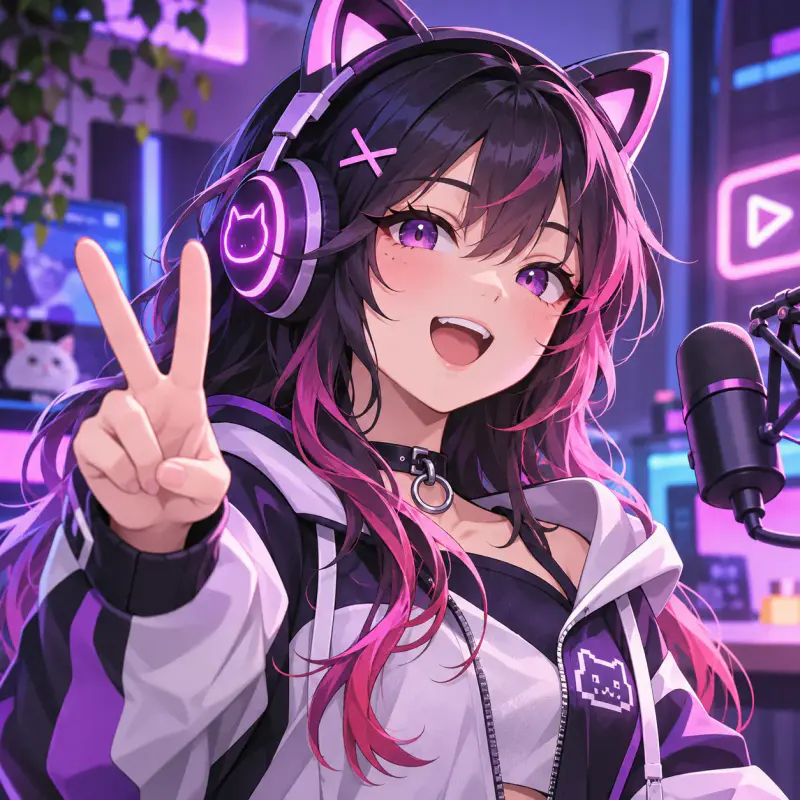
1. Start with a base look
Open the creator and pick the vibe that fits your channel — feminine, masculine, or neutral. This is your private starter, not someone else’s agency IP.
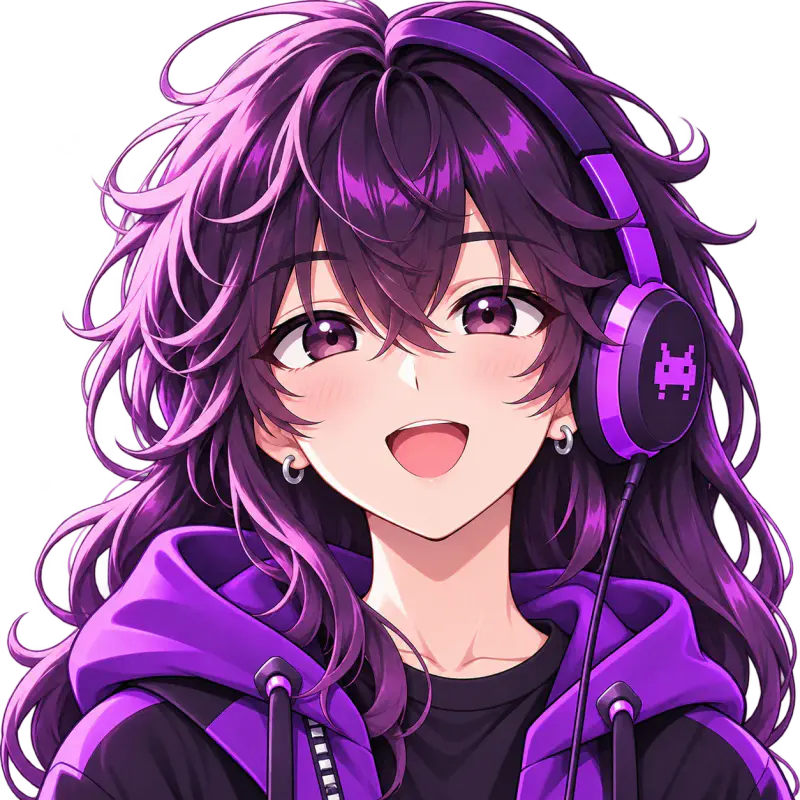
2. Choose a 2D streaming style
Anime-forward 2D is the classic chatting look. BeTuber generates the character in-app so you can debut without buying a premade Live2D file first.
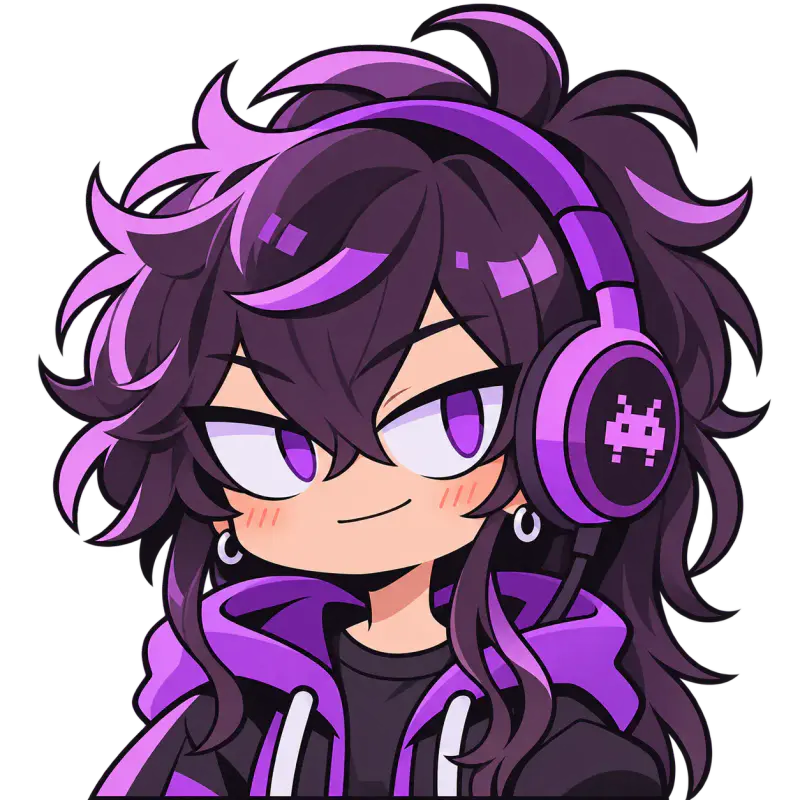
3. Or go PNGTuber-fast
Need to be live tonight? PNG-style expression swaps are the shortest path. Same creator, same account — upgrade the art later without restarting your channel.
4. Generate your avatar
The studio builds a streamable character from your picks. You own the channel face you create here under BeTuber’s terms — no ripped Hololive silhouette.
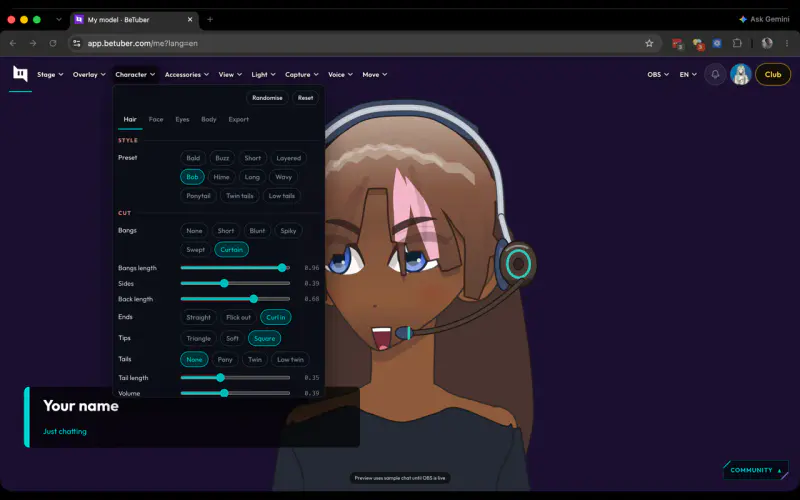
5. Customize on the /stream stage
Hair, outfit cues, lighting, and stage framing live in one playground. Iterate until the silhouette reads clean on a 16:9 stream layout.
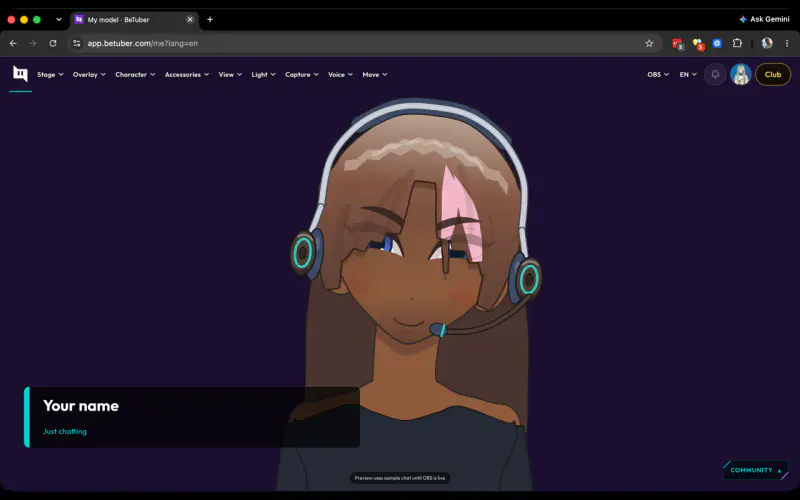
6. Preview like a real stream
The stage is where you check proportions, contrast, and expression readability before you hang the avatar in OBS or the built-in overlay source.
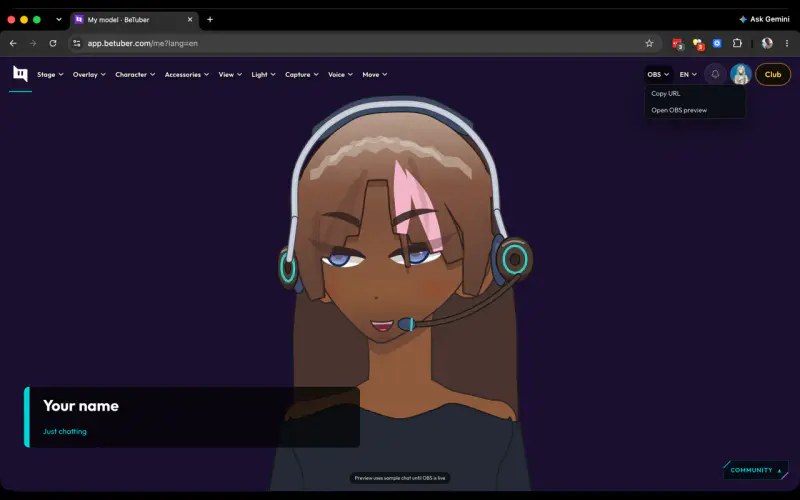
7. Take the model live
When the look sticks, go live from the same stack — overlays, scenes, and tracking without shopping a separate mesh marketplace first.
Live2D, VRM, and PNG — without the shopping list
Think in outcomes, not file extensions first. Want a classic 2D chatting silhouette? Start with the 2D style path. Need something live tonight? Take the PNG-fast path. Prefer depth later? Keep iterating on /me and graduate tooling when the channel is real. The creator is the product; formats are optional exits.
What to do next
Open the creator, generate a starter, and watch how the silhouette reads on a 16:9 stage. If chat likes it, keep customizing. If you need more generation power, Club and token packs unlock deeper studio runs — still on the same character.