Saltar al contenido

VTube Studio

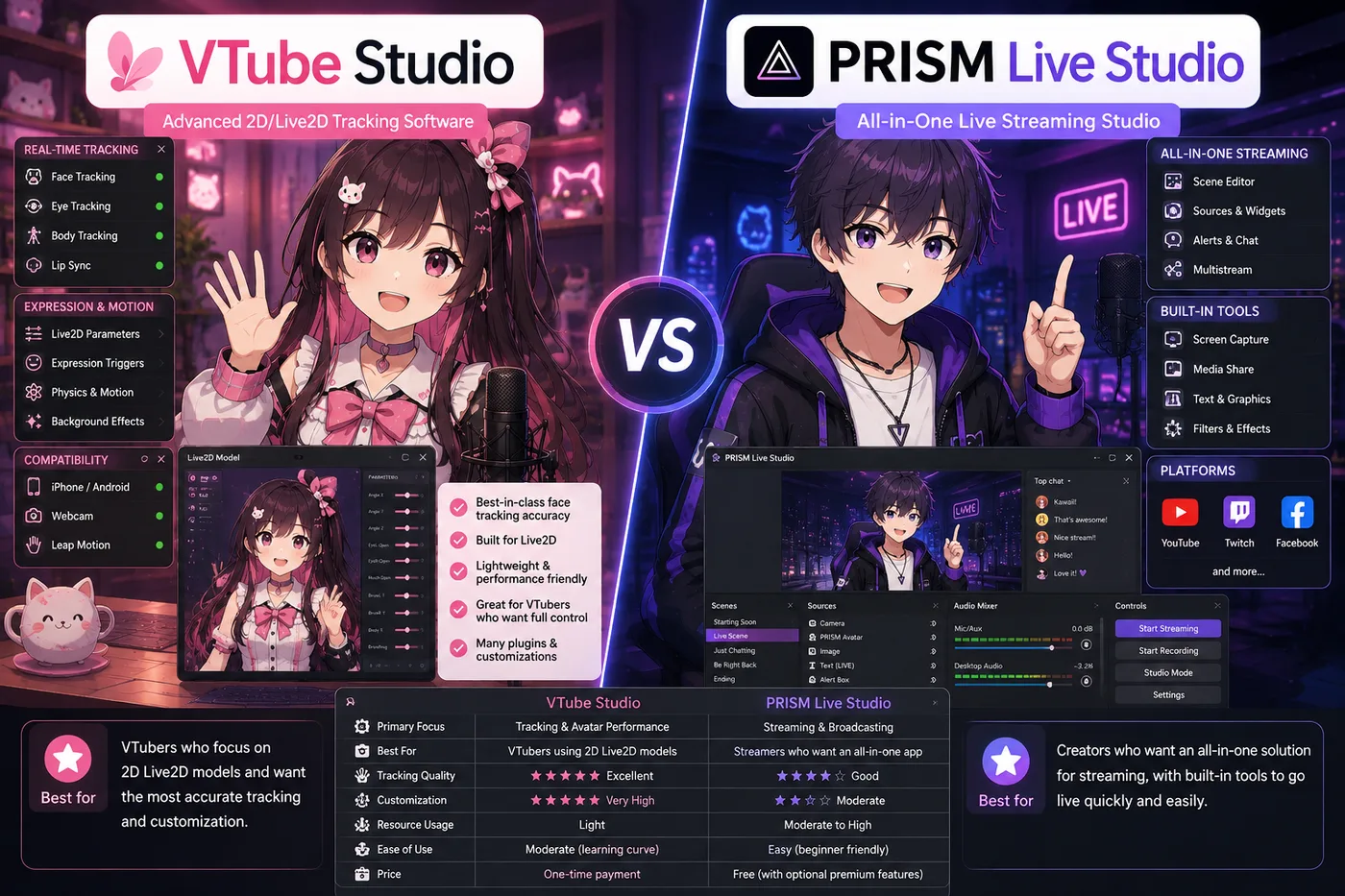
VTube Studio es la app de face-tracking Live2D por defecto para VTubers indie que quieren animar modelos 2D terminados en OBS—tracking en PC o iPhone con Face ID, un plan gratuito muy usado y el camino habitual de debut Live2D antes de Twitch o YouTube. Mueve export Cubism `.model3.json`, no avatares VRM 3D.

Descargar VTube Studio

Actualizado 24 de agosto de 2026

App de software VTuber VTube Studio

What is VTube Studio?

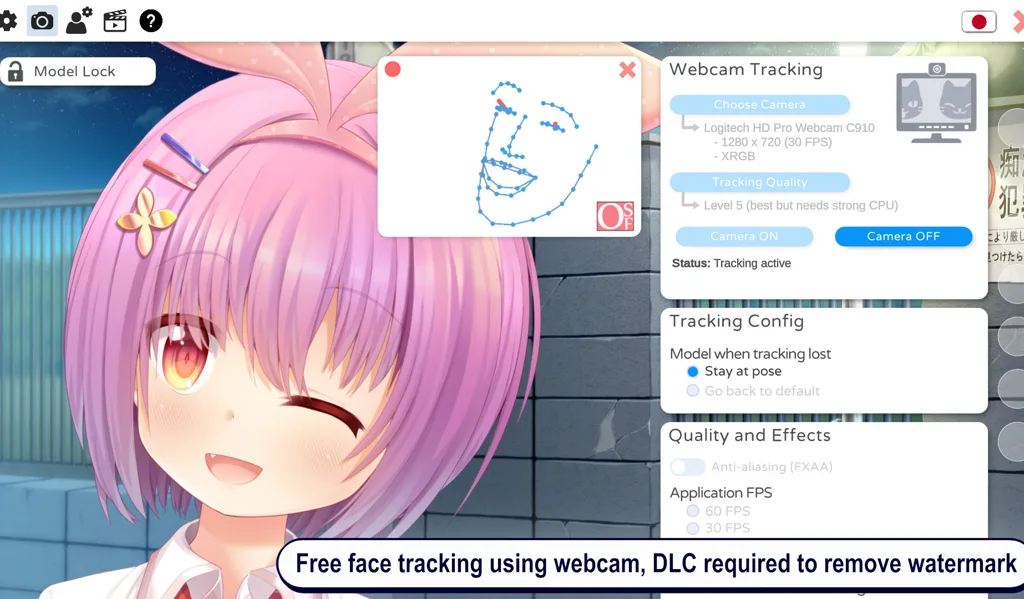
VTube Studio is the default Live2D face-tracking app on desktop and mobile. It reads your face from a webcam—or an iPhone with Face ID—and drives a Live2D avatar in real time. Most indie VTubers capture the VTube Studio window in OBS Studio and send that scene to Twitch, YouTube, or any platform OBS supports.

The name appears whenever someone asks which app moves 2D illustrated avatars. VTube Studio is deliberately focused: one runtime for Cubism exports, not a full model studio or a 3D engine.

A tracker, not a rigging studio

VTube Studio sits in the performance layer of a VTuber stack. You bring a finished Live2D folder or .vtube.json setup; the app tracks you and renders the puppet. It does not paint layers, rig parameters from scratch, or replace Live2D Cubism for authoring. Art happens upstream; VTube Studio is what goes live on camera.

That separation is why “I installed VTube Studio but I still have no model” is a common stuck point. The installer is the runtime, not the commission.

Live2D: the file type VTube Studio expects

Live2D Cubism exports load as .model3.json projects with textures and physics. VTube Studio also supports .vtube.json configurations many premade models ship with. It does not open .vrm 3D bodies, PNG sprite sheets, or raw PSDs without a Cubism export step.

Match the app to the file, not to hype: a VRM from VRoid will never track inside VTube Studio no matter how many times you import.

What you get on stream

Out of the box, VTube Studio focuses on face tracking: lip sync, gaze, blinks, brows, and head motion—plus hotkeys for expressions when your model supports them. Mobile tracking via the iOS app is a popular upgrade when desk webcams feel noisy.

You get the flat, illustrated look Live2D is known for. It is not a 3D orbit camera unless your model art fakes depth—format choice matters for the vibe you want on debut.

Who VTube Studio is for

VTube Studio fits indie Live2D VTubers who already have—or will buy—a streamable 2D model and want the community-default tracker on Windows, macOS, or phone-assisted tracking. It is the usual answer when your avatar is layered 2D art, not a VRM.

It is a poor fit if your character is 3D VRM-only, if you want PNGTuber hotkey mouths without Live2D, or if you need node-based props inside the tracker—those paths point to VSeeFace, Veadotube Mini, Warudo, or an all-in-one studio instead.

Where it sits next to OBS

Think in two windows: VTube Studio moves the Live2D puppet; OBS mixes avatar, game, alerts, and audio before the stream key. VTube Studio is not a replacement for OBS on a full PC desk, and OBS does not replace tracking. Mobile-first stacks sometimes fold tracking and broadcast into one app; on desktop the split remains the norm.

How to use VTube Studio

  1. Install VTube Studio from the official DenchiSoft site or your platform store (see Download VTube Studio below).
  2. Import a licensed Live2D model—.model3.json or a .vtube.json bundle from a trusted premade or commission.
  3. Allow webcam access (or pair the mobile app for Face ID tracking), use even front lighting, and tune tracking until lip sync feels stable.
  4. Map expression hotkeys you will actually use on stream; hide the rest behind a folder until collab week.
  5. In OBS, add Window Capture or Game Capture for VTube Studio, scale the source, route your USB mic through OBS, and record a test clip before going live.

Alternativas a VTube Studio

Quédate en VTube Studio si ya tienes Live2D con licencia de stream y quieres el tracker 2D por defecto. Si necesitas VRM 3D, solo PNG o un debut todo en uno—estas son las rutas que BeTuber más compara.

BeTuber

Mejor opción: Estudio todo en uno.

BeTuber — app VTuber moderna

Modelo, escenas, tracking y directo en un solo lugar. VRM y Live2D en un solo stack. Gratis para empezar; crece cuando una app no basta. Crear modelo VTuber en BeTuber.

VSeeFace

VSeeFace

Face tracking VRM gratis en Windows, en una sola ventana. El paso más pequeño cuando ya tienes un `.vrm` y no necesitas nodos, un catálogo empaquetado ni toggles PNG.

Software de tracking
App VTuber Warudo

Warudo

Escenas 3D con nodos, props y lógica cuando VSeeFace se queda corto pero no quieres un motor de juego completo.

Software de tracking
VTuber Maker Live3D

VTuber Maker (Live3D)

Avatares 3D incluidos y setup guiado si aún no tienes `.vrm` y quieres un debut empaquetado.

Software de tracking
VRoid Studio

VRoid Studio

Crea o personaliza un `.vrm` gratis y expórtalo a VSeeFace u otro tracker 3D—autoría, no sustituto del tracker.

Autoría de avatar
Veadotube Mini

Veadotube Mini

App PNG gratis con boca reactiva al micrófono y hotkeys—debut 2D sin VRM ni Live2D.

Software PNG

VTube Studio and VTubers

Indie VTubers treat VTube Studio as the default Live2D stack: load a model, track, capture in OBS, stream. Agencies and indies alike standardize on it because most store-bought and commission Live2D ships with VTS instructions.

Many debuts are only VTube Studio, a decent mic, and stable lighting—no Cubism license on day one. When you need 3D VRM, PNG-only reactive art, or character plus scenes in one product, the alternatives block above shows what BeTuber compares most often.

Download VTube Studio

Download from the official DenchiSoft links below—Steam, App Store, or direct builds depending on your platform. Confirm you are on denchisoft.com or the listed store pages before installing. You need a streamable Live2D model, a webcam or compatible phone, and enough GPU headroom to run VTube Studio and OBS together on desktop.

Comparativas con VTube Studio

Guías cara a cara cuando eliges tracking Live2D, stacks móviles o 3D frente a VTube Studio.

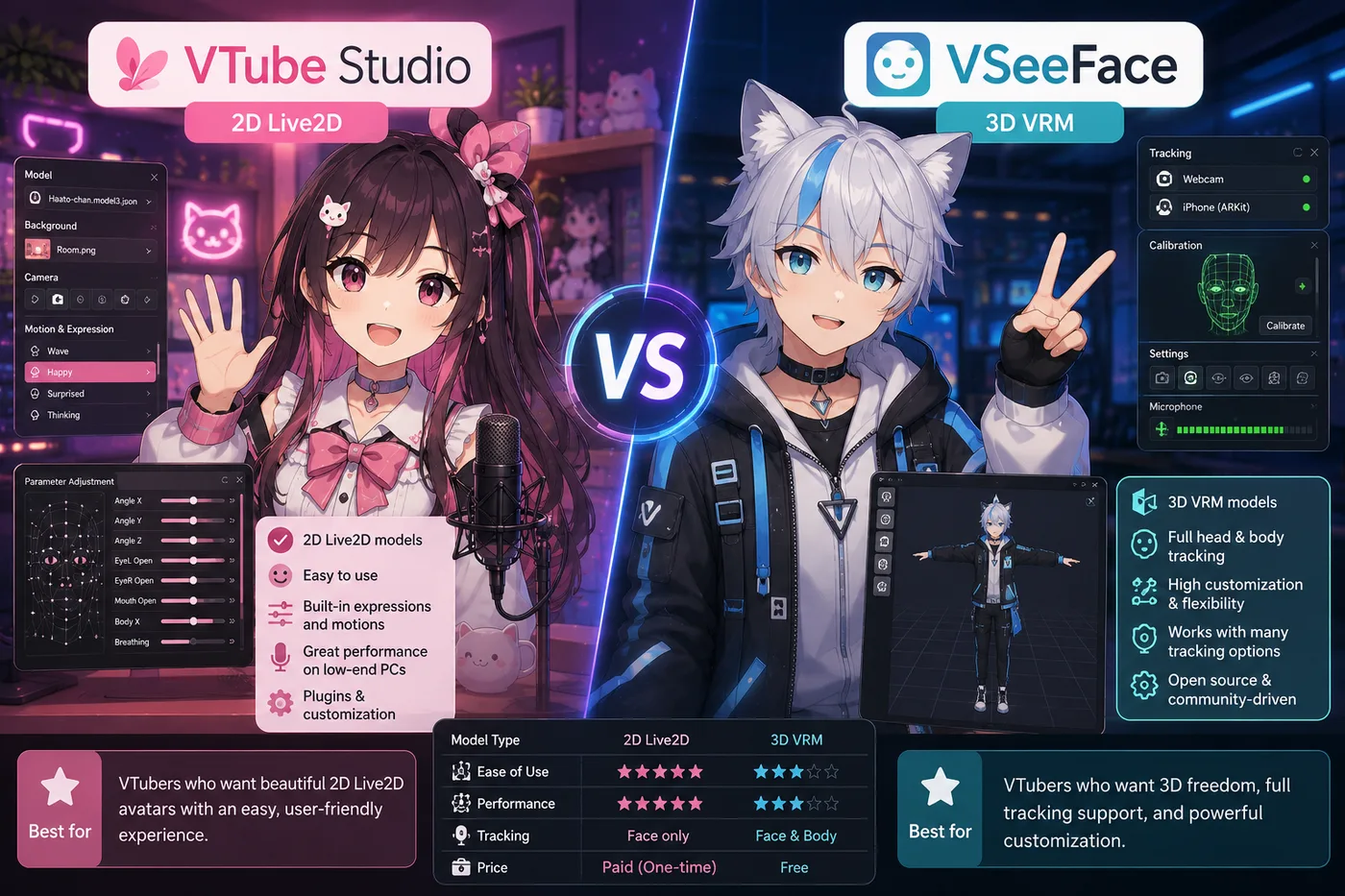
VTube Studio vs VSeeFace vs BeTuber (2026): ¿Live2D o VRM?

VTube Studio vs VSeeFace vs BeTuber

VTube Studio vs VSeeFace en 2026: tipos de archivo Live2D vs VRM, flujos con OBS, precios y cuándo BeTuber sustituye la pila tracker más codificador.

Comparativa
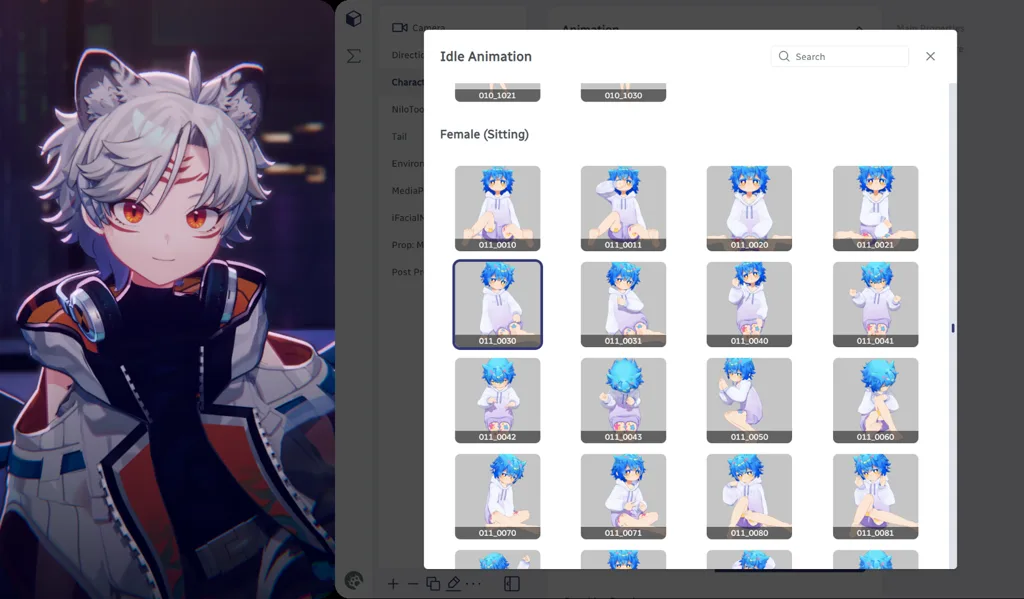
BeTuber VTuber character in an idle full-body hologram pose

Sé la próxima estrella youtuber virtual

Crea tu modelo VTuber.

Preguntas frecuentes

¿Necesito webcam?
Sí en PC, o un iPhone con Face ID para tracking móvil.
¿Sirve para PNGtubers?
No — está pensado para modelos Live2D, no capas PNG estáticas.